Rev. 00 02/21
44
Touch panel / operating panel OptiCenter OC09
Fig.
:
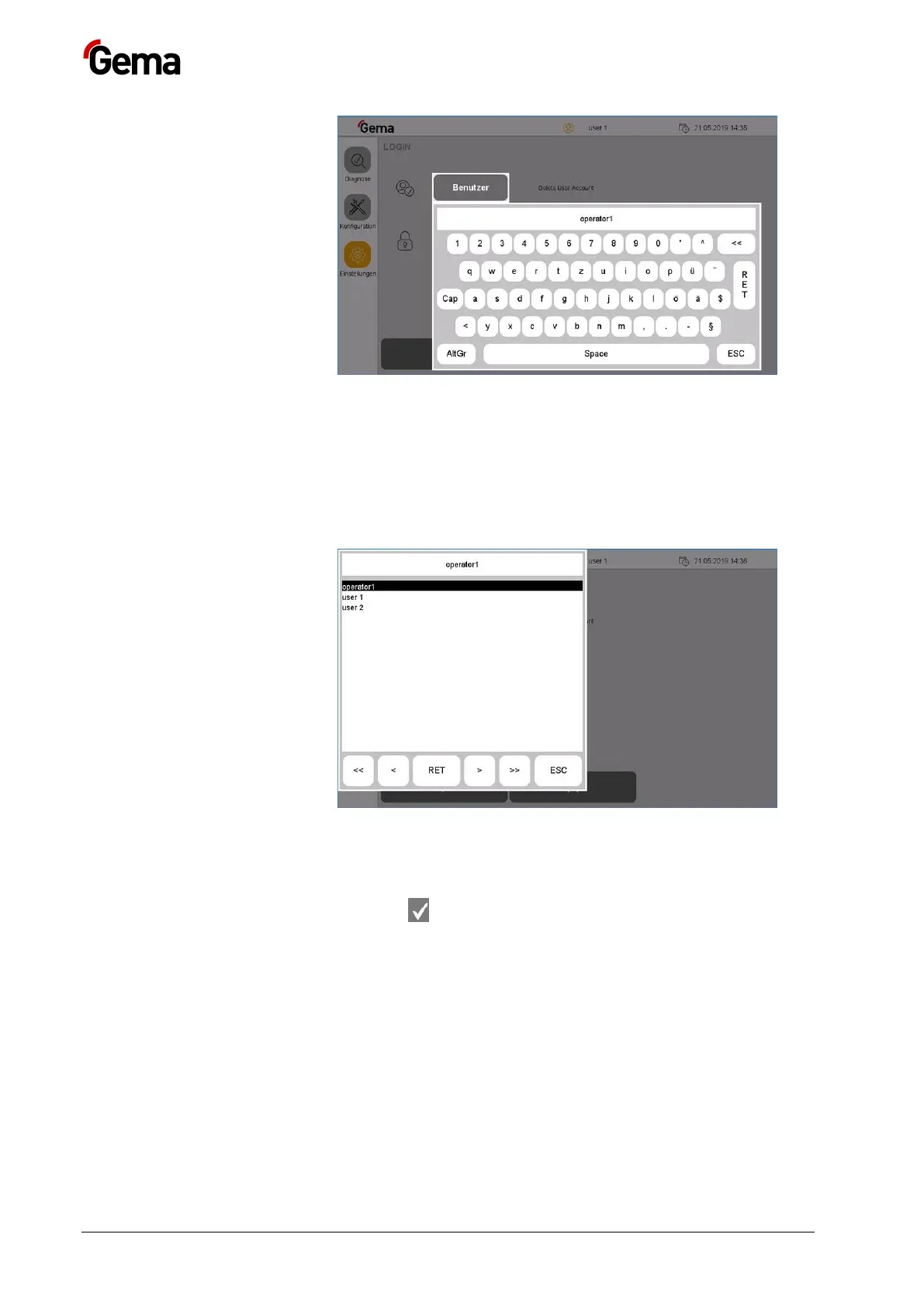
3. Enter the user name to be deleted
4. Press the RET key to confirm
OR
5. Press the “···” key
– A corresponding dialog opens.
Fig.
:
6. Select the user to be deleted using the arrow keys (<<, <, >, >>).
7. Press the RET key to confirm
8. Press the key
– The following page is displayed:



 To Next Page