Rev. 00 02/21
OptiCenter OC09 Touch panel / operating panel
43
Fig.
:
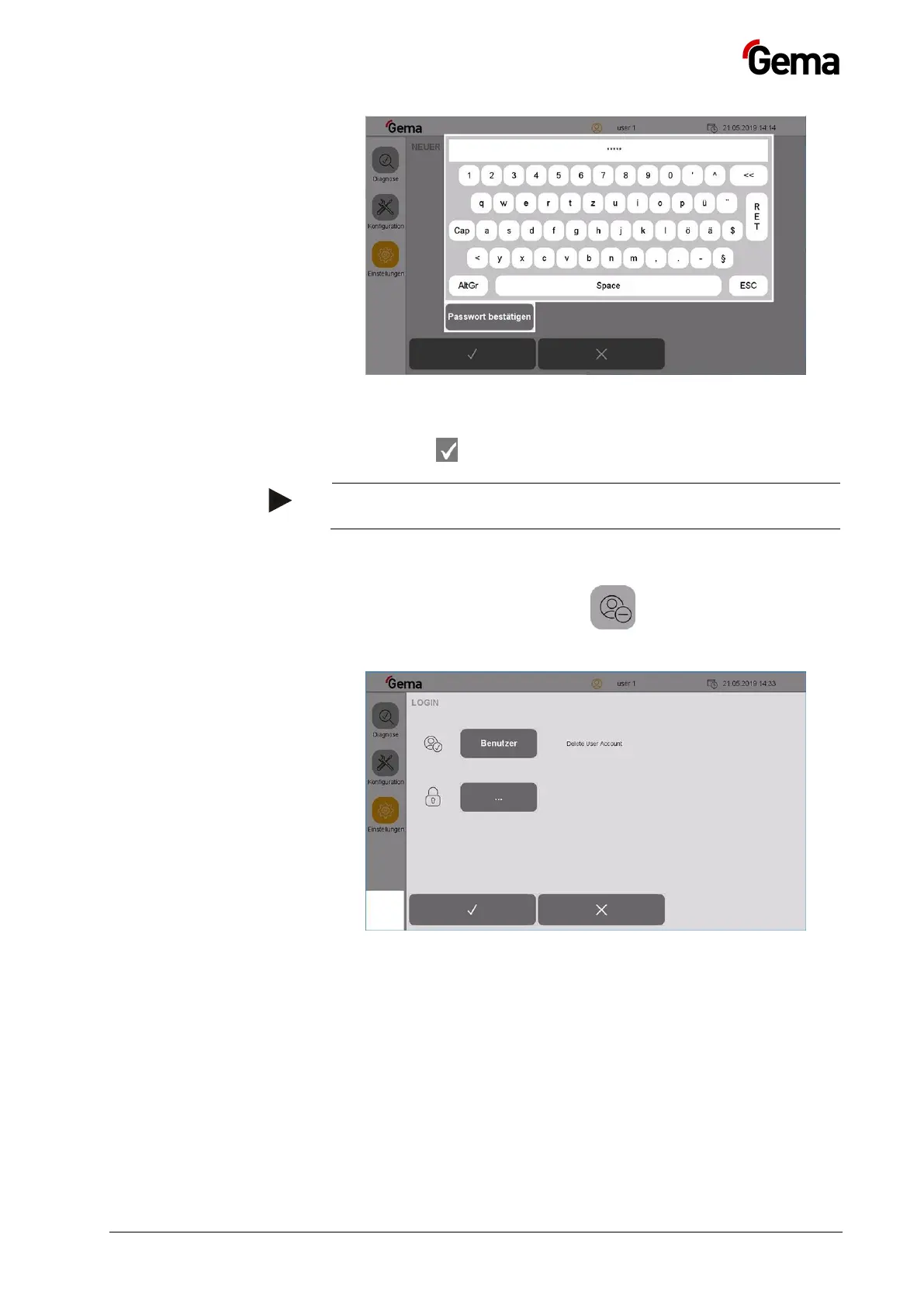
13. Press the RET key to confirm
14. Press the key
The new user now appears in the list of available users and can
be deleted or changed at any time.
Delete users
1. In the Settings menu, press the key
– The following page is displayed:
Fig.
:
2. Press the “User” key
– A keyboard opens to enter the user name to be deleted.



 To Next Page