130
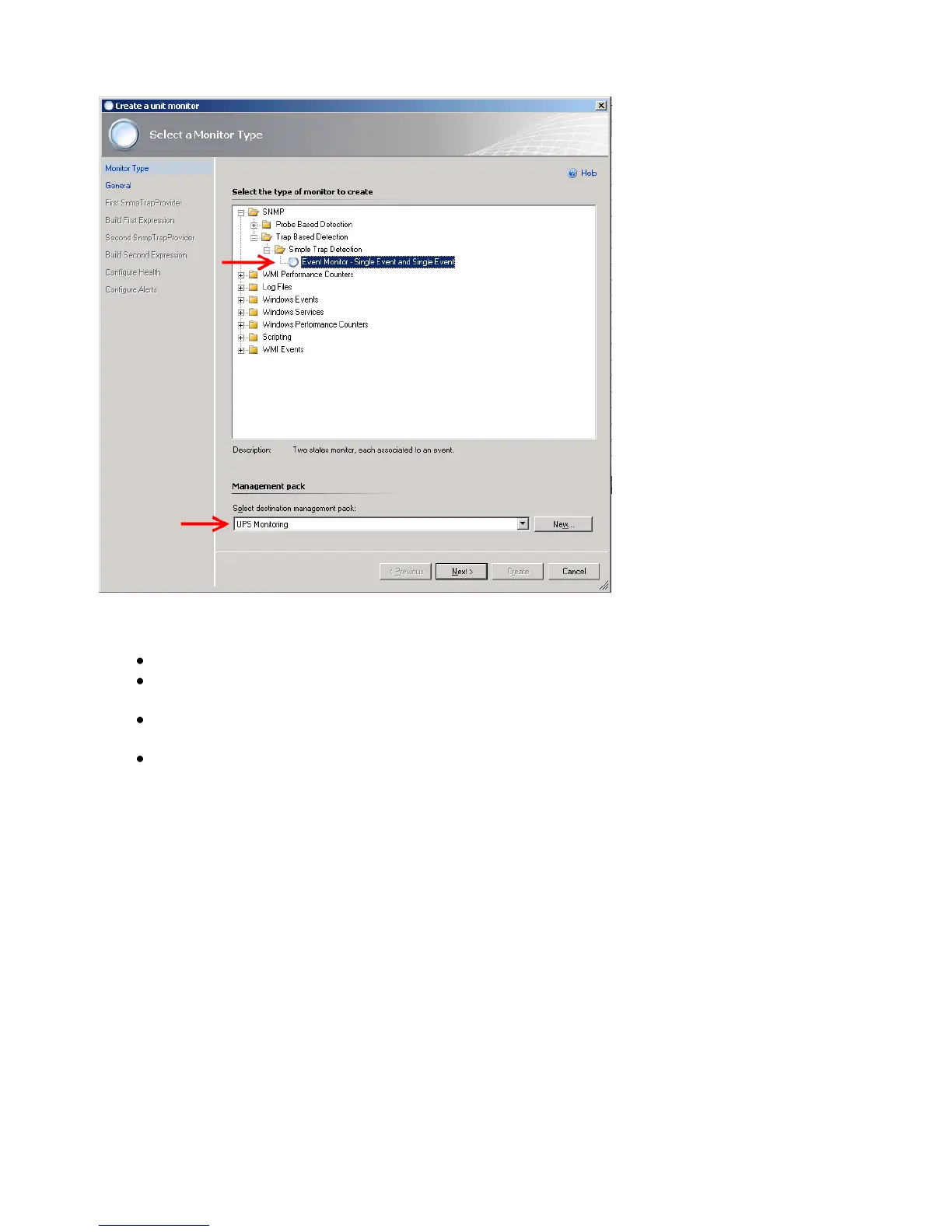
Figure 142: Select a Monitor Type
On the General Properties page, do the following:
Type the Monitor name, such as UPS On Battery Monitor. Optionally, type a
Description for the monitor.
Click Select, select View all targets, click a target, such as SNMP Network Device,
and then click OK.
Leave Monitor is enabled selected to have the monitor take affect at the completion
of the wizard, or clear the check box to enable the monitor at a later time, and then
click Next.



 To Next Page