136
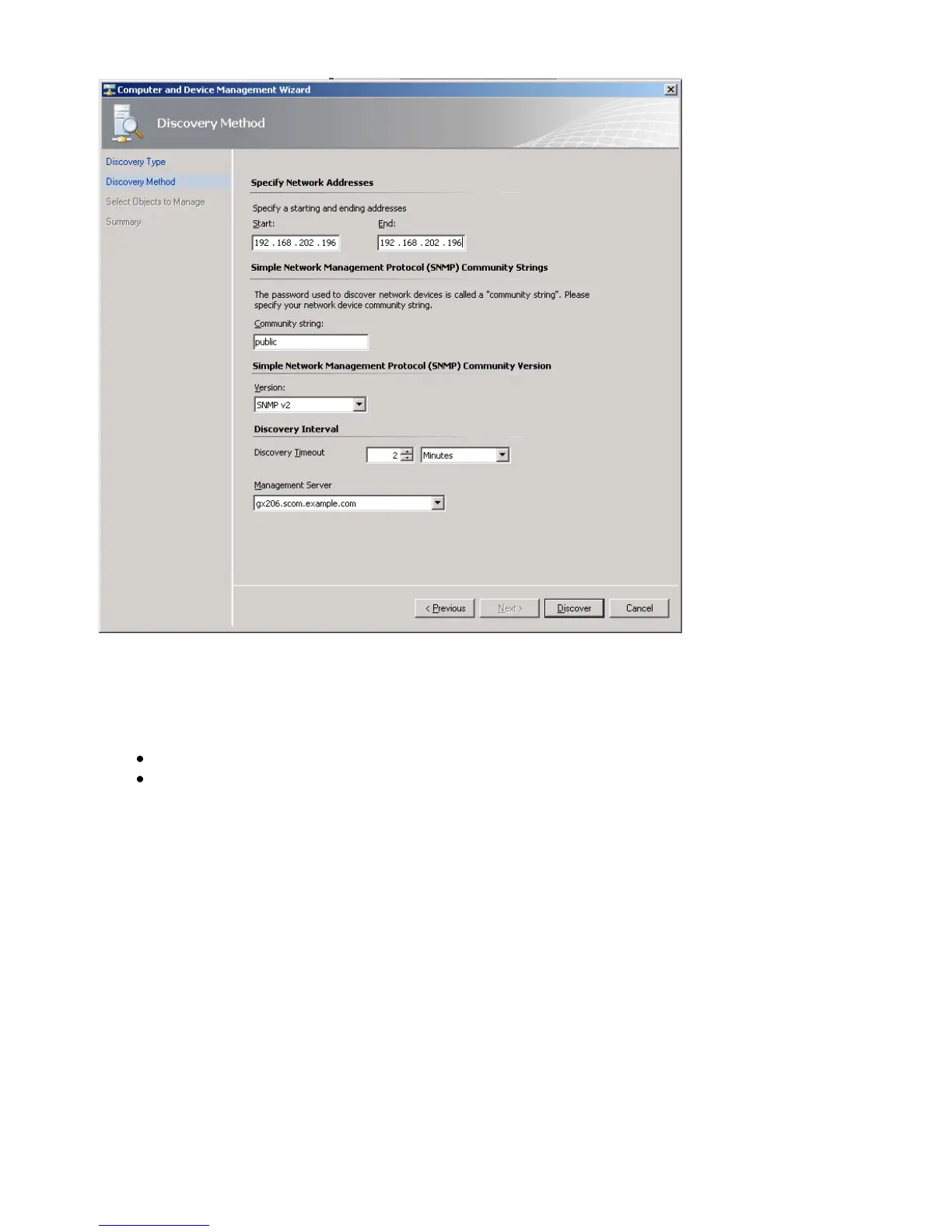
Figure 150: Discovery Method
Discovery for even a single device will run for a couple of minutes by default. If you specify an
IP range, it will take a little longer.
On the Select Objects to Manage page, select the devices desired for management.
On the Summary page, click Finish. The objects will display in the Network
Devices node of the Operations Console Administration space.
At this point, SNMP-enabled device availability monitoring will start automatically. Any traps (of
kind upsAlarmOnBattery) received from the cs121 target devices will be raised as alerts in the
Operations console.



 To Next Page