135
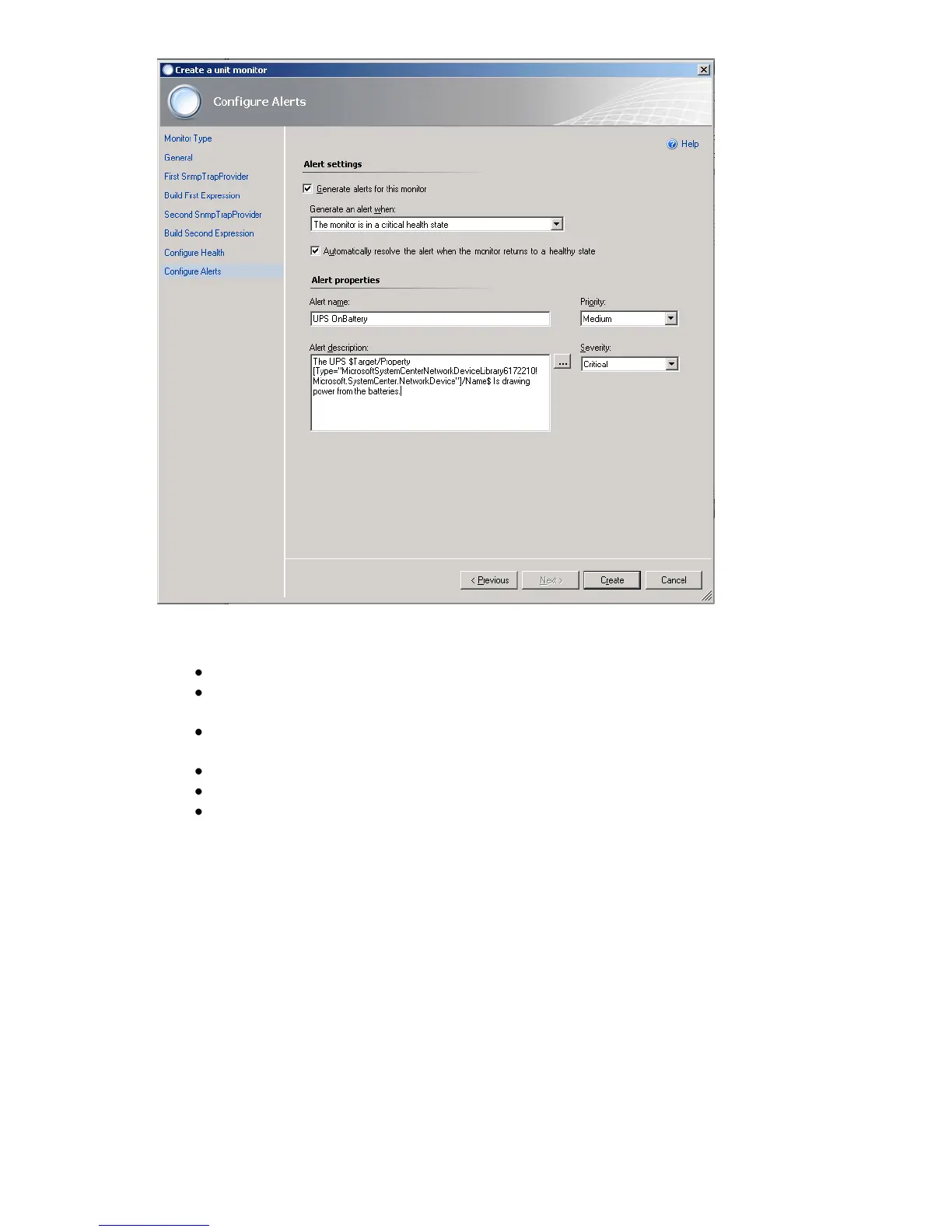
Figure 149: Configure Alerts
Discover your SNMP enabled CS121 devices in OpsMgr
In the Administration space, right click and launch the Discovery Wizard.
On the What would you like to manage page, select Network Devices. Then click
Next.192.168
On the Discovery Method page, enter the Start and End of the IP address range that
you want to scan.
Type the SNMP community of the objects that you want to manage.
Select the Management Server that should receive the cs121 traps.
Click Discover to display the Discovery Progress page.



 To Next Page