VRC2000 Installation and Operations Manual Page 25
Technical or Setup Assistance
Telephone: 800.945.7730 (USA) or 801.975.7200 (worldwide) • Worldwide Web @ http://www.gentner.com
for an outbound telephone number.
• Disable Message Only. Enter a “*” to disable the message-only
function for an outbound telephone number.
Telephone Modem Output Configuration. Enter a “#” to select the phone
modem output configuration.
Radio Voice Output Configuration. Enter a “7” to select the radio voice
output configuration.
• Enable Message Only. Enter a “#” to enable the message-only
function for an outbound telephone number.
• Disable Message Only. Enter a “*” to disable the message-only
function for an outbound telephone number.
Radio Modem Output Configuration. Enter a “9” to select the radio modem
output configuration.
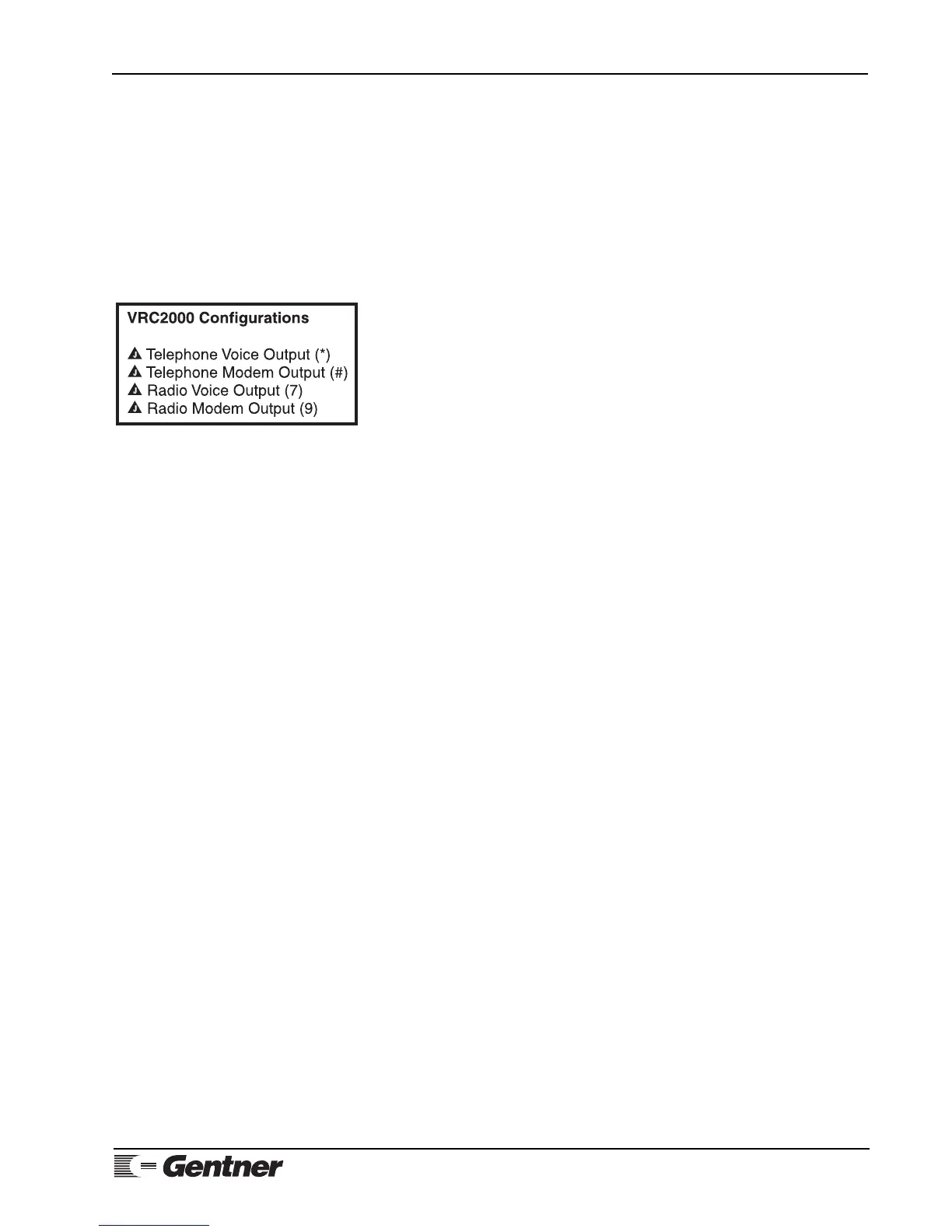
See Figure 12 (left) for telephone configuration quick reference.
RADIO/PHONE MODEM NOTE:
The VRC2000 must be equipped with the Data Interface to use radio modem or
phone modem output configuration. Also, if the outbound telephone number is
programmed to use either the phone modem or radio modem output
configuration, the VRC2000 will not ask you to enable (#”) or disable (“*”) the
message-only function.
To verify that the new telephone number was properly programmed, enter
☎ “1 0 1”
The VRC2000 should respond:
• PHONE NUMBER ONE IS ... 5 5 5 1 2 1 2 ... [BEEP]
• OUTPUT CONFIGURATION FOR PHONE NUMBER ONE IS ... RADIO VOICE ... [BEEP]
• MESSAGE ONLY FOR PHONE NUMBER ONE IS ... ENABLED ... [BEEP]
Now try disabling phone number l. First, enter
☎ “1 0 1 *”
The VRC2000 will respond:
• PHONE NUMBER ONE IS DISABLED.
To enable phone number l, enter
☎ “1 0 1 #”
The VRC2000 will respond with the number entered into this position and
message-only mode status.
Notice that pressing “#” at the end of the “l 0 1” entry enables that outbound
telephone number and allows the parameters of that outbound telephone
Figure 12. Telephone configuration quick
reference



 To Next Page