Page 12 VRC2000 Installation and Operations Manual
Technical or Setup Assistance
Telephone: 800.945.7730 (USA) or 801.975.7200 (worldwide) • Worldwide Web @ http://www.gentner.com
System
System access allows any metering, status or command channel to be set up,
and any VRC2000 programming to be changed. System access also allows
any access codes for any of the three security levels to be changed.
Command-channel outputs cannot be triggered, readings from the metering
and status channels cannot be taken, and alarms cannot be cleared.
Changing Access Codes
To change access codes for any security level, follow these step-by-step
instructions:
Step 1
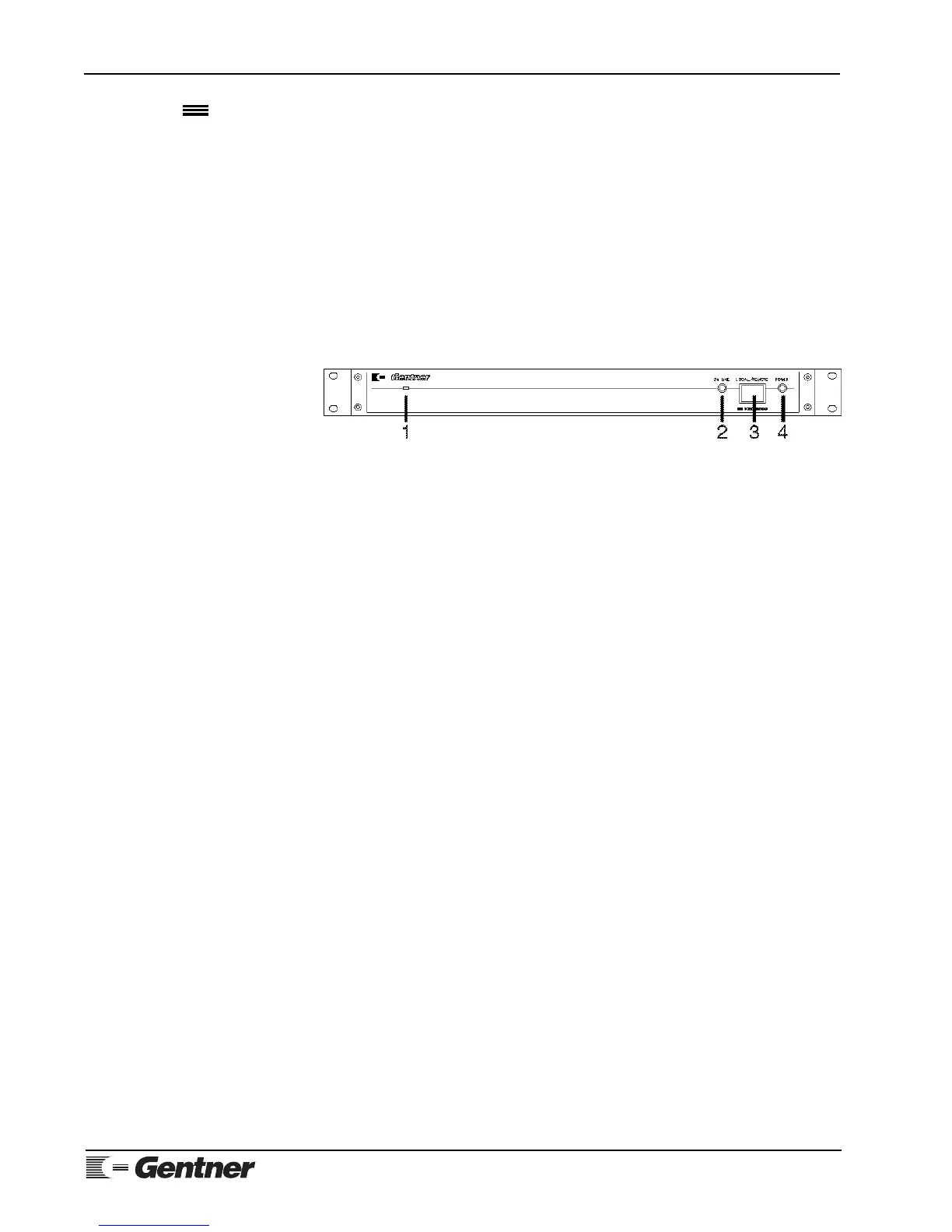
Press the LOCAL/REMOTE button [3] (See Figure 11, below.) on the
VRC2000’s front panel.
The unit will respond:
• SETUP ENABLED. PLEASE ENTER SYSTEM ACCESS CODE.
The VRC2000 will allow 10 seconds to completely enter the default system-
access code (below) on the DTMF telephone pad:
☎ “1 2 3 4 5 6 7”
If the correct sequence of numbers were entered, the VRC2000 will respond:
• THANK YOU. PLEASE SELECT FUNCTION FOR PROGRAMMING.
If the unit does not respond, either
1) the connections between telephone and the VRC2000 are incorrect
2) the wrong sequence of numbers was entered
3) the sequence of numbers was not entered quickly enough
4) the telephone being used has poor DTMF tone quality
Check the connections and try again until the indicated response from the
VRC2000 is received.
If invalid number sequences or symbols are entered, the VRC2000 will say
• ERROR.
This indicates an entry the VRC2000 cannot accept for the current
parameter. If the ERROR message comes, begin the programming sequence
for the parameter again.
DEFAULT PARAMETER NOTE:
Default parameters are enclosed in {braces}. Change parameters enclosed in
{braces} when programming the VRC2000.
VRC2000 Setup
Continued
Figure 11. VRC2000 front-panel
controls



 To Next Page