140
GERBERplotter MP Series User Manual
English
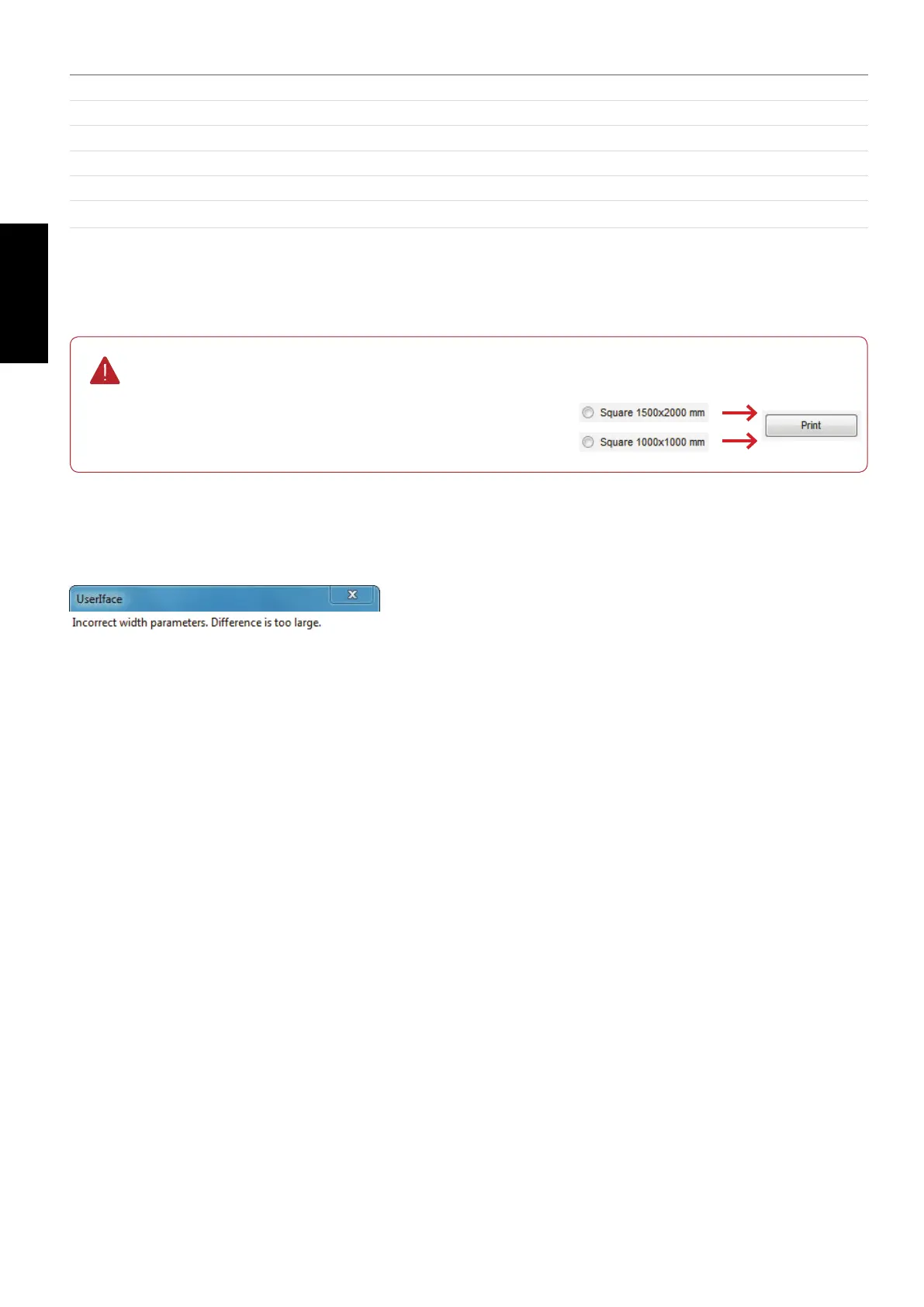
Instead of sending a marker with the desired dimensions, you can select a predened marker.
Press Print to send it to the plotter.
If you cannot connect to the server or the entered values are invalid, User Manager displays this error message.
If the calibration process is successful, a reprint of the reference marker should produce a result where the desired
values match the obtained values.
Plotter calibration
Square 1500x2000
Print a square of this dimension.
Square 1000x1000
Print a square of this dimension.
Your own marker
This option lets you make your own marker.
Desired dimension
This text box is where you set the desired length and height of the print.
Measured dimension
This text box is where you put the resulting length and height after printing the marker.
Calibrate
Updates the calibration computations using the actual and desired measurements.


 To Next Page