74
CHAPTER 7
Troubleshooting
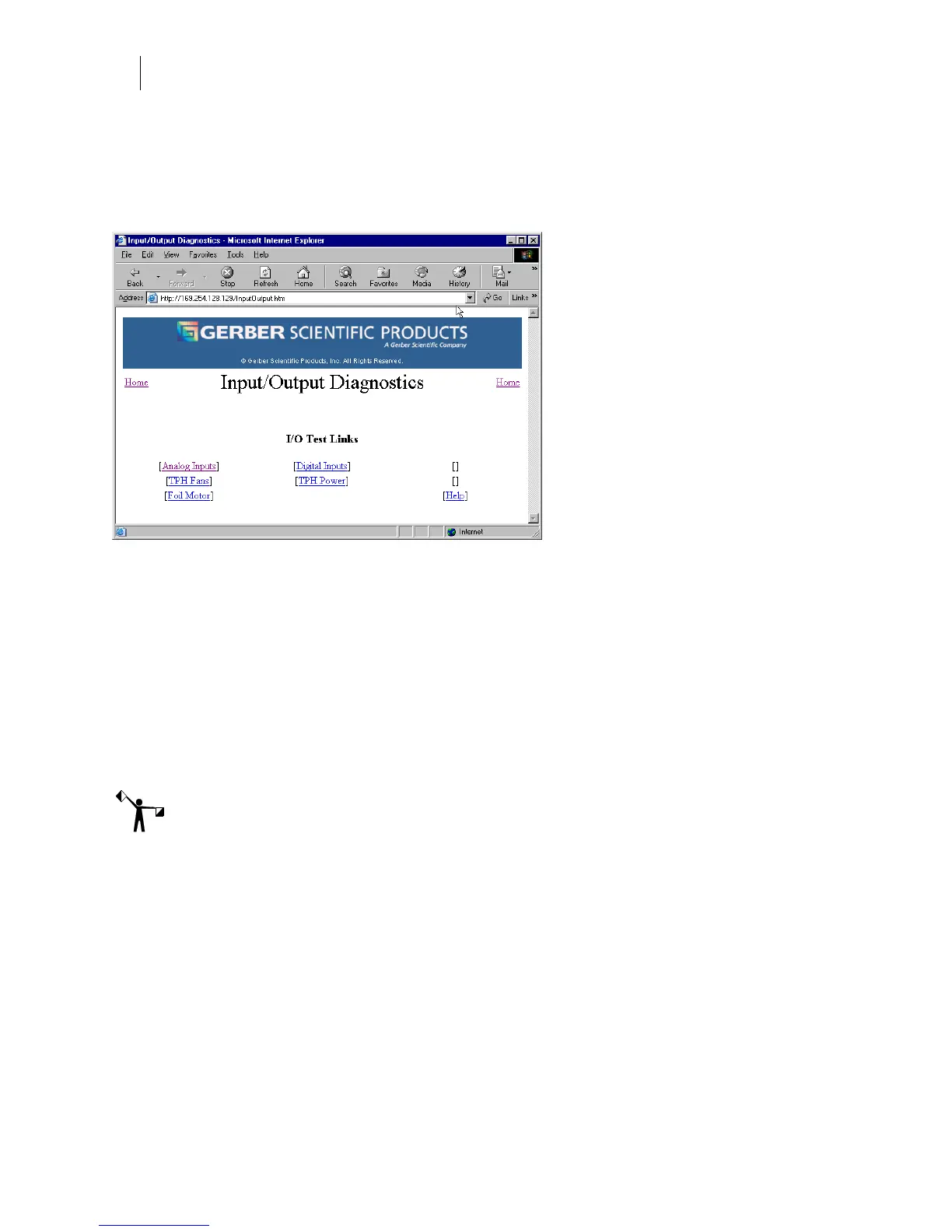
Running the Input/Output tests
The Input/Output Diagnostics web page provides internal tests or status pages that are used in
conjunction with GSP technical support to verify printer operation. The results of the
Input/Output Diagnostics can only be viewed, they can not be altered.
The Input/Output Diagnostic page includes I/O Test Links that check the operation of the
following components:
♦ Analog Inputs: displays the state and voltage of the analog inputs which can be used
to troubleshoot the printer in conjunction with GSP Technical Support.
♦ TPH Fans: test turns the fans on and off and checks for expected voltage.
♦ Foil Motor: test turns the foil motor on and off and checks for expected voltage.
♦ Digital Inputs: displays the state of the sensors, drivers, and cables which can be used
to troubleshoot the printer in conjunction with GSP Technical Support.
♦ TPH Power: test turns the TPH power supply on and off.
Note: The GERBER EDGE FX must be OFFLINE to run diagnostic tests.



 To Next Page