81
Running Keypad test
The Keypad tests check the operation of the keypad.
To run the Keypad test
1 Open the GERBER EDGE FX web interface by entering the printer's IP address in the
Location or Address line of your web browser (for example: http://169.254.128.129).
The Welcome to GERBER EDGE FX screen displays.
2 Click the Diagnostics link to open the GERBER EDGE FX Diagnostics page.
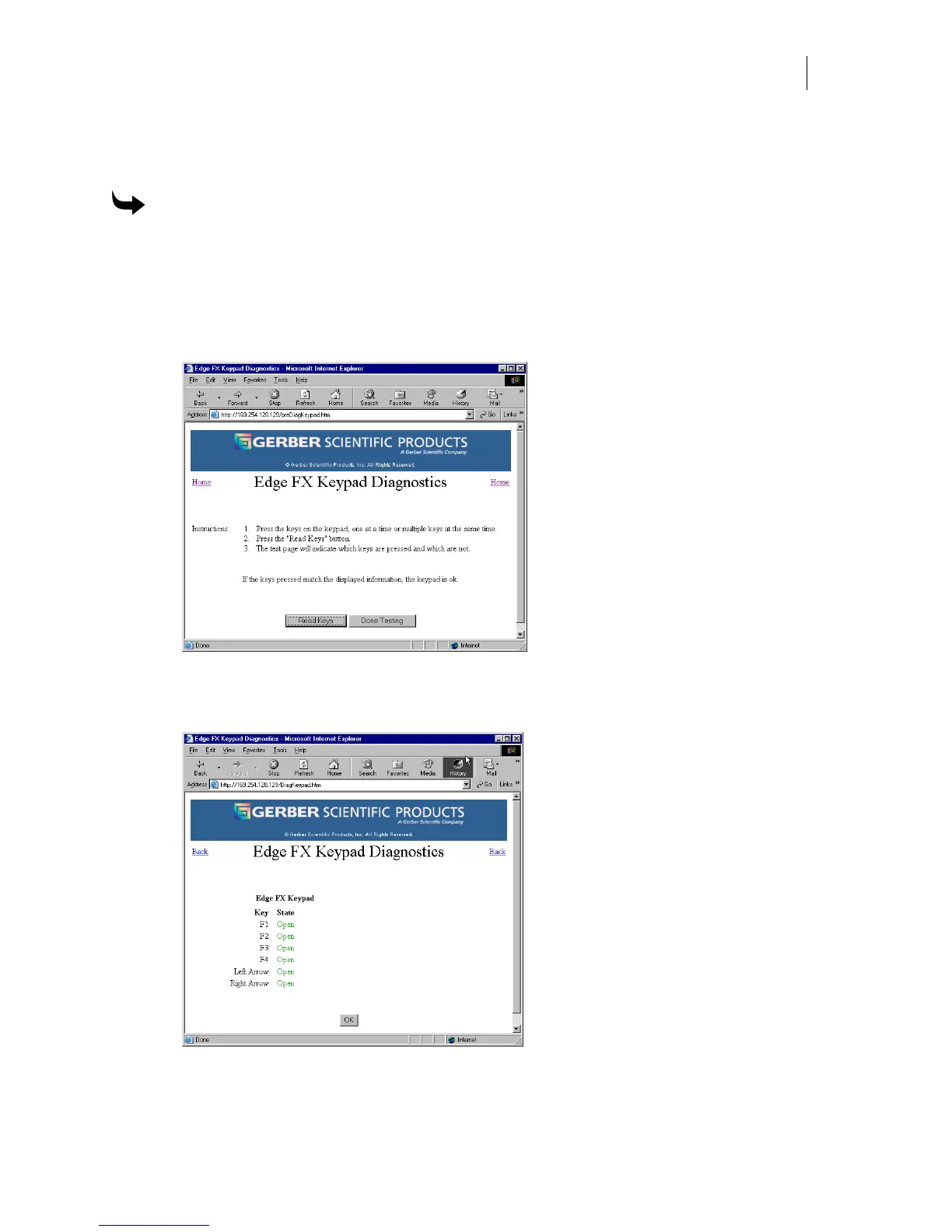
3 Click the Keypad link to open the EDGE FX Keypad Diagnostics page.
4 Press the keys on the GERBER EDGE FX keypad one at a time or multiple keys at the
same time and then click the Read Keys button. If the keys pressed match the
displayed information the keypad is functioning properly.
5 Click OK to return to the first Edge FX Keypad Diagnostics page.
6 Click Done Testing to return to the Edge FX Diagnostics page.



 To Next Page