82
CHAPTER 7
Troubleshooting
Running the Burn-In test
The burn in test will run the following cycle continuously until stopped. A cycle consists of
these steps:
♦ Turn on the foil motor.
♦ Move the material forward three feet and then move the material backward three feet.
♦ Move print head up and down after moving the material. This will cause the foil
motor to stop; however, it will be restarted as the cycle repeats.
To run the Burn-In test
1 Open the GERBER EDGE FX web interface by entering the printer's IP address in the
Location or Address line of your web browser (for example: http://169.254.128.129).
The Welcome to GERBER EDGE FX screen displays.
2 Click the Diagnostics link to open the GERBER EDGE FX Diagnostics page.
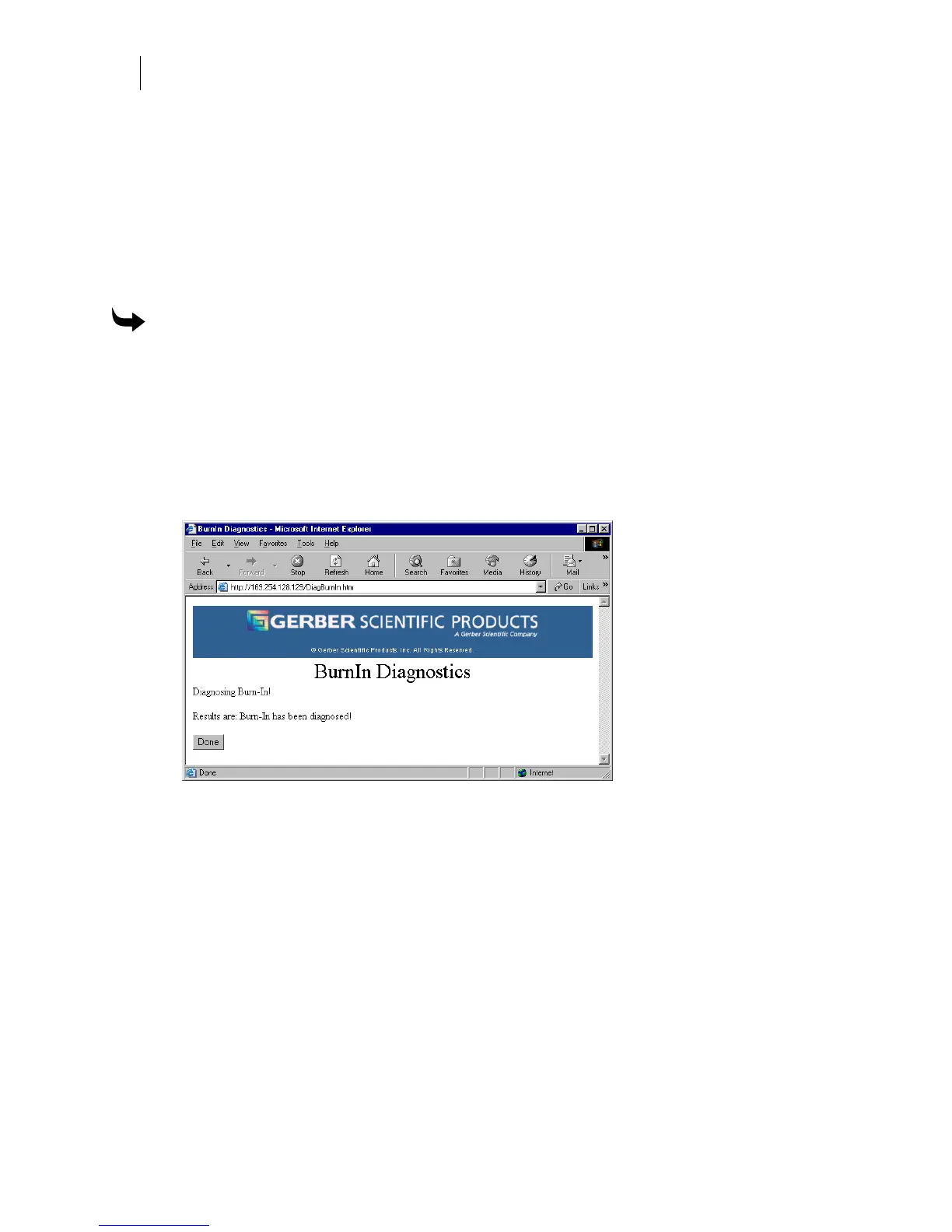
3 Click the Burn-In link to begin the test and open the EDGE FX Burn-In Diagnostics
page which displays the results. If the test is successful it displays the message:
Burn-In
has been diagnosed.
4 Click Done to return to the Edge FX Diagnostics page.



 To Next Page