Smartdop
®
30EX Basic Operation
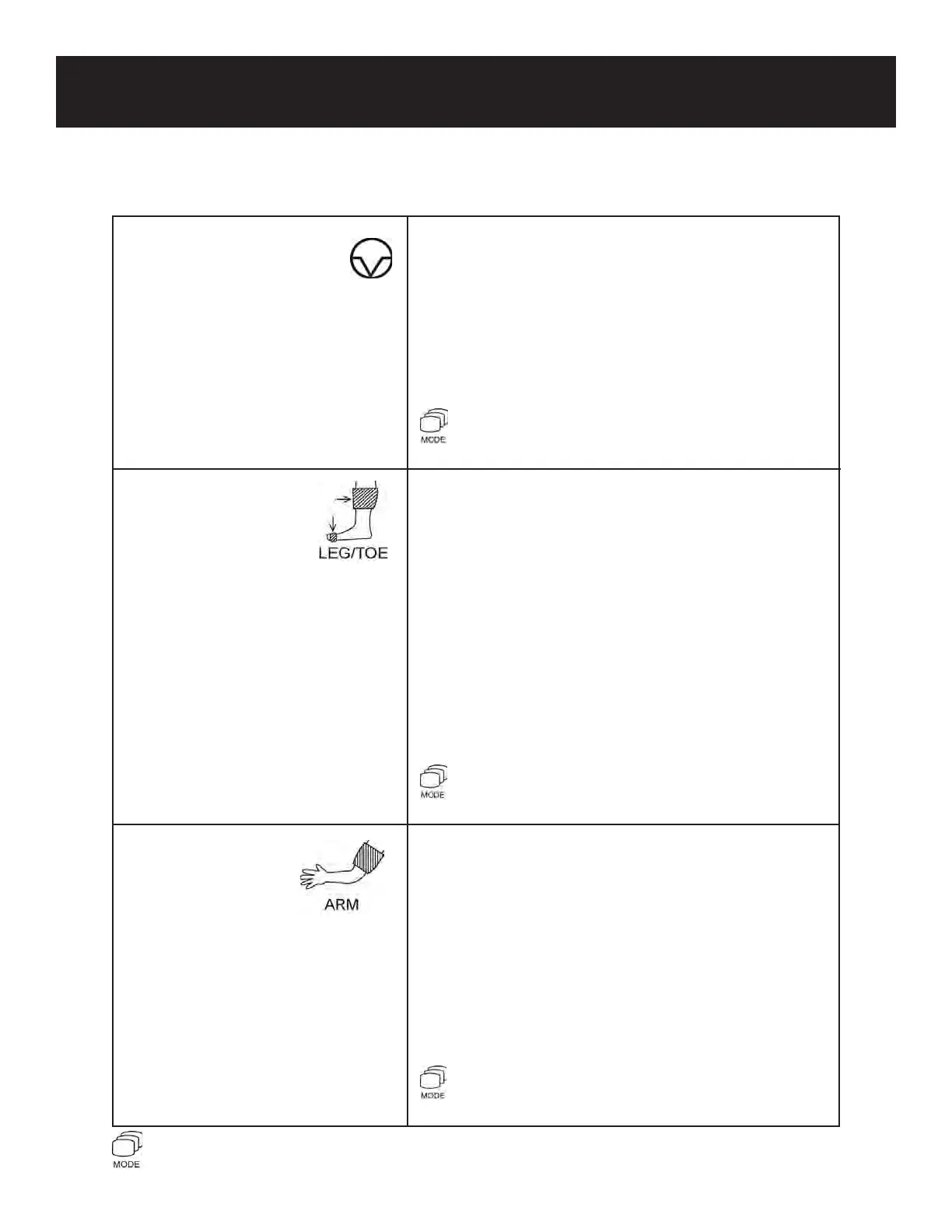
6) INF/DUMP (FREEZE) To inate the cu or stop ination and dump the blood
BUTTON pressure cu (Arm/Leg and Toe modes).
To freeze / unfreeze the waveform (measurement
mode).
Menu mode: Moves the cursor right and changes
the mode or setting.
+ Moves the systolic pressure point to the right
See 5-3-23 “CURSOR” for details.
7) LEG/TOE BUTTON To store and display leg and/or toe pressures (freeze
mode).
Press less than 1 second to display the ABI or TBI
(Arm/Leg or Toe modes during measurement).
Press longer than 2 seconds to erase pressure
values (Arm/Leg or Toe Modes).
To change the display mode: Waveform / Numerical
(Mode 1 or Mode 2 during measurement). See 5-2-2
“Display Mode” for details.
Menu mode: Moves the cursor down.
+ Magnies the waveform on the LCD
See 5-3-13 “WAVEFORM” for details.
8) ARM BUTTON To store and display the arm (brachial) pressure
(freeze mode).
Press less than 1 second to display the ABI or TBI
(Arm/Leg or Toe modes during measurement).
Press longer than 2 seconds to erase pressure
values (Arm/Leg or Toe modes).
Menu mode: To return to the previous menu or exit
Menu mode.
+ Moves the systolic pressure point to the left
See 5-3-23 “CURSOR” for details.
3. CONTROLS
7
Indicates that the mode button should be pressed and held down before pressing the indicated button
+



 To Next Page