Smartdop
®
30EX Vascular Testing Instructions
4. PPG TOE PRESSURES & TOE BRACHIAL INDEX (TBI) (Cont.)
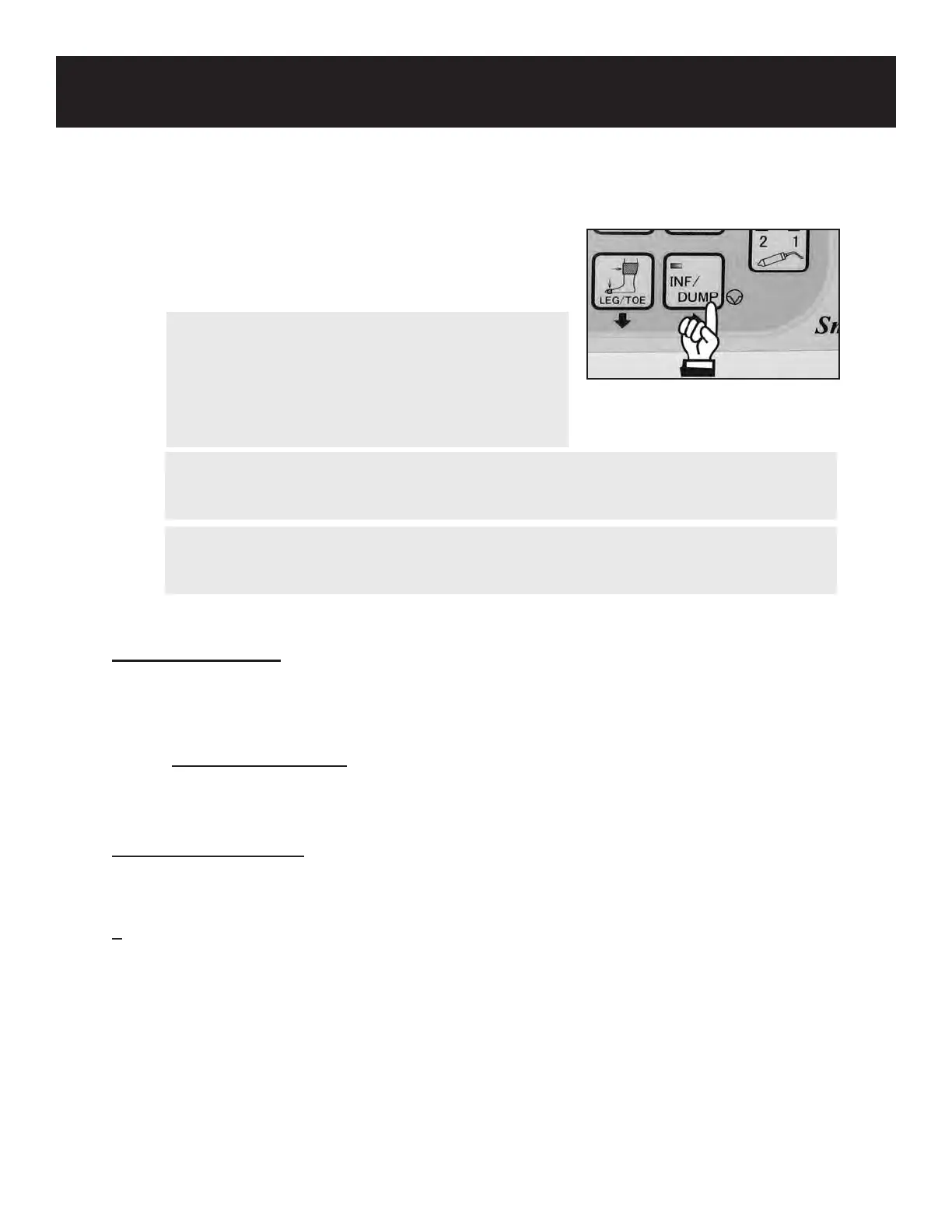
6. Press the INF/DUMP button to return to the
monitoring screen and repeat the test on the other
foot.
NOTE
If you would like to print the pressure results, before
pressing INF/DUMP to return to the monitoring
screen, press the PRINT button less than 1 second
to print numerical data only or longer than 2 sec-
onds to print waveform and numerical data.
Interpreting the Results
Toe Brachial Index (TBI) ¹
> 0.70 = Normal
< 0.70 = Abnormal
A toe pressure of greater than (>) 30 mmHg may be an indicator of healing potential in a
diabetic foot ulcer. ²
A PPG waveform that does not have a swift recovery may also indicate poor perfusion.
¹ Creager MA, et al. (2011). 2012 ACCF/AHA/ACR/SCAI/SIR/STS/SVM/SVN/SVS Key Data Elements and Denitions for Peripheral Atherosclerotic
Vascular Disease: A Report of the American College of Cardiology Foundation/American Heart AssociationTask Force on Clinical Data Standards
(Writing Committee to Develop Clinical Data Standards for Peripheral Atherosclerotic Vascular Disease). Circulation 2012, 125:395-467. Retrieved
December 5, 2011 from http://circ.ahajournals.org/content/125/2/395.
² Buchbinder D, Flanigan DP. Arterial disease of the lower extremities. Diagnosis. September 1986
60
WARNING
In case of an emergency or unexpected event during automatic ination, press the INF/
DUMP button to dump the cu pressure.
WARNING
If any abnormality is found on the unit or patient, discontinue use in a manner safe to
the patient.
Calculating the TBI
To calculate the Toe Brachial Index ratio, divide the toe pressure by the highest arm pressure or
refer to the charts on the Pressure Index Guide provided with your Doppler.
Toe systolic pressure
TBI =
Arm systolic pressure



 To Next Page