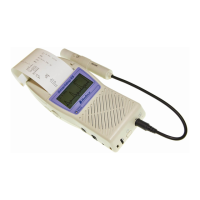
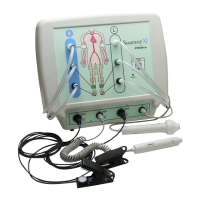
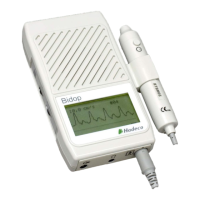
Smartdop
®
30EX Basic Operation
5-2 OTHER MODES
5-2-1 MEASUREMENT/FREEZE MODE
Press the INF/DUMP button to freeze or unfreeze the waveform. Freeze mode is available only
on Mode 1, Mode 2 and PV-AC.
Measurement: For blood velocity measurement
Freeze: To freeze and observe waveforms and numerical data; temporarily
stores the waveform in memory
The following waveforms are temporarily stored in memory
during freeze mode:
Mode 1: Waveform of the 5 sec. before freezing
Mode 2: Waveform of the 25 sec. before freezing
PV-AC: Waveform of the 5 sec. before freezing
5-2-2 DISPLAY MODE
During measurement mode, press the LEG/TOE button to
change the display mode. Display mode is available only
on Mode 1 and Mode 2.
WAVE: Displays waveform
DATA: Displays numerical data
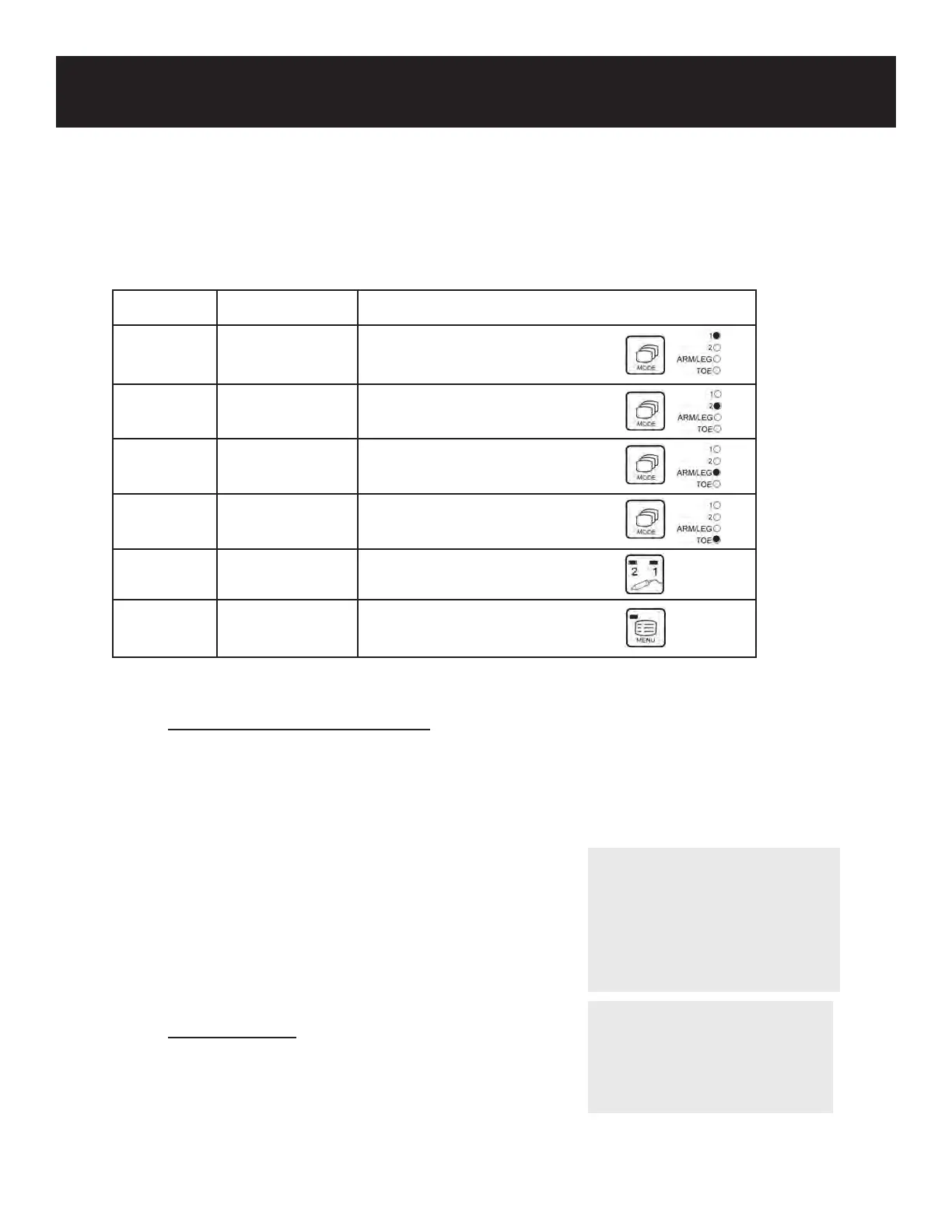
The Smartdop® 30EX has the following 6 basic mode settings:
Mode Type of Test How to Select
Mode 1 Arterial (AC) Press the MODE button
Blood Velocity (measurement mode only)
Mode 2 Venous (DC) Press the MODE button
Blood Velocity (measurement mode only)
Arm/Leg Arm and Leg Press the MODE button
Pressures (measurement mode only)
Toe Toe Pressures Press the MODE button
(measurement mode only)
PV-AC PV Arterial Press the Probe Selection
button until both LED’s are lit
Menu Other functions Press the MENU button
& Settings (MENU LED will be lit)
5. MODE & MENU SETTINGS
5-1 BASIC MODE SETTINGS
14
NOTE
The probe button can also
be used to freeze/unfreeze
waveforms when PRB-
KEY is set to “FREEZE” or
“FRZ&PRINT”. See 5-3-15
“OTHERS-PRB-KEY” for details.
NOTE
Display mode can also be
changed in the menu settings.
See 5-3-12 “DISP / OTHERS
DISP” for details.


 To Next Page