Smartdop
®
30EX Basic Operation
5-3 MENU (Cont.)
Press the MENU button to go to Menu mode. The LED on the MENU button will be lit.
5-3-2 MENU FOR BLOOD VELOCITY MEASUREMENT MODE
For measuring blood ow velocity waveforms and numerical data.
Connect a 5, 8 or 10 MHz probe to select the menu.
Bold face selections in the table above indicate default settings
*1 DISCHARGE is available when the AC adaptor is connected to the main unit
5. MODE & MENU SETTINGS
16
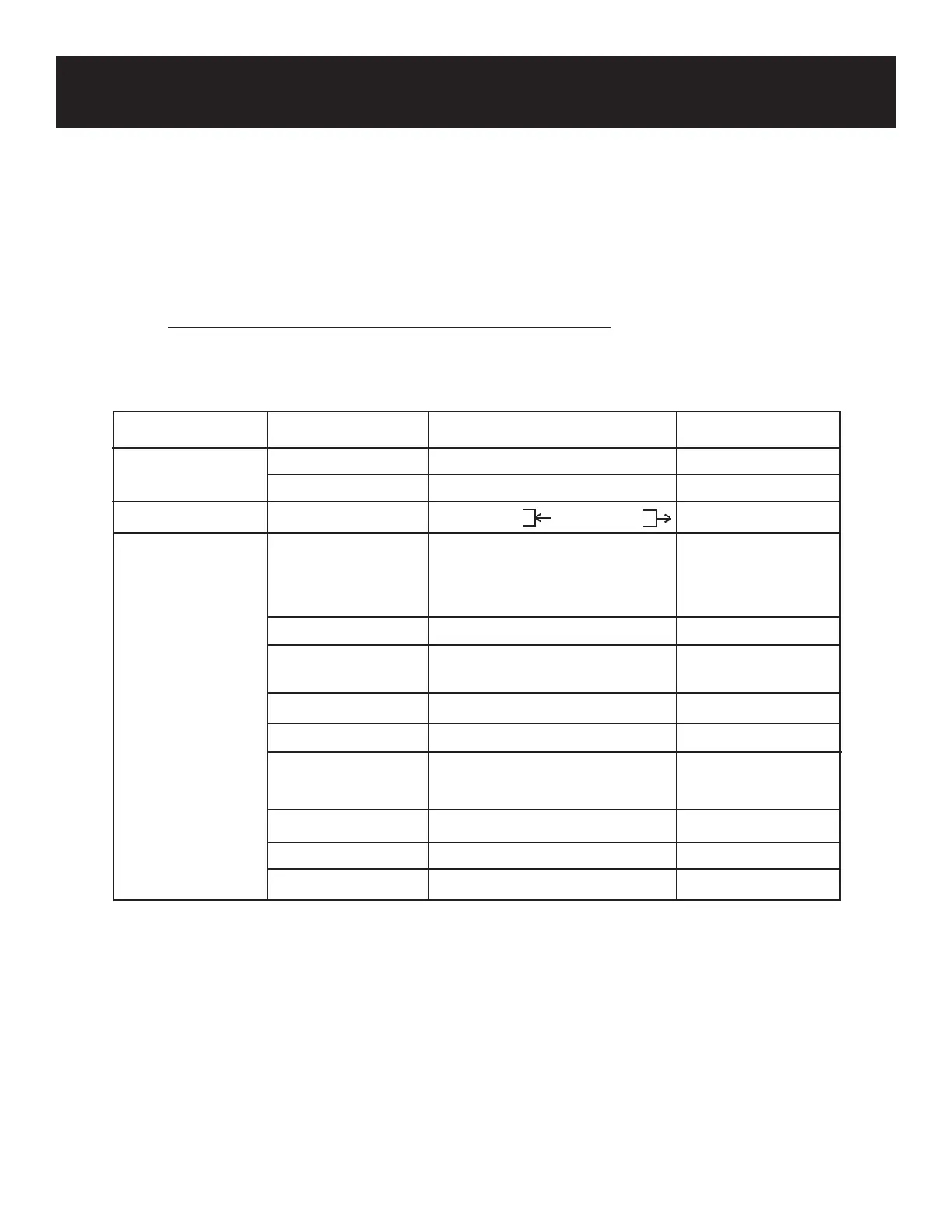
Menu Submenu Selections Reference Section
MEMORY READ 1 to 30, FREEZE 7-3-9
CLEAR 1 to 30, ALL 7-3-10
DIR, direction Forward , Reverse 7-3-11
LANGUAGE ENGLISH, DEUTSCH, 7-3-14
ITALIANO, ESPAÑOL,
FRANÇAISE
DISP, Display WAVE, DATA 7-3-12
OTHERS PRB-KEY FREEZE, PRINT, FRZ&PRINT 7-3-15
(Probe button)
CALIBRATION ON, OFF 7-3-16
CAL PRINT ON, OFF
7-3-17
BACKLIGHT ON, OFF, 10 to 60 7-3-18
(10 sec. steps)
AUTO OFF ON, OFF 7-3-19
RESET 7-3-20
DISCHARGE (*3) 7-3-21



 To Next Page