Smartdop
®
30EX Basic Operation
22
5. MODE & MENU SETTINGS
5-3 MENU (Cont.)
5-3-9 MEMORY - READ
MEMORY-READ is used to view previously stored waveform data.
Press the MENU button to go to Menu mode. Scroll up
(PRINT button) or down (LEG/TOE button) until MEMORY
is highlighted. Press the probe selection button (enter)
or the INF/DUMP button (right) to display the submenu.
Scroll up (PRINT button) or down (LEG/TOE button) until
READ is highlighted.
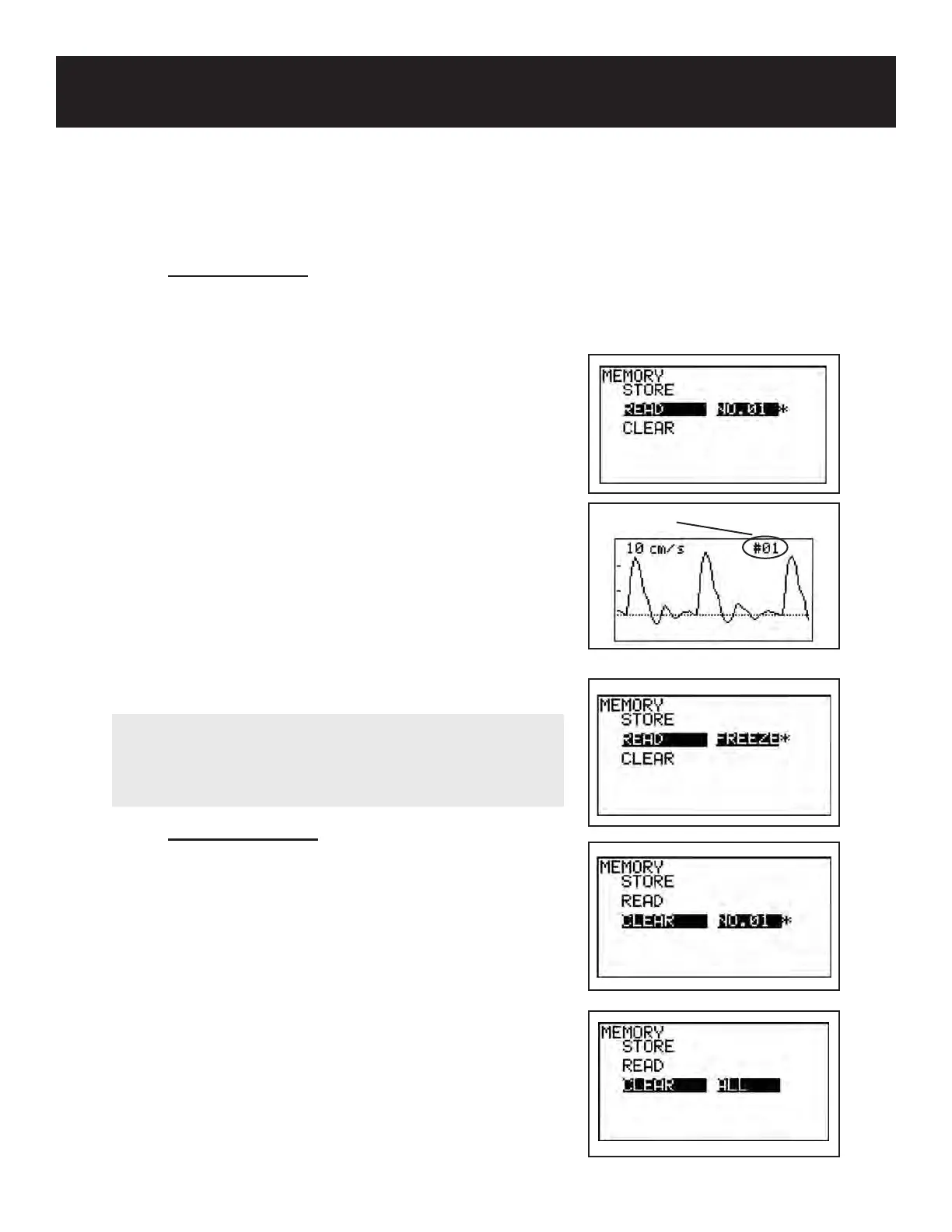
Press the INF/DUMP button (right) to highlight the memory
number. Memory numbers shown with an asterisk (*)
indicate numbers which contain saved data. Scroll up
(PRINT button) or down (LEG/TOE button) until the
memory number you wish to view is highlighted.
Press the probe selection button (enter) to read the data.
Press the probe selection button (enter) again to view the
next waveform. To view the previous waveform, press the
Mode button and enter button at the same time.
5-3-10 MEMORY - CLEAR
MEMORY-CLEAR is used to delete previously saved
waveform data from memory.
Press the MENU button to go to Menu mode. Scroll up
(PRINT button) or down (LEG/TOE button) until MEMORY
is highlighted. Press the probe selection button (enter)
or the INF/DUMP button (right) to display the submenu.
Scroll up (PRINT button) or down (LEG/TOE button) until
CLEAR is highlighted.
Press the INF/DUMP button (right) to highlight the memory
number. Memory numbers shown with an asterisk (*)
Memory number
NOTE
Data placed in Freeze mode is temporarily saved in
Memory under “FREEZE”. To read frozen data, choose
“FREEZE” under MEMORY-READ.



 To Next Page