Smartdop
®
30EX Basic Operation
5-3-16 OTHERS - CALIBRATION
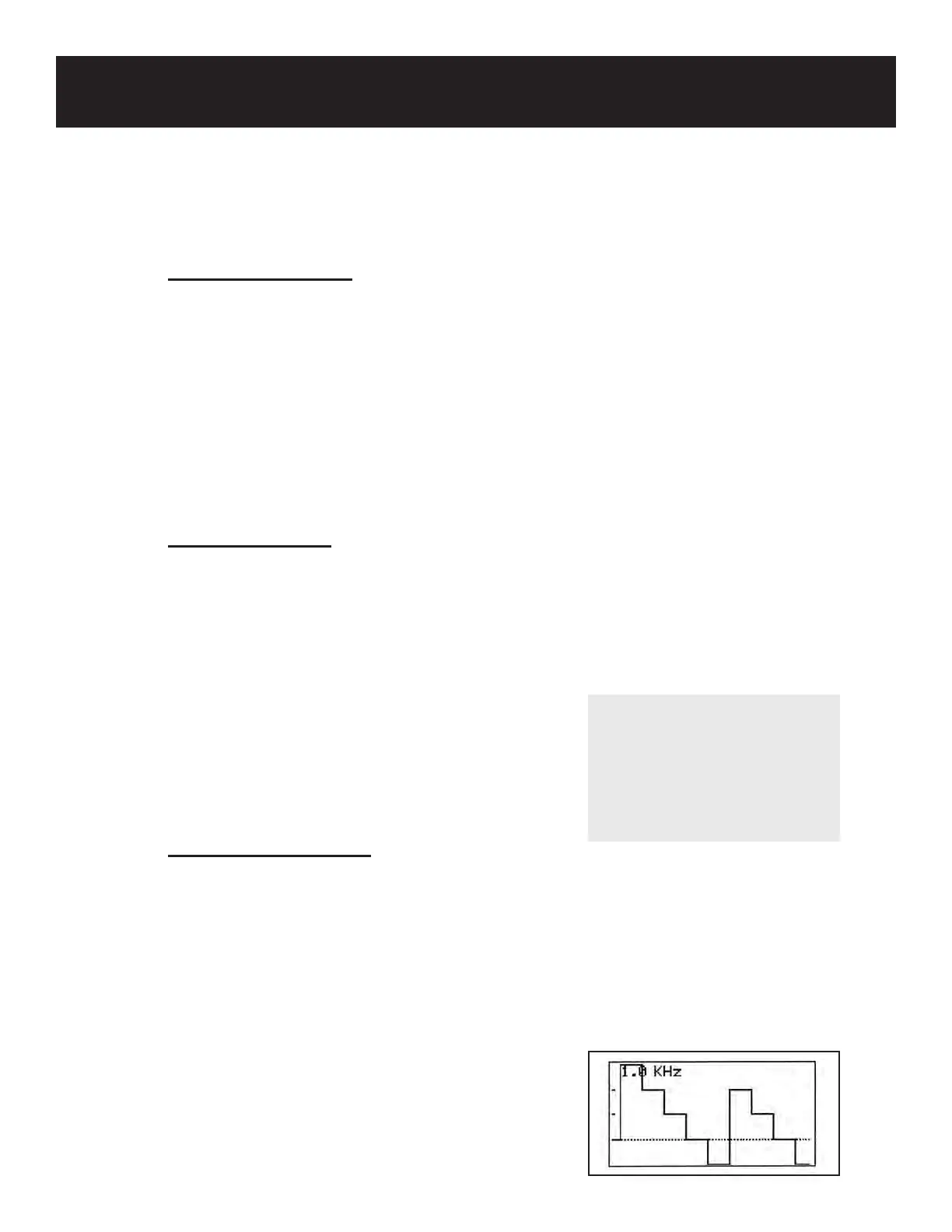
CALIBRATION is used to display the 4-step calibration waveform on the LCD.
The Calibration setting is available during measurement mode in Mode 1 and Mode 2.
Press the MENU button to go to Menu mode. Scroll up (PRINT button) or down (LEG/TOE
button) until OTHERS is highlighted. Press the probe selection button (Enter) or INF/DUMP
(Right) to bring up the submenu. Scroll up or down until CAL (Calibration) is highlighted. Press
the probe selection button (Enter) or INF/DUMP (Right) to turn Calibration ON/OFF.
ON: Displays 4-step (3, 2, 1, 0, -1 kHz) calibration
waveform on the LCD
OFF: Displays normal Doppler waveform on the LCD
Once CALIBRATION has been set, press the MENU
button to exit and return to measurement mode.
5. MODE & MENU SETTINGS
5-3 MENU (Cont.)
5-3-14 OTHERS - LANGUAGE
LANGUAGE is used to change the LCD language preference.
Press the MENU button to go to Menu mode. Scroll up (PRINT button) or down (LEG/TOE
button) until OTHERS is highlighted. Press the probe selection button (Enter) or INF/DUMP
(Right) to bring up the submenu. Scroll up or down until LANGUAGE is highlighted. Press the
probe selection button (enter) or INF/DUMP button (right) to change the language.
Languages: English, Deutsch, Italiano, Español, Français
Once the LANGUAGE has been selected, press the MENU button to exit and return to the
previous screen.
5-3-15 OTHERS - PRB-KEY
PRB-KEY is used to change the Probe button function.
Press the MENU button to go to Menu mode. Scroll up (PRINT button) or down (LEG/TOE
button) until OTHERS is highlighted. Press the probe selection button (Enter) or INF/DUMP
(Right) to bring up the submenu. Scroll up or down until PRB-KEY is highlighted. Press the
probe selection button (Enter) or INF/DUMP button (Right) to change the setting.
FREEZE: Freezes/unfreezes the waveform
PRINT: Activates/deactivates the printer
FRZ&PRINT: Freezes and prints the waveform
Once the probe button function has been set, press the
MENU button to exit and return to the previous screen.
26
NOTE
When the Smartdop® 30EX is
set on ARM/LEG or TOE mode,
the probe button performs the
same function as the INF/DUMP
button regardless of the PRB-
KEY function setting.



 To Next Page