Page 88
REMOTE ON/OFF SWITCH OPERATION
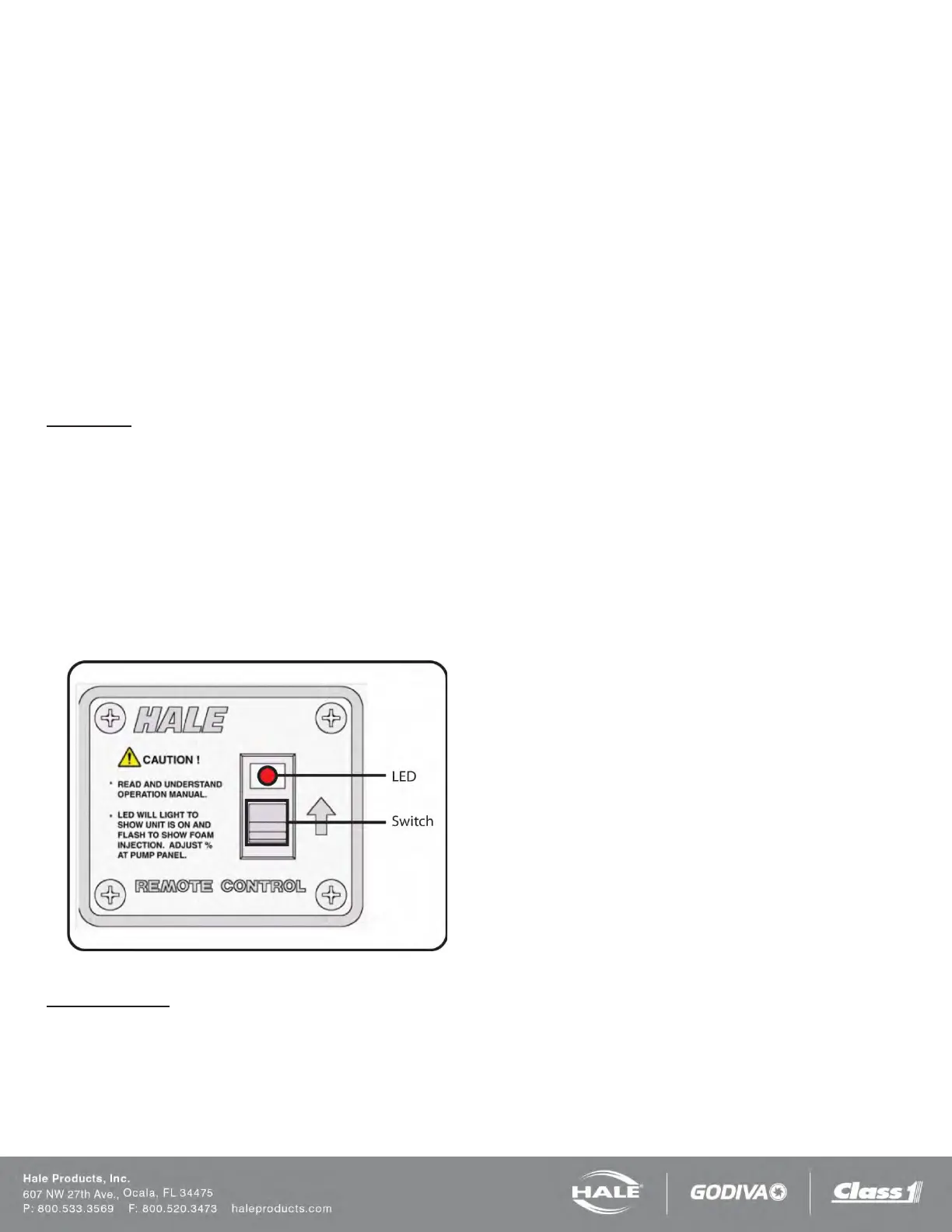
The remote ON/OFF switch is used to activate the Hale
SmartFOAM system from the driver compartment or a loca-
tion other than the SmartFOAM controller display. The
switch activates and deactivates the Hale SmartFOAM sys-
tem. It does not permit adjustment of the injection rate.
The SmartFOAM system will use the injection rate of the
preset set for “remote activation” (see the SETTING PRE-
SETS section). If no preset has the “remote activation” ena-
bled then the injection rate used will be the current set rate
on the SmartFOAM controller.
Refer to Figure 50: Remote Activation Switch Installation
Dimensions.
To operate:
1. Press the switch down and release to activate. The
LED turns ON SOLID, indicating the Hale Smart-
FOAM is in the STANDBY mode (Figure 75).
2. When the foam capable discharge nozzle is opened
the LED BLINKS, indicating foam concentrate is be-
ing injected. When the nozzle is closed, the LED
stops blinking and again turns ON SOLID.
3. Pressing the switch again deactivates the Hale
SmartFOAM system and the LED turns OFF.
Figure 75: Remote Activation Switch
LED indications:
ON SOLID - The SmartFOAM system is enabled but waiting
for water flow before injecting foam.
BLINKING - The SmartFOAM system is enabled and cur-
rently injecting foam.
OFF - The SmartFOAM system is disabled.



 To Next Page