Supervisor Mode110
ORIG0140-110
4127718F/B
02/26/2007
STATUS
NAME MARKETING
NUMBER 1
EXIT YES
ADVERT DIE MODIF
SUP
ESCAPE OKLOAD
MARKETING
MARKETING
NOT ACTIVE ACTIVE
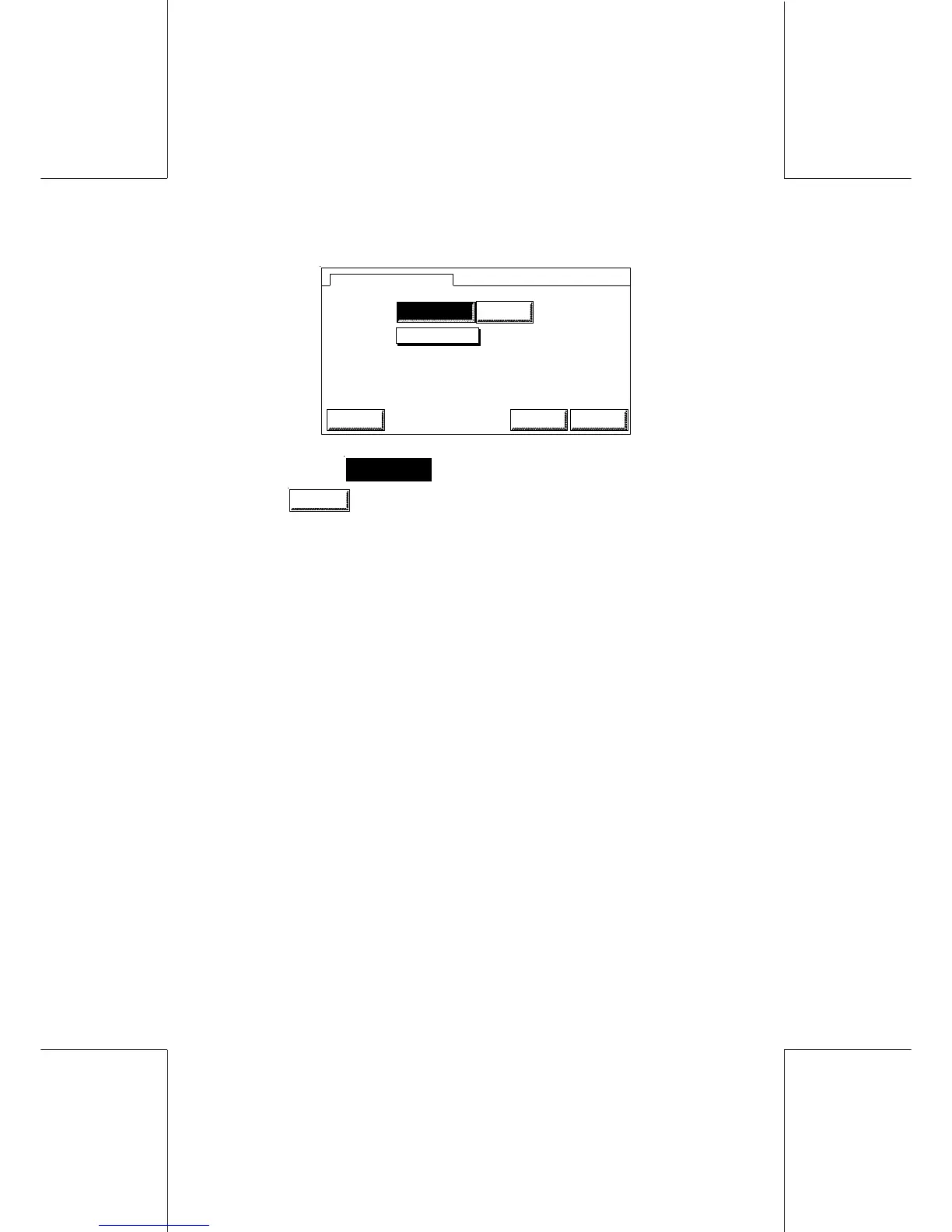
Select
ACTIVE
by simply touching. Validate with
OK
.
Principle for making a mail class die or text message active is the
same as for advertisement scale.
The advertissement is loaded when the EXIT mode is on YES.
4.2 Automatic date advance
The date advance time is the time at which the printed date
automatically advances from the current date to the next. If the mail
is picked up at 16.30, operator can enable the WJ185/220/250
to start printing tomorrow's date at 16.30. By doing so, the
operator does not have to manually advance the date.
A specific menu s accessible in the supervisor mode, to allow a
time settings and an enabled/disabled behaviour.
When the time is reached and the user start manually a print cycle
a pop up will ask the user to automatically switch to the new date
(current date + 1 day). The question will be prompted only in
normal mode to avoid blocking question during the stand by mode
or the weekend (to allow an easy connection with the server).



 To Next Page