Using a scale 53
ORIG0140-53
4127718F/B
02/26/2007
3.1 Using dynamic scale
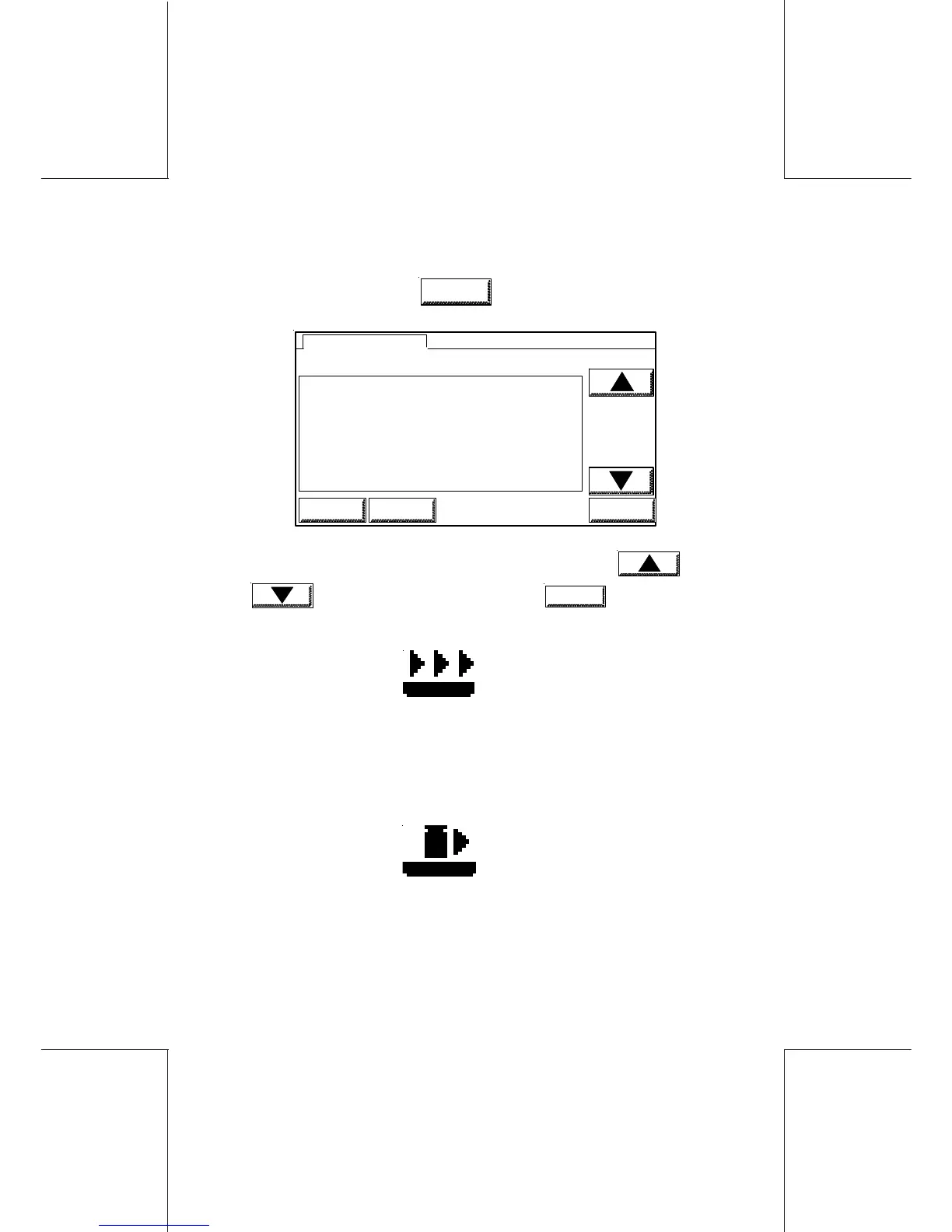
In the main screen, touch
SCALE
; the screen below is displayed:
1 DYNAMIC SCALE OFF
2 DYNAMIC SCALE ON
3 DYNAMIC SCALE BATCH
4 WP STANDARD
5 WP DIFFERENTIAL WEIGHTING
6 WP PIECE COUNTING
8 MANUAL WEIGHT ENTRY
WEIGHTING MODE
HOME LOGIN OK
- Select one of the 3 dynamic scale menus using and
keys and validate by touching
OK
.
3.1.1 Dynamic scale OFF mode
The displayed icon is
In this mode, the envelopes are only transported by the dynamic
scale; they are not weighed.
3.1.2 Dynamic scale ON mode
The displayed icon is
In this mode, each envelope is weighed on the dynamic scale (it



 To Next Page