Supervisor Mode 115
ORIG0140-115
4127718F/B
02/26/2007
DEFINING THE HIGH VALUE ALERT
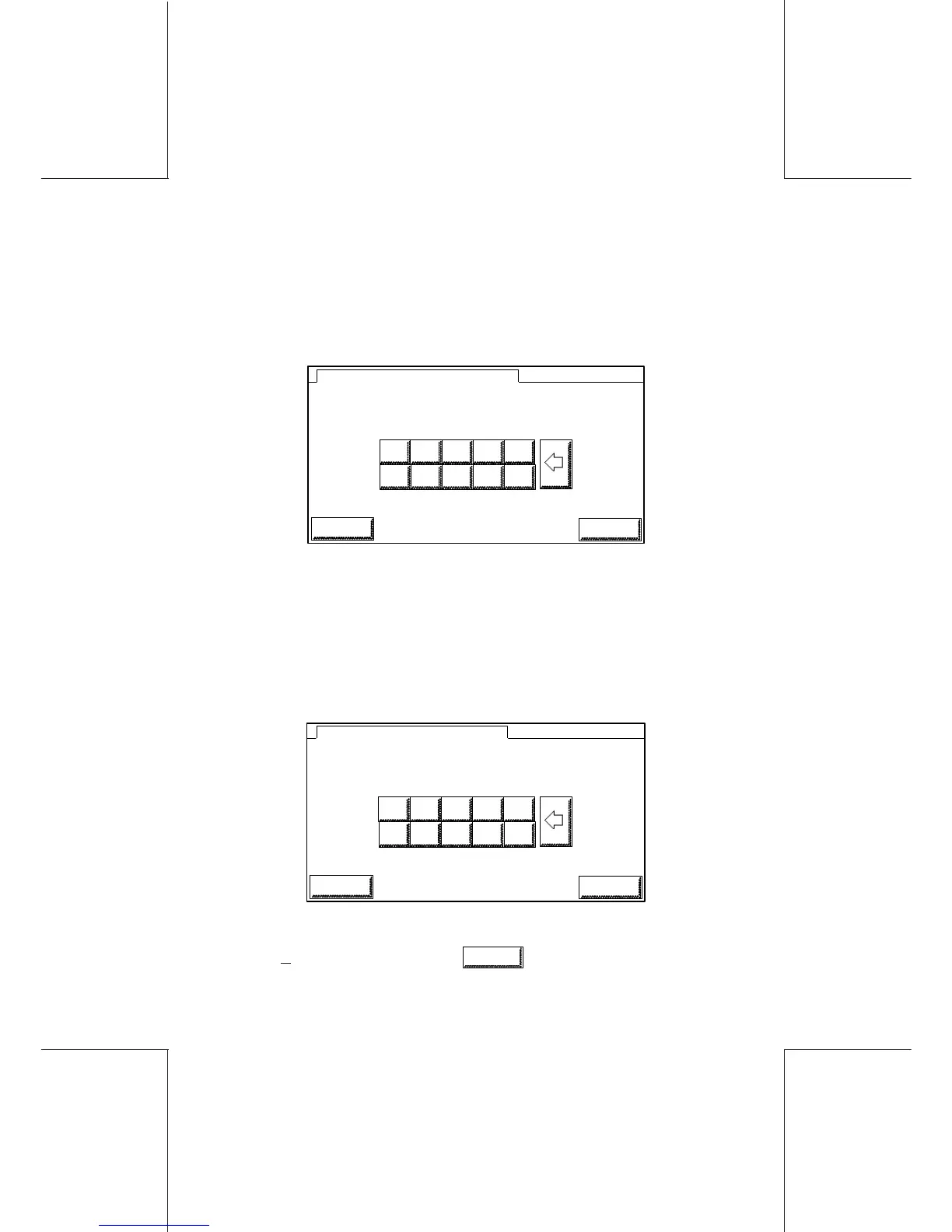
In the SECURITY menu screen, after selecting the HIGH VAL
ALERT menu, the below screen will be displayed:
1245
SUP
3 4
8 9
OLD VALUE :
_
NEW VALUE :
0 1
5 6 7
2
ESCAPE
OK
HIGH VALUE ALERT
Simply enter the new value, using the numeric keypad (with no
point or comma, e.g.:99000 corresponds to 99.000).
4.4.2 Time
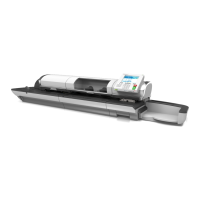
After selecting the TIME menu in the main supervisor menu, the
screen below will be displayed:
1455
SUP
3 4
8 9
OLD VALUE :
_
NEW VALUE :
0 1
5 6 7
2
TIME SETUP (HHMM 0000 to 2400)
ESCAPE
OK
To set the time, simply enter the new value, using the numeric keys
(max + 3hours). Validate with
OK
.


 To Next Page