Job memory saving 95
ORIG0140-95
4127718F/B
02/26/2007
2. JOB MEMORY SAVING
2.1 Storing in user memory "0"
After selections have been made (postage value, advertisement
scale, mail class die, moistening, shift, etc.) it is possible to take
a “photograph” of the machine status. To do so, touch
JOBS
,
then
STORE
; the following message is displayed: "CONFIRM
SETUP OF JOB MEMORY 0". If yes, touch
OK
: the whole
configuration is automatically stored into memory “0” (this operation
overwrites the previous content in memory 0).
This operation may be very useful when a job in progress
has to be interrupted (e.g.: a few items of another type
need to be processed as a priority, a phone call, etc.). You
are certain to restore the machine to the previous status
by recalling memory “0”.
2.2 Recalling memories
- From the main screen, simply touch
JOBS
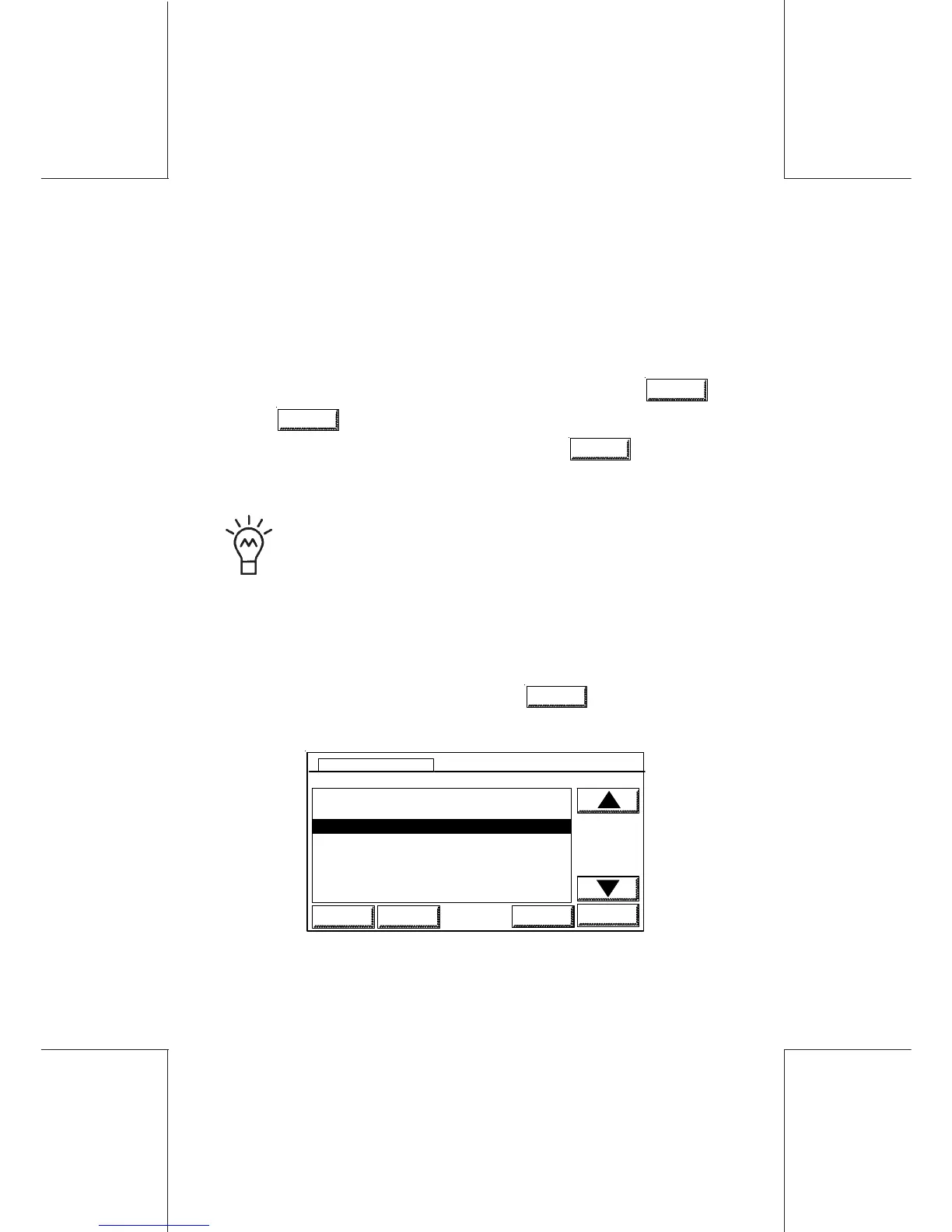
; the list of active
memories is displayed:
0 USER JOB MEMORY
1 MARKETING
2 DIRECTION
3DESIGN
2 DIRECTION
HOME LOGIN
STORE
OK
JOBS MEMORIES



 To Next Page