Operation with a roll tape dispenser (RTD)84
ORIG0140-84
4127718F/B
02/26/2007
10.4 Using the RTD
Printing is controlled from the base.
Selecting the printing support
- Touch the LABEL area or RTD in the main
screen, or in the PRINT menu according to the machine.
Printing a label
- Set the value or use a scale.
- To print the label, press , and press
START
STOP
.
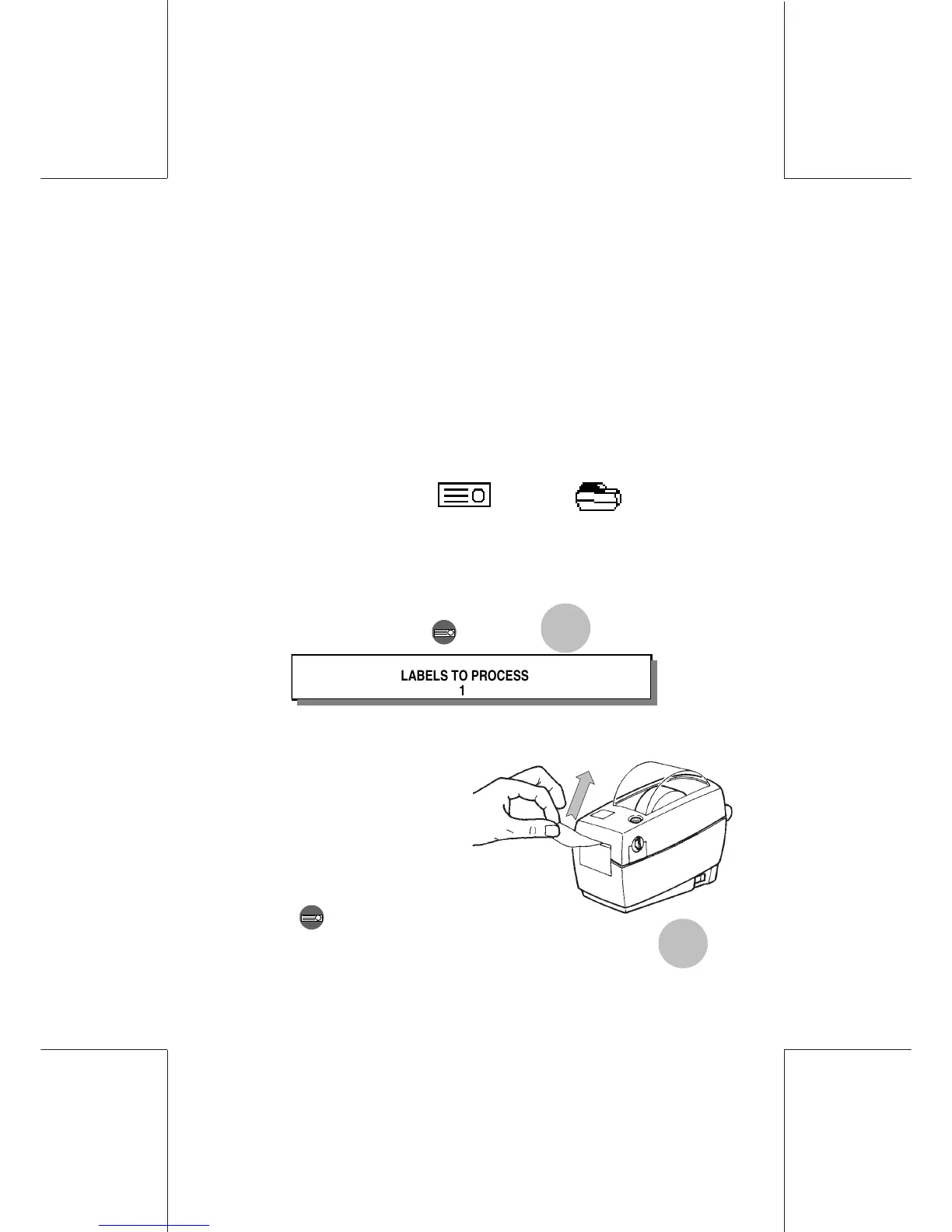
LABELS TO PROCESS
- Remove the label by pulling upwards.
Printing multi labels
- Set the value or use the SET
METER mode on the scale.
- Press .
- Enter the desired number of labels (up to 99), then press
START
STO P
.
YOUR RTD IS READY TO USE.
Switching on the RTD, the connection may take an average 3 min
for the first connection to a new postage meter. Then, any other
switching on takes usually 30 seconds.



 To Next Page