Protection by an access PIN code50
ORIG0140-50
4127718F/B
02/26/2007
2. PROTECTION BY AN ACCESS PIN CODE
At power-up or when pressing a key if the machine is in the sleep
mode, the screen prompts you to enter a 4-digit user pin code
(only when access to the machine has been protected by the
supervisor).
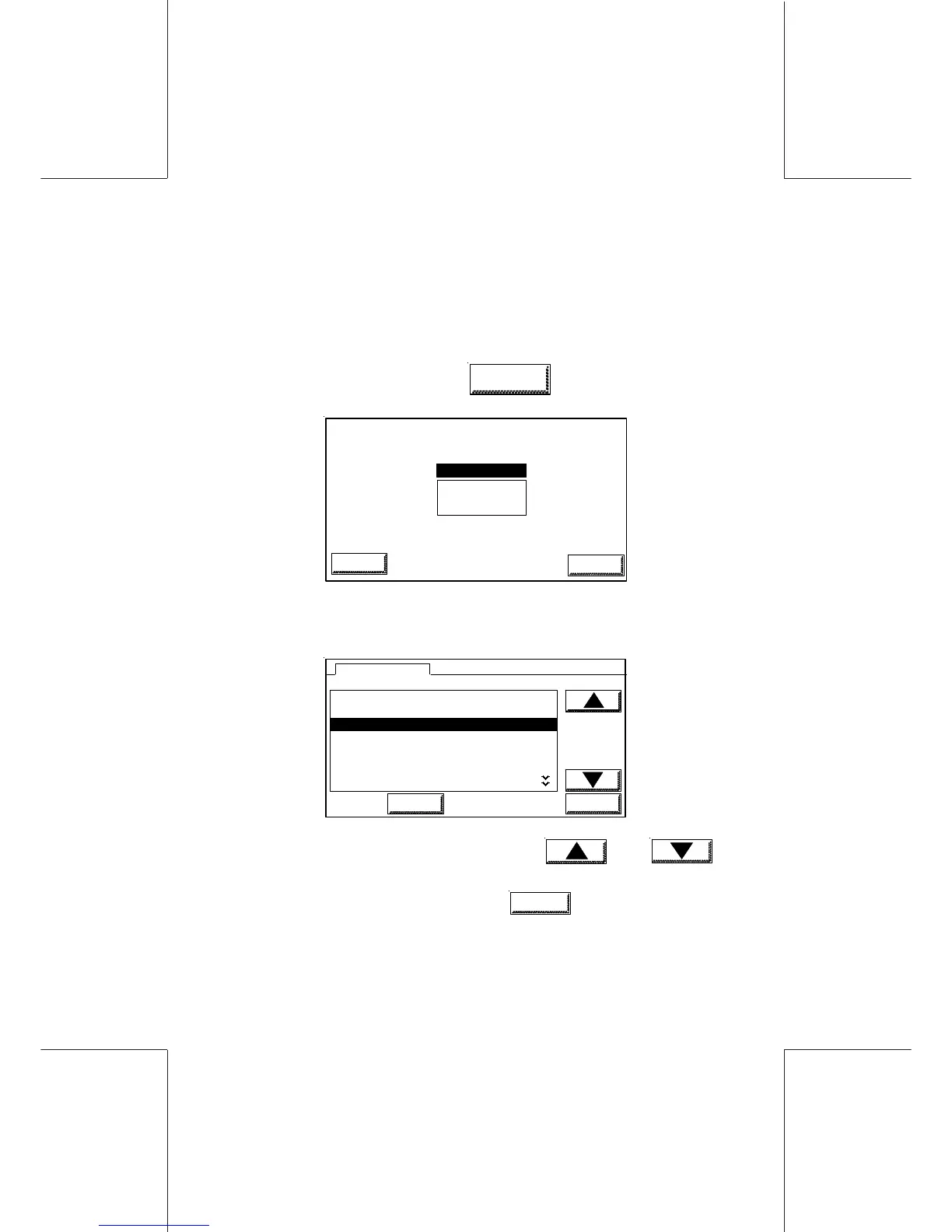
- From the main screen, touch
LOGIN
PIN NUMBER ?
****
OK
ESCAPE
- If the DEPARTMENT mode option is activated, the list of the
departments available is displayed as follows:
1 NAME12CHARA
2 DIRECTION
3DESIGN
4RESEARCH
5CE
6FACTORY
3DESIGN
LOGIN
OK
DEPARTMENTS
- Select the desired department using and
keys;
- Validate the selection by touching
OK
;
- If the department is protected by a code, enter the code (4
digits), using the numeric pad.
The machine is ready and displays the main menu.



 To Next Page