Using a scale56
ORIG0140-56
4127718F/B
02/26/2007
is set to "— LB —.- OZ".
You must touch
WP ZERO
to reset the Zero of WP scale.
3.2.2 Differential Weighing Mode
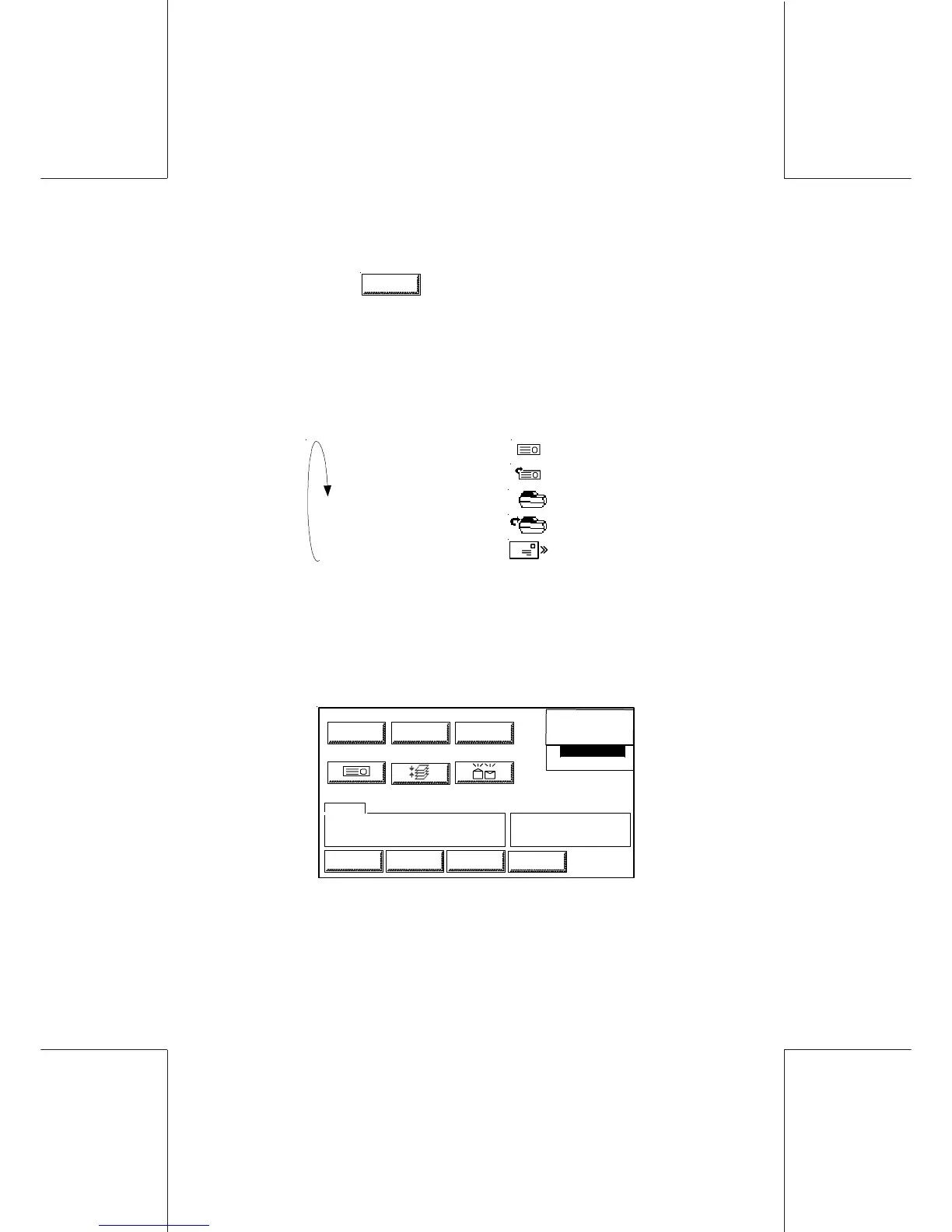
- In the main screen, touch the SCALE area, select the appropriate
mode to activate the differential Weighing.
normal tape
automatic tape
normal RTD
automatic RTD
automatic meter
-Push the touch area to change mode
-Select the target Tape Mode for the printing process
-Select the rate before starting the Differential Weighing
process.
0
0
.
0
0
0
LOW CREDIT
XX-XX-XX
LABEL SCALE SEALER
RATE
DEPT
MARKETING
TOI XXXXXX
BTO XXXXX
TEXT
LOGINJOBSMENU
INFO
DIFF
AD DIE MAIL D
RATE NAME USER RATE
WGH MAN 30 lb 0.8 oz



 To Next Page