Report Printing 97
ORIG0140-97
4127718F/B
02/26/2007
3. REPORT PRINTING
Various reports (or statements) may be printed on a printer, on
labels, or sent to a PC.
3.1 Operating mode:
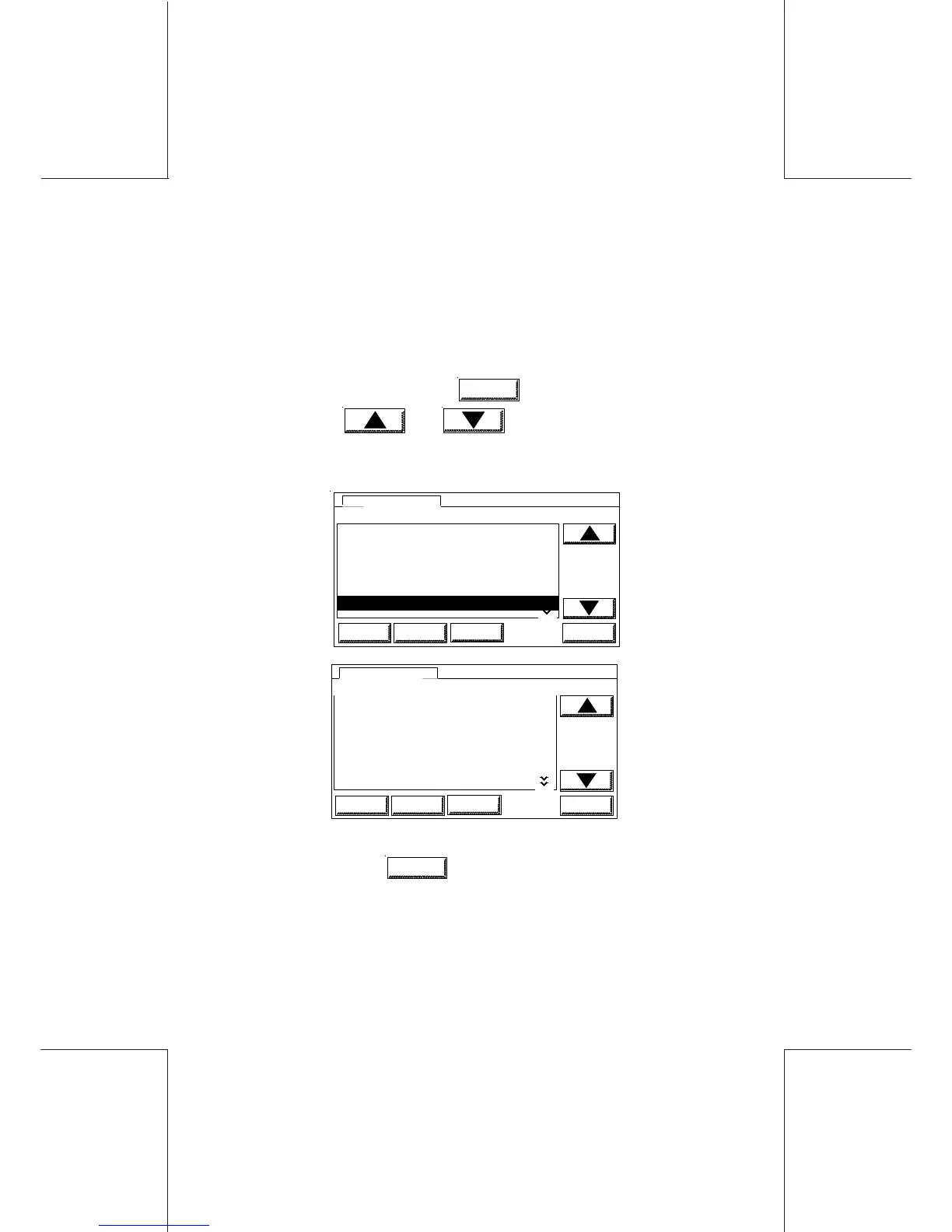
- From the main screen, touch
MENU
, and select the REPORTS
menu using and keys or by touching directly
the numeric key corresponding to the selection.
LOGINHOME OK
MENUS
0USER SETUP
1 SUPERVISOR SETUP
2 DISPLAY SETUP
3 POSTAL SERVICES
4 DEPARTMENTS
5 PRINTER INKER SERVICING
6 REPORTS
0USER SETUP
SUP
CLEAN
LOGINHOME OK
MENUS
7 USER SETUP
8 INK INFORMATION
7 WP SETUP
SUP
CLEAN
6 REPORTS
- To confirm, touch
OK
; the below menu is displayed:



 To Next Page