Using departments76
ORIG0140-76
4127718F/B
02/26/2007
6. USING DEPARTMENTS
- In order to use departments, the supervisor must have
selected first the department mode (see section B,
paragraph "Defining security").
- The machine is supplied with DEPT OFF. In order to use
departments, select DEPT ON in supervisor mode.
Total postage used and a number of pieces may be assigned to
a department selected from a list, as described below.
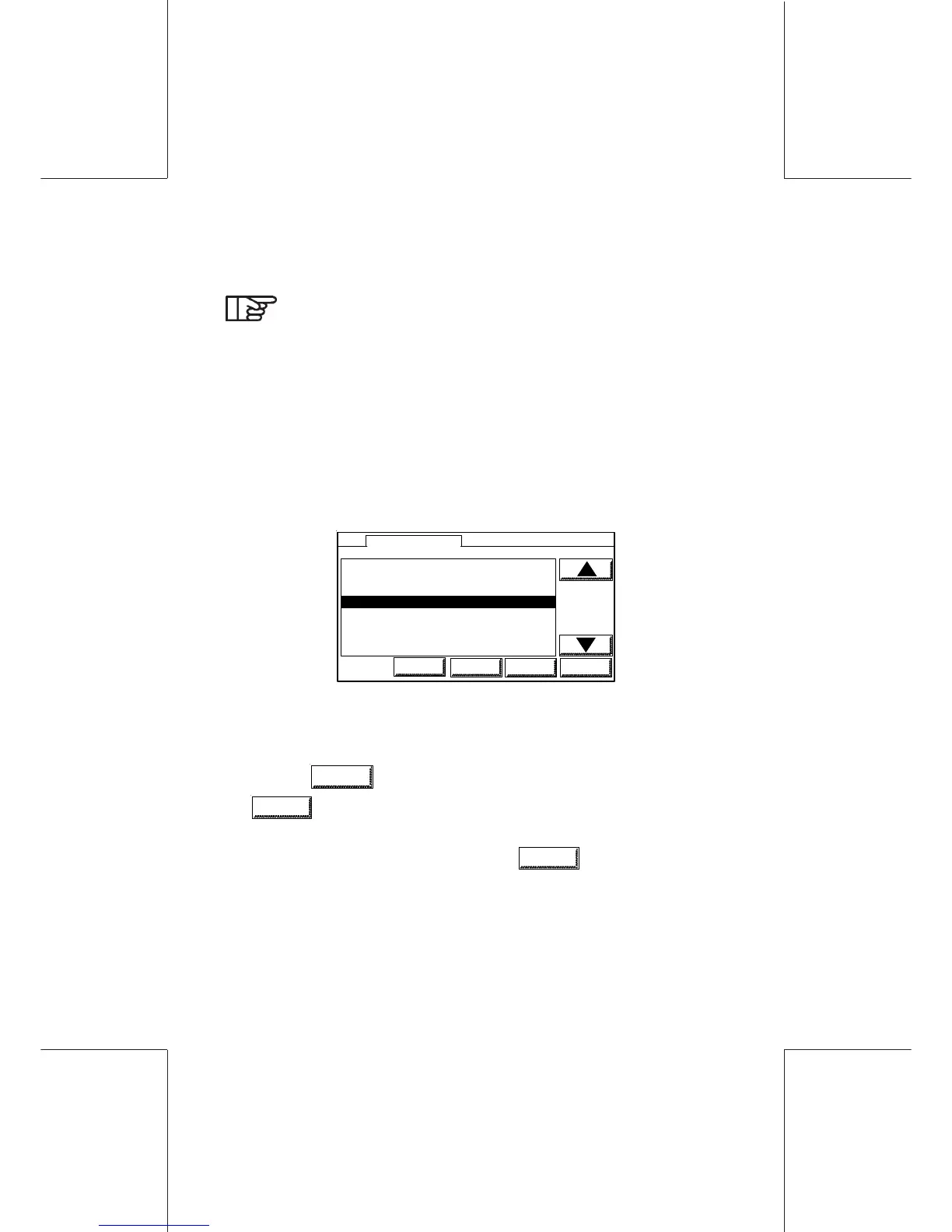
- In the main screen touch on the touch area under the DEPT tab
to display DEPARTMENTS Menu.
1 MARKETING CLOSED
2 DIRECTION OPEN
3 DESIGN CLOSED
4 RESEARCH OPEN
5D005 OPEN
6D12 CLOSED
7 D07 LOCKED
3 RESEARCH OPEN
SUP
LOGIN
PREV
DEPARTMENTS
NEXT OK
- Select a department, using the arrows or by keying in directly the
department number via the numeric pad.
- Touch
PREV
(displays the previous department list) and
NEXT
(displays the next department list) to access department
page per page instead of scrolling the department list.
- Validate your selection by touching
OK
.
- If the department is protected by a code, enter the code to allow
access to the department (a PIN can be up to 4 digits).



 To Next Page