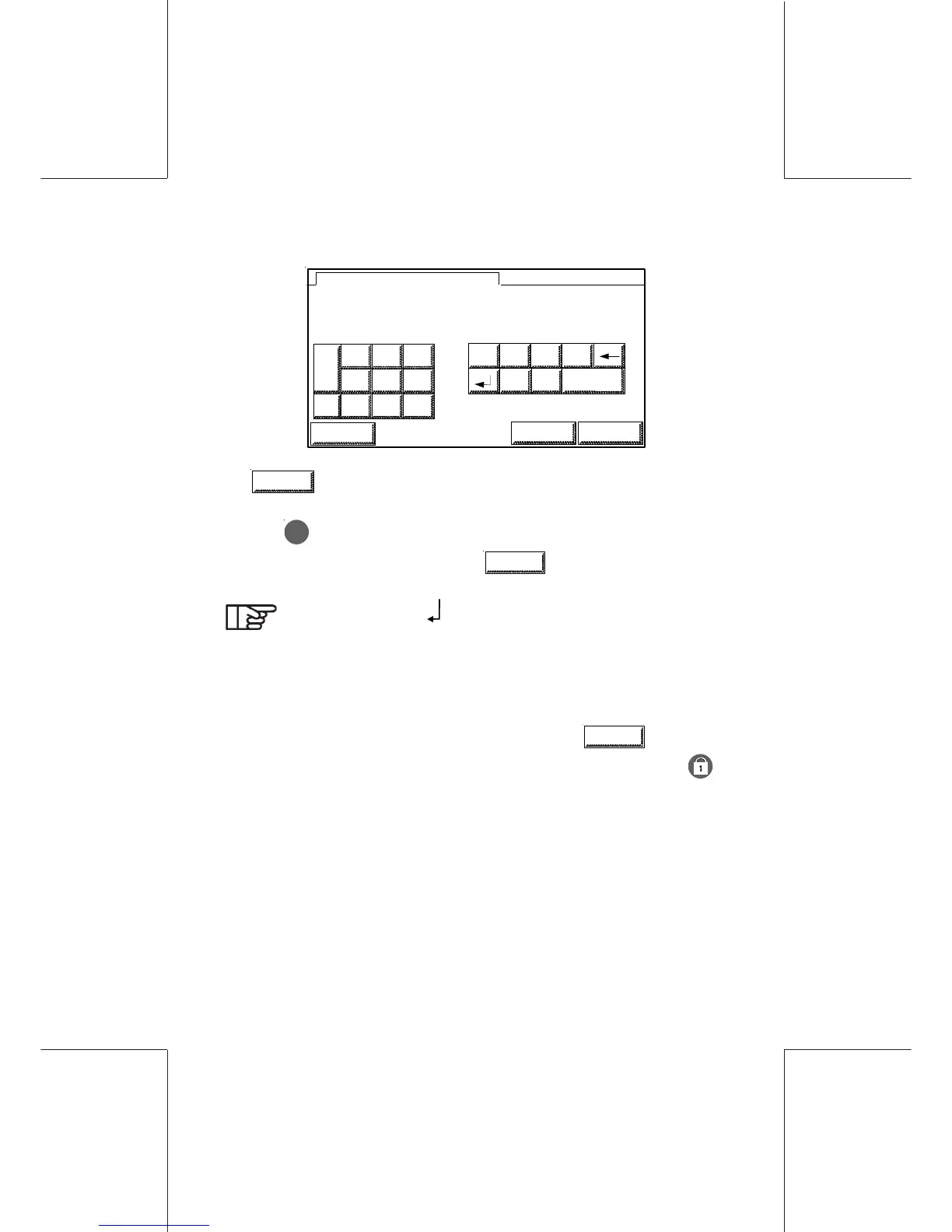
Supervisor Mode136
ORIG0140-136
4127718F/B
02/26/2007
SUP
MARKETI_10_
SUP
8 9
5 6
2 3
0
.
\- #
@ /
:
SPACE
1
4
7
ESCAPE
ABC OK
ENTER NAME AND PRESS OK
12 CHARS MAX
-
ABC
allows to access to the previous screen.
- To select a character, simply touch the desired character.
- Key
C
is used to backspace (with deletion).
- Validate completed name with
OK
.
You can use the " " character to print your text within
two lines.
4.17 Exiting the supervisor mode
To deactivate the supervisor mode, select the
LOGOUT
key from
the supervisor menu (return to the main menu) or press key
which will set the machine to the sleep mode.



 To Next Page