Tele-Meter Setting
®
Connection78
ORIG0140-78
4127718F/B
02/26/2007
8. TELE-METER SETTING
®
CONNECTION
8.1 Adding Postage
Postage may be purchased from the Post Office, using the Hasler
Tele-Meter Setting
®
(TMS) system.
Connect one end of the telephone link cable to the Modem Socket
( ) at the rear of the machine and the other end to an adjacent
analog telephone line outlet. Postage may be purchased from the
Post Office, using the Hasler Tele-Meter Setting
®
(TMS) system.
The meter only requires connection to the telephone line outlet
during the Add Postage or Clear Lockout transaction.
If access to adding postage (crediting) has been protected by the
supervisor, the screen prompts up to enter a 4 digit TMS code.
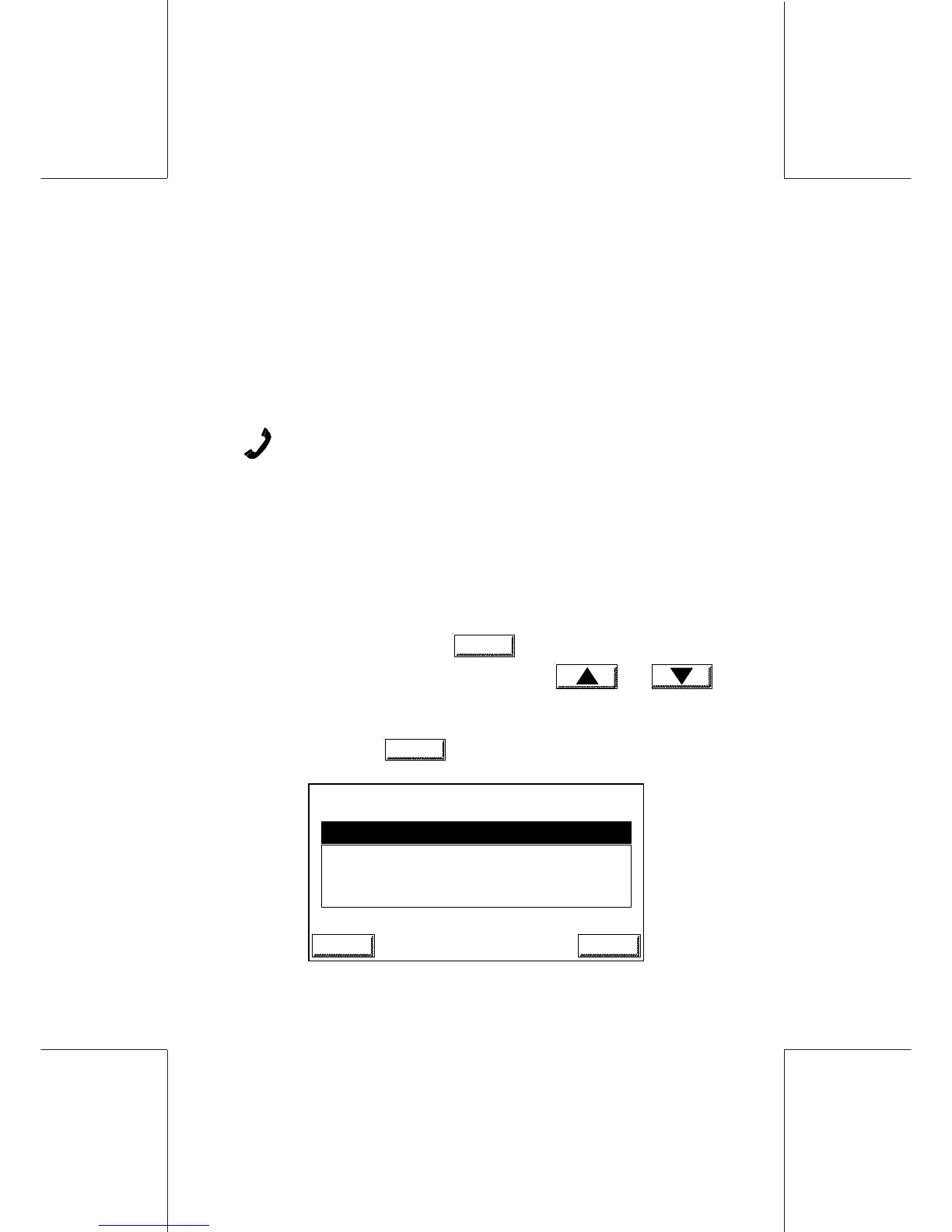
- In the main screen touch
MENU
, and select the POSTAL
SERVICES menu, then the CREDIT menu and
or by touching directly the numeric key corresponding to the
selection.
- To confirm, touch
OK
:
RECREDIT AMOUNT
OLD VALUE: 1000
NEW VALUE: _
ESCAPE OK
INFO


 To Next Page