Further Functions92
ORIG0140-92
4127718F/B
02/26/2007
It is possible to use the batch registers to count items processed
in this mode (see the paragraph "Batch registers").
1.1.2 Dating mode
This function is designed to print the date instead of a postage imprint.
09-05-04
It is possible to use the batch registers to count items processed
in this mode (see the following paragraph "Batch registers").
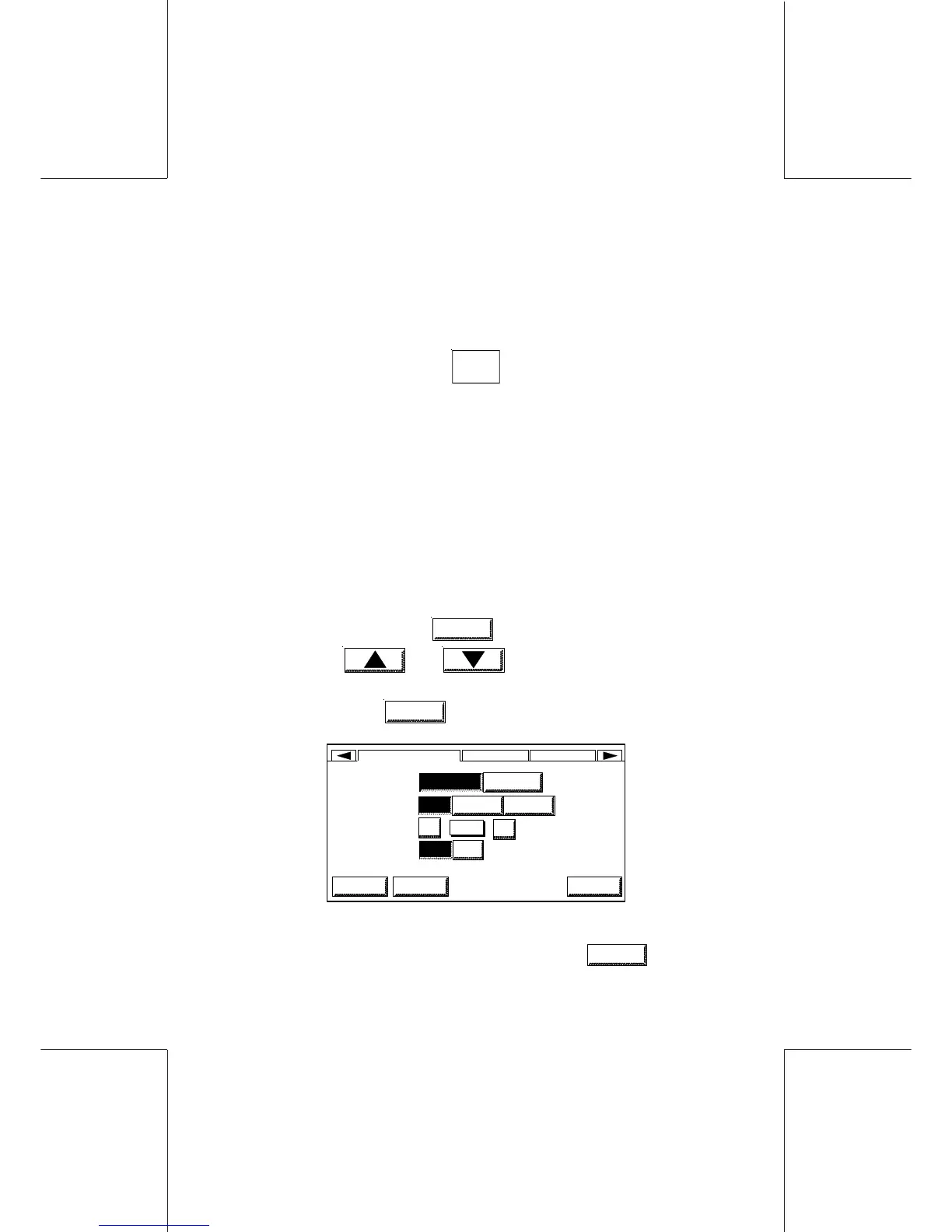
1.2 Mailing machine general configuration
The following parameters may be set up:
-the language,
-the buzzer, activated in case of error and/or when pressing
a key,
- the display screen contrast,
- the inserter mode.
- In the main screen touch
MENU
, and select the USER SETUP
menu using and keys or by pressing directly
the numeric key corresponding to the selection.
- To confirm, touch
OK
:
LANGUAGE
BUZZER
CONTRAST
INSERTER
HOMEHOME OK
USER SETUP DISPL... RATE
LOGIN
OFF ON
AMERICAN ENGLISH
OFF ON ERR ON KEY
16
16
+
-
- Select the options required by touching them.
- Validate the whole configuration by touching
OK
.



 To Next Page