Further Functions 93
ORIG0140-93
4127718F/B
02/26/2007
1.3 Configuration of the main screen display
This mode is also accessible in User and Supervisor
mode.
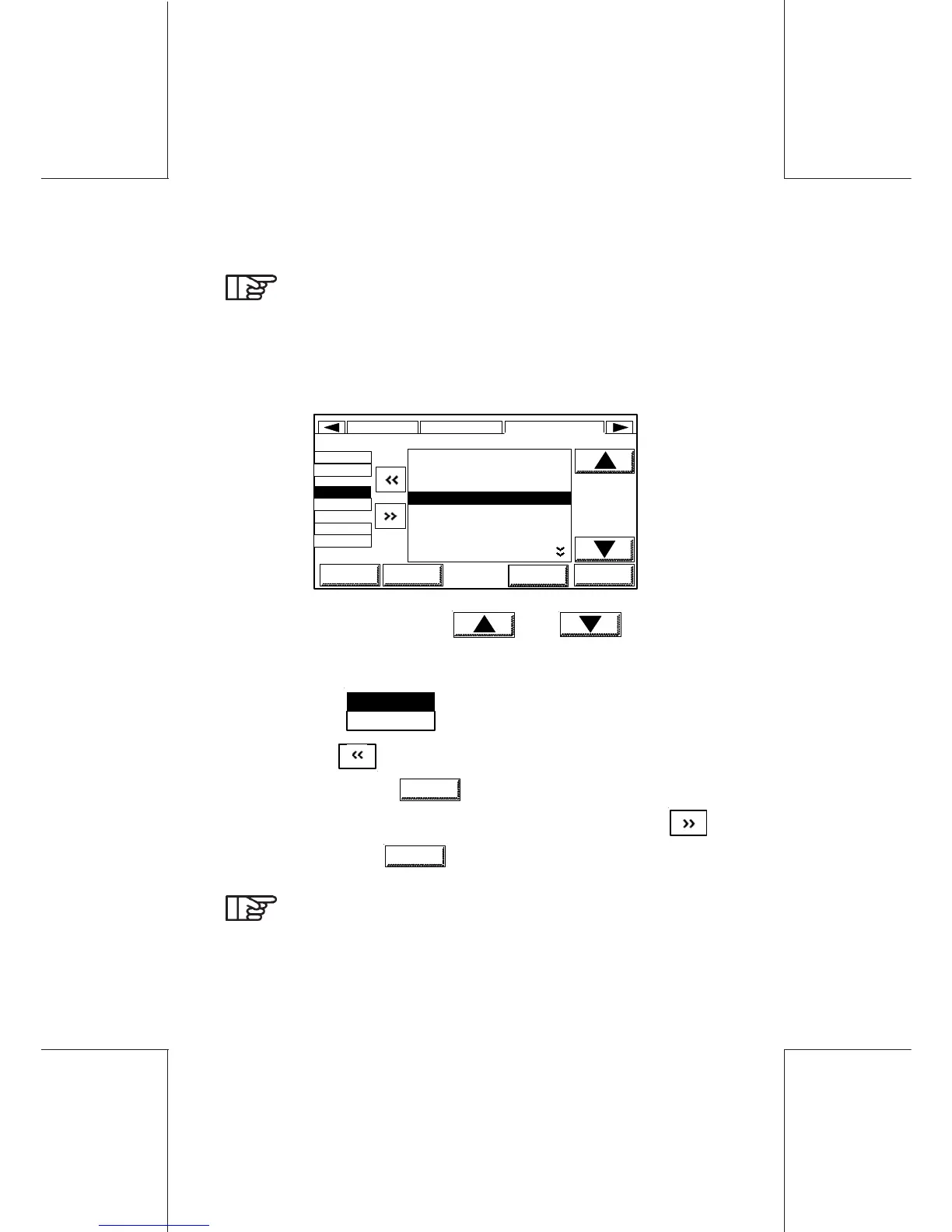
In the main screen, the INFO area may display from 3 to 5 items
and has a dynamic build up.
From the main screen, touch INFO, the following is displayed:
1 ASCENDING
2 TOTAL ITEMS
3 POSTAL ITEMS
4 DEPT NAME
5 DEPT ASCENDING
6 DEPT ITEMS
7 BATCH ASCENDING
4 DEPT DEPT NAME
LINE1
DPT
LINE2
BTO
LINE3
TOI
SUP
SUPER..
DISPLAY SETUPUSER...
HOME LOGIN OK
NEXT
- Select the register using and keys or by
touching directly the numeric key corresponding to the selection.
- Select the line simply by touching it (for example, to select the
line 2, touch
LINE2
BTO
).
- Then touch .
- If necessary, touch
NEXT
to go to the next lines 4 and 5.
- To suppress an item, select the line concerned and touch .
- To confirm, touch
OK
.
It is useful to select DESCENDING so the amount of
postage in your meter is always displayed on the main
menu.



 To Next Page