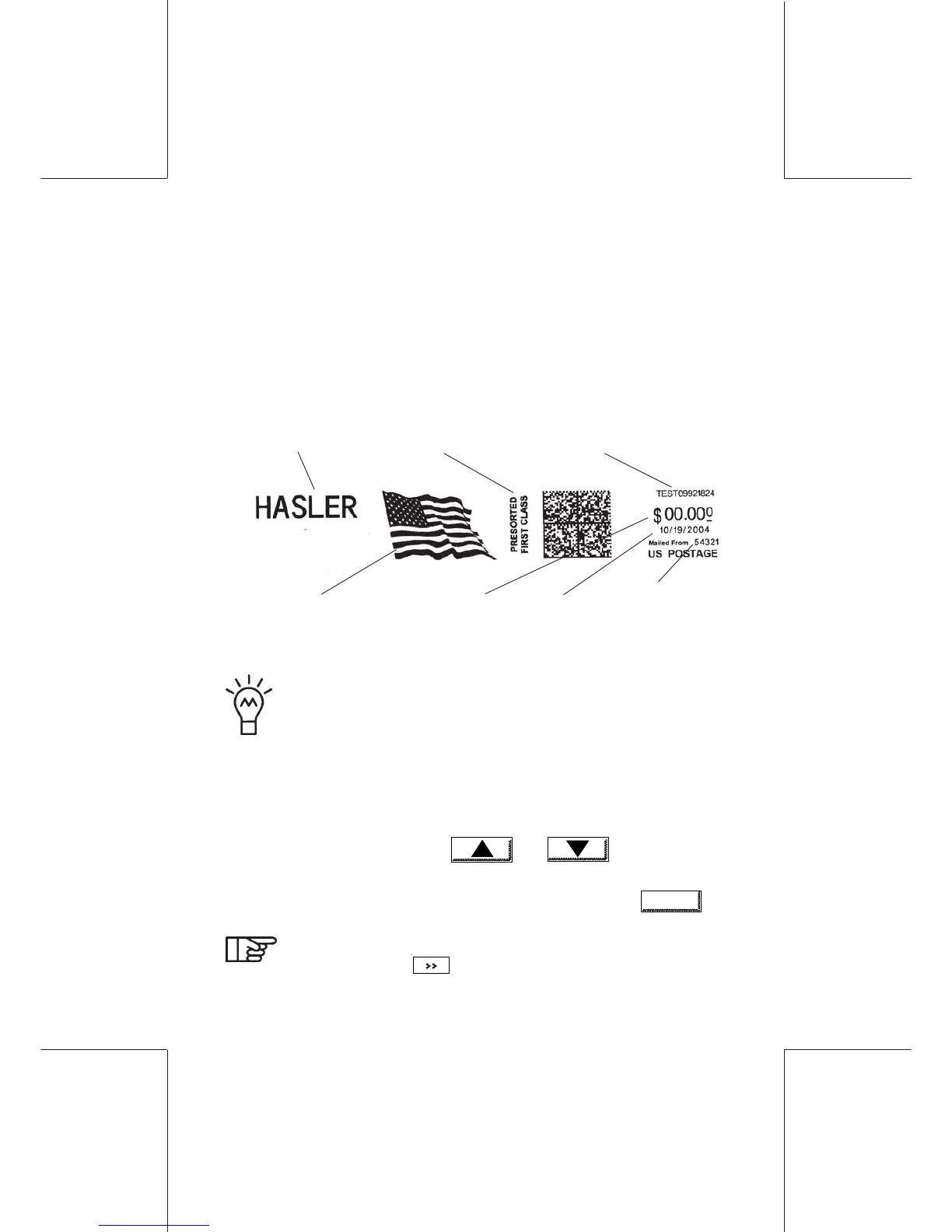
Modification of the imprint74
ORIG0140-74
4127718F/B
02/26/2007
5. MODIFICATION OF THE IMPRINT
The imprint may be modified by selecting:
- the date;
- the scale ;
- the text die;
- the mail class die;
- the print offset (for thick items).
To allow a quicker access, the supervisor may store
configurations in memories M1 to M9 (see section B,
paragraph "Programming memories 1 to 9").
- In the main screen, select the area to be modified by touching it:
the available options are displayed.
- Select an option using keys and or by pressing
directly the numeric key corresponding to the selection.
- To confirm and return to the previous screen, touch
OK
.
To select the print offset menu, touch the postage value
area, and touch
.
advertisement
slogan
mail class die
datepostage
meter serial number
your zip code
(updated if you
move)
text die



 To Next Page