Overall presentation48
ORIG0140-48
4127718F/B
02/26/2007
1.7 Operation with an inserter
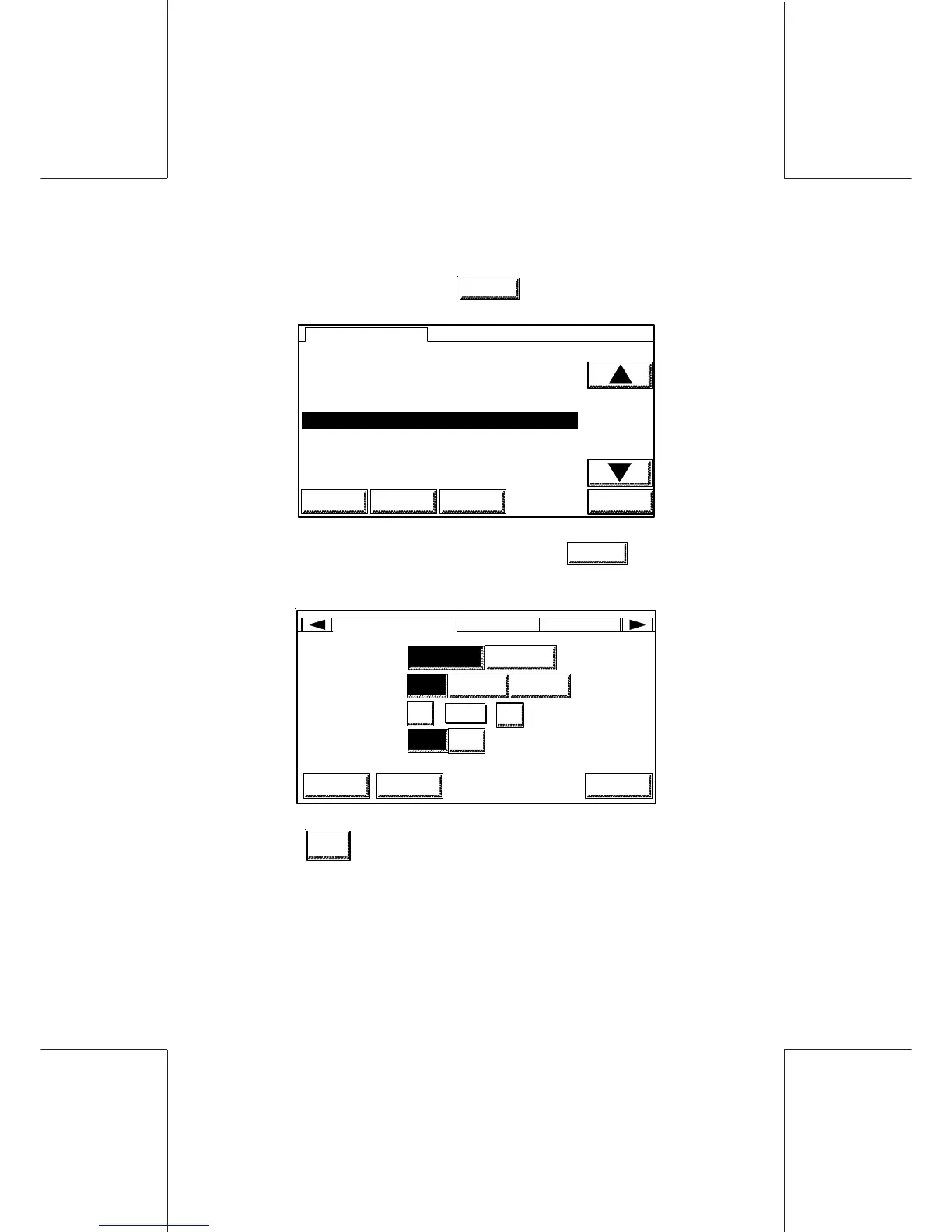
From the main screen, touch
MENU
,
HOME LOGIN CLEAN OK
MENU
0 USER SET UP
1 DISPLAY SET UP
2POSTAL SERVICES
3RATE
4 PRINTING INKER SERVICING
5 REPORTS
6 INKS INFORMATION
- Select the USER SETUP menu, and touch
OK
to confirm;
the following screen will appear:
LANGUAGE
BUZZER
CONTRAST
INSERTER
HOMEHOME OK
USER SETUP DISPL... POSTAL...
LOGIN
OFF ON
AMERICAN ENGLISH
OFF ON ERR ON KEY
16
16
+
-
- Select
ON
in the INSERTER mode if the mailing machine is
behind an inserter;



 To Next Page