Overall presentation 47
ORIG0140-47
4127718F/B
02/26/2007
Adjustment of the sealer
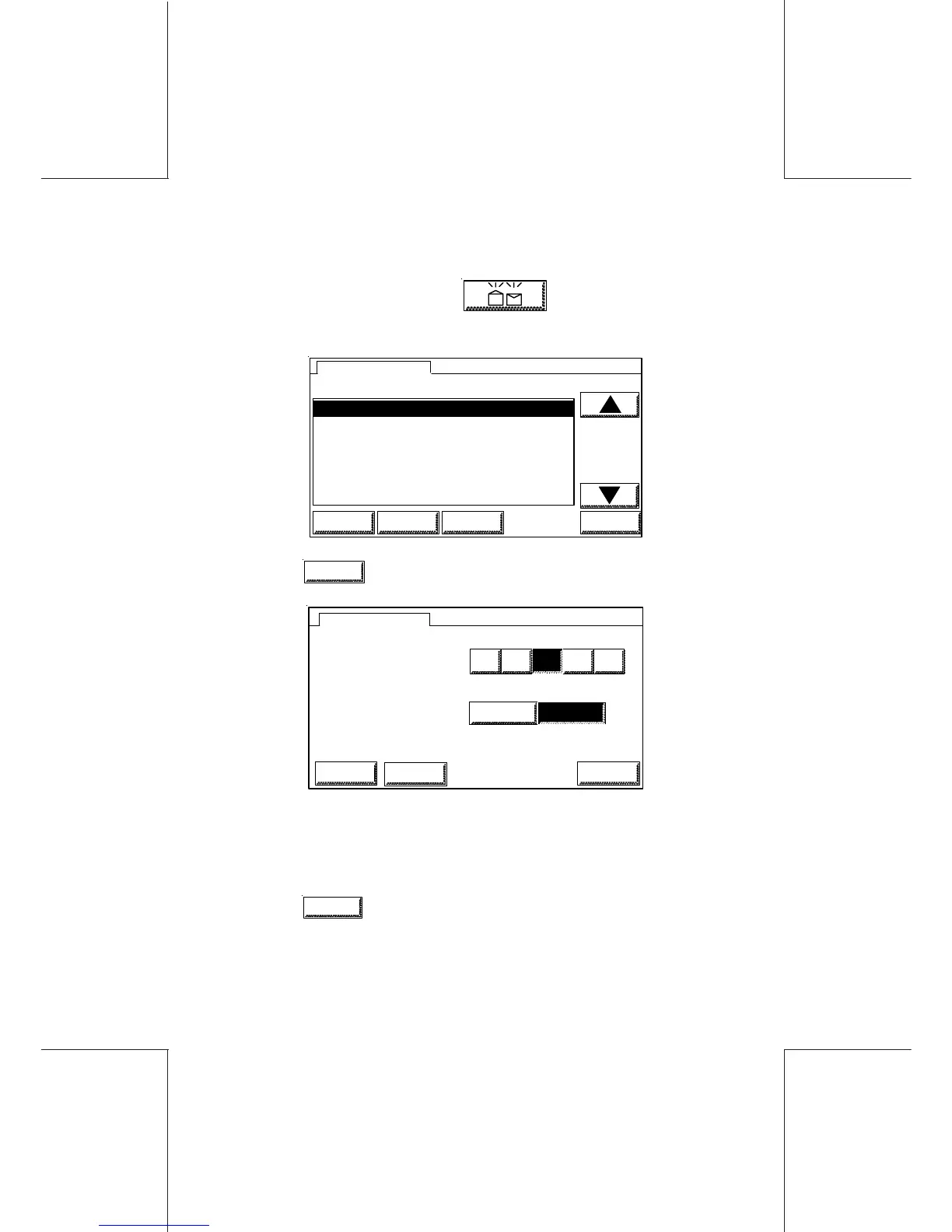
On the main screen touch , the below menu is
displayed:
1 OPEN & CLOSED FLAPS SEALING
2 OPEN FLAPS SEALING
3 SEAL ONLY, NO POSTAGE
4SEALING OFF
5 POST CARDS ONLY
1 OPEN & CLOSED FLAPS SEALING
SEALER MODE
HOME LOGIN SETUP OK
- Touch
SETUP
, the below menu is displayed:
MOISTENING LEVEL
SEALER SETUP
ESCAPE OK
SPEED
REDUCED USUAL
4 51 2 3
LOGIN
- Enter the new moistening value by pressing on the number; this
value should range from 1 (minimum water level) to 5 (maximum
water level);
- Enter the speed;
- Touch
OK
to confirm.



 To Next Page