Overall presentation 45
ORIG0140-45
4127718F/B
02/26/2007
1.6.2 Mixed-mail feeder
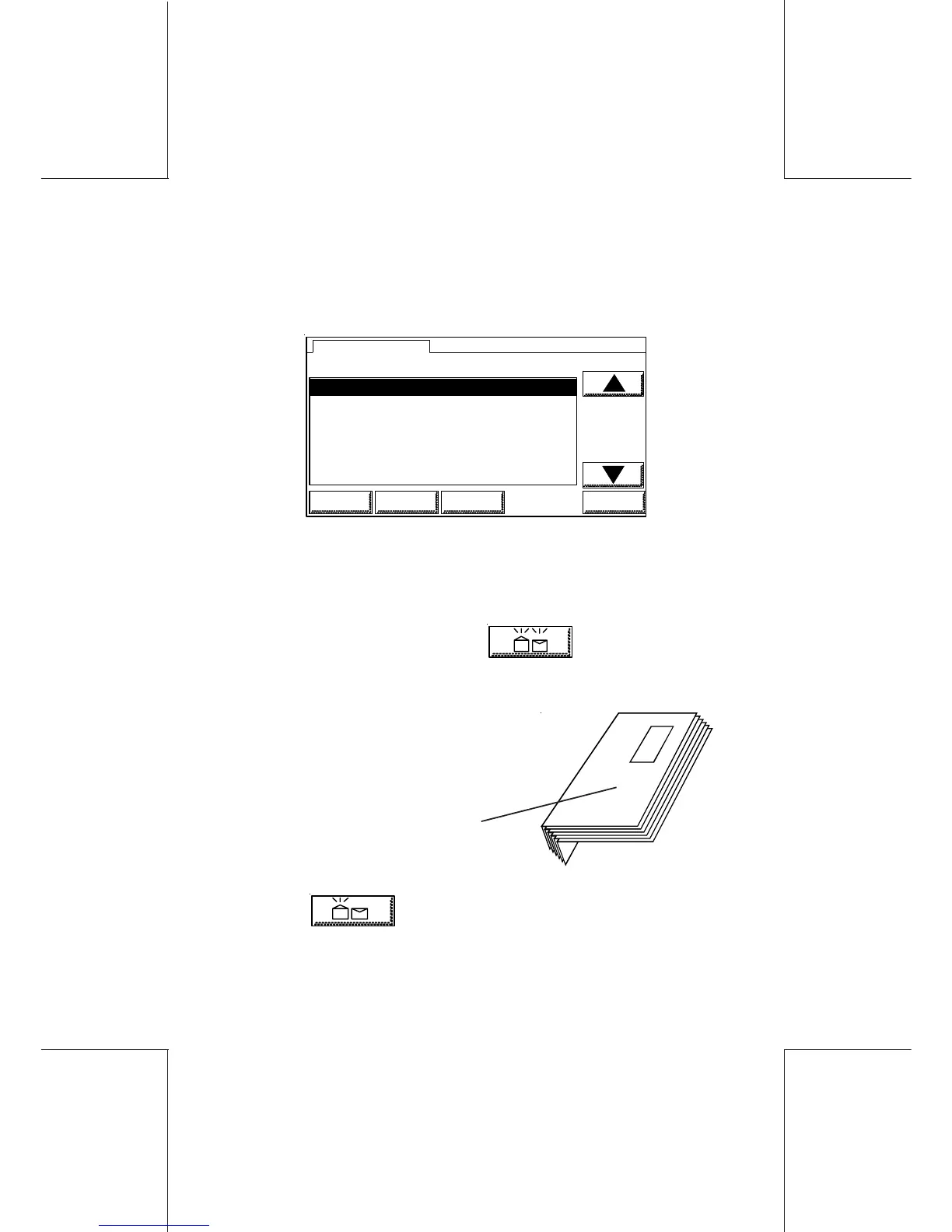
From the main menu, touch the SEALER key. The menu below will
be displayed:
1 OPEN & CLOSED FLAPS SEALING
2 OPEN FLAPS SEALING
3 SEAL ONLY, NO POSTAGE
4 SEALING OFF
5 POSTAL CARDS ONLY
1 OPEN & CLOSED FLAPS SEALING
SEALER MODE
HOME LOGIN SETUP OK
where:
- OPEN & CLOSED FLAPS SEALING: this mode allows mixing
together envelopes with open flaps and envelopes with closed
flaps (but not sealed). Both types of envelopes will be closed,
sealed and printed. The symbol is displayed on the
screen.
- OPEN FLAPS SEALING: this mode allows
mixing together envelopes with sealed flaps
and envelopes with open flaps (nested).
envelopes with open
flaps (nested)
Envelopes with open flaps will be closed and sealed. The
symbol
OFF
is displayed on the screen.
- SEAL ONLY, NO POSTAGE: this mode allows mixing together
envelopes with open flaps and envelopes with closed flaps (but



 To Next Page