Supervisor Mode 129
ORIG0140-129
4127718F/B
02/26/2007
4.10.2 Update registers
If you have changed your address, call the Hasler Helpdesk. After
selecting UPDATE REGISTERS touch
OK
. A customer
service representative will take your information and guide you
through the update procedure.
4.11 Online services
See the "Online services" guide.
4.12 Downloading an advertisement slogan or a mini die
Principle for downloading an advertisement slogan or a
mini die is the same.
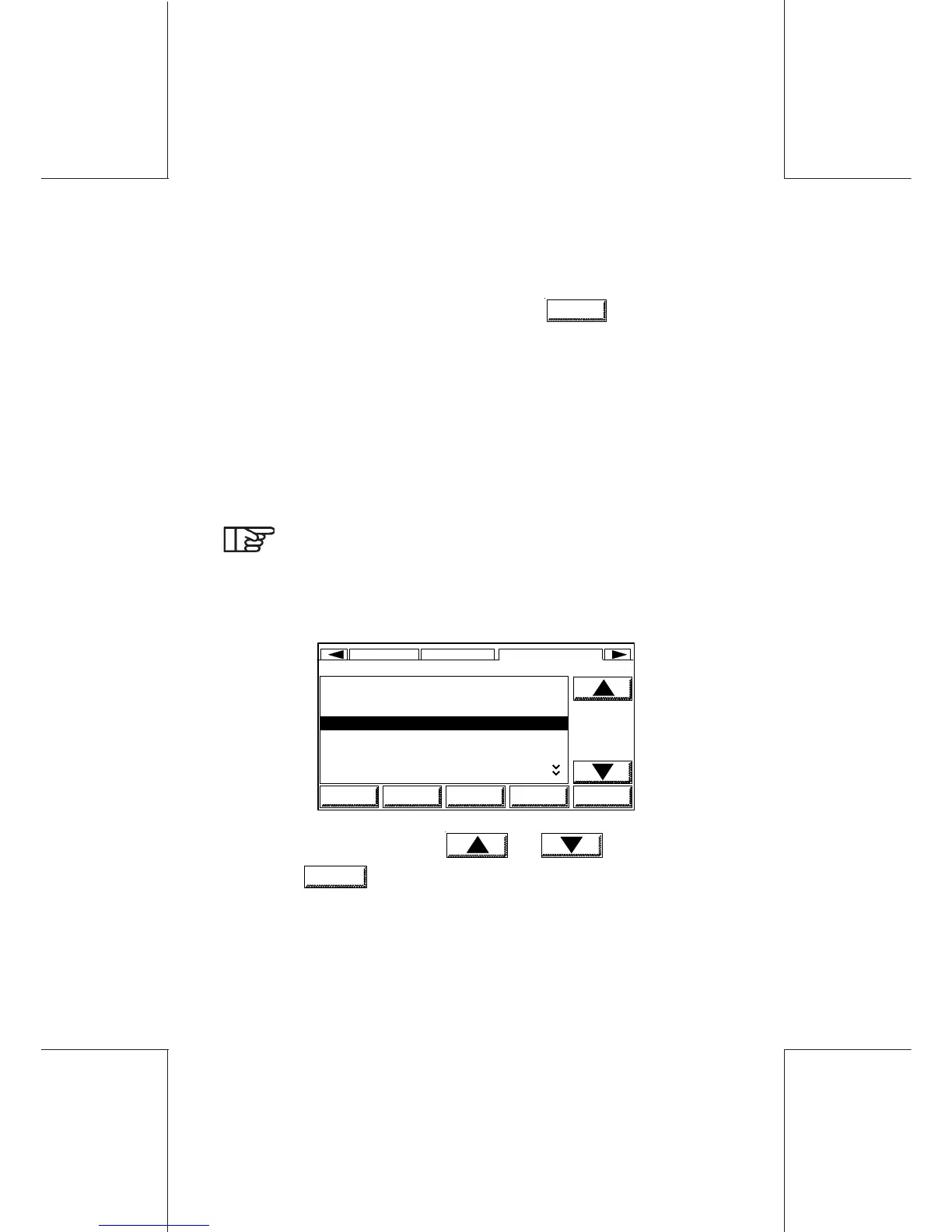
- From the main menu, select the AD DIE area; the following is
displayed:
0NO AD DIE
1FLAG
2 RECYCLE
3 FIRST CLASS
4 AIR MAIL
5 SEASONS GREETINGS
6EMPTY
SUP
HOME LOGOUT MODIFY DEFLT OK
TEXTDATE ADVERT DIE
3 FIRST CLASS
- Select a slogan, using keys and or numeric key.
- Touch
MODIFY
; the following will be displayed on the screen:



 To Next Page