Using a scale64
ORIG0140-64
4127718F/B
02/26/2007
10lb00..oz
OLD VALUE :
NEW VALUE :
ESCAPE
OK
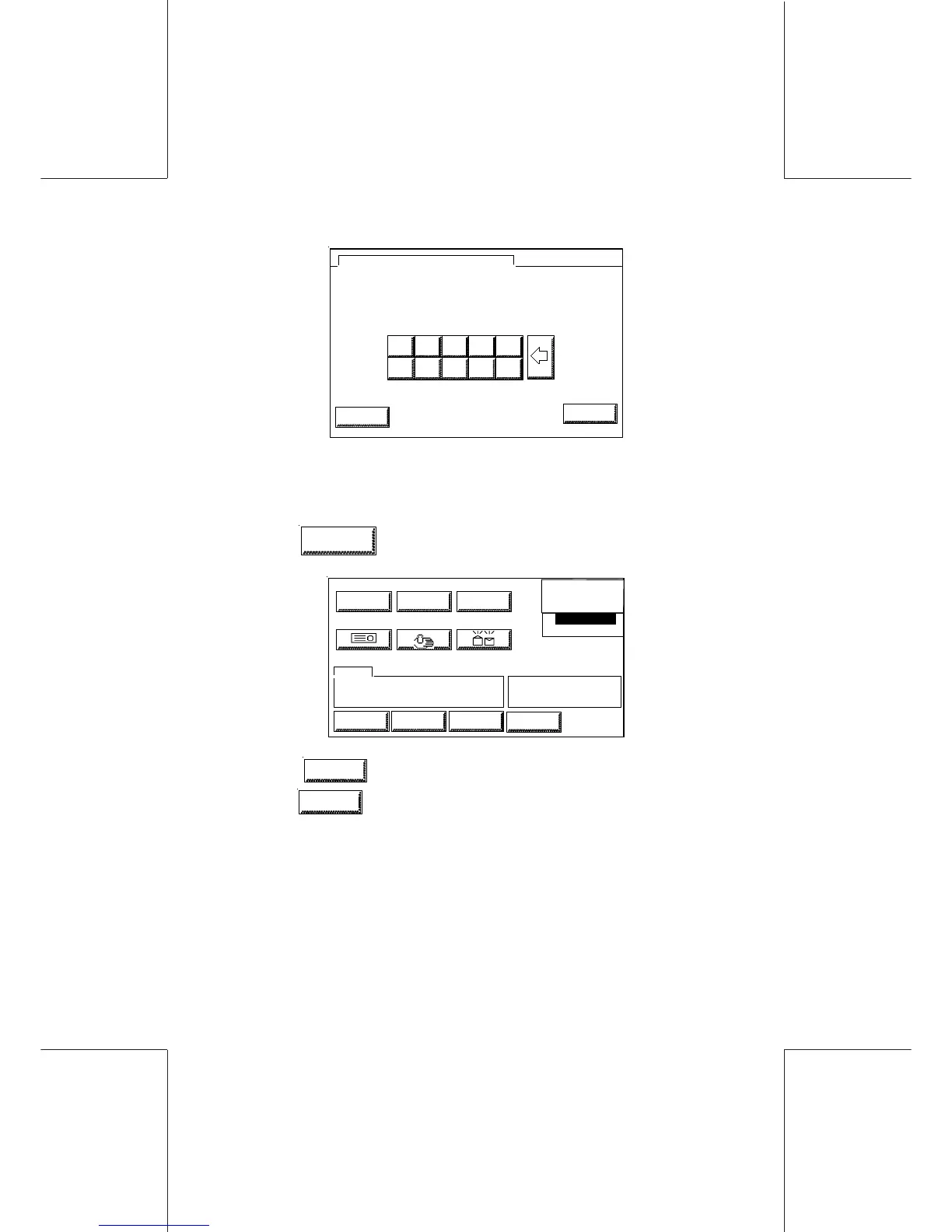
MANUAL WEIGHT ENTRY
NEW WEIGHT
3 4
8 9
0 1
5 6 7
2
30lb08..oz
- Enter the new value corresponding to the weight of the mail. The
value to enter is calculated to a tenth of an ounce (00.0 oz) (For
example to get 30 lb.08.0 oz., enter 30080).
- Touch
OK
. Wait until the next screen appears.
0
0
.
0
0
0
LOW CREDIT
XX-XX-XX
LABEL SCALE SEALER
RATE
DEPT
MARKETING
TOI XXXXXX
BTO XXXXX
TEXT
LOGINJOBSMENU
INFO
WEIGHT
AD DIE MAIL D
RATE NAME USER RATE
WGH MAN 30 lb 0.8 oz
- Touch
WEIGHT
again to manually calculate another weight or
press
SCALE
to change scale modes.
An error message appears if a weight that is invalid has been
entered for the class selected : "The weight entered is not valid for
this class".
The maximum weight that can be entered manually is equal to the
capacity of the weighing platform.



 To Next Page