Entering Postage Value and Mail Processing 71
ORIG0140-71
4127718F/B
02/26/2007
MAIL CLASS
MAIL TYPE
DESTINATION
SERVICES
ESCAPE OK
MODIF RATE
NAME
USER RATE
1ST CLASS LETTER
1ST CLASS LETTER
1ST CLASS LETTER
1ST CLASS LETTER
1ST CLASS LETTER
ZIP CODE 00000
NONE
NO SERVICE
W 30 Lb 0.8 Oz
AMT 01.370
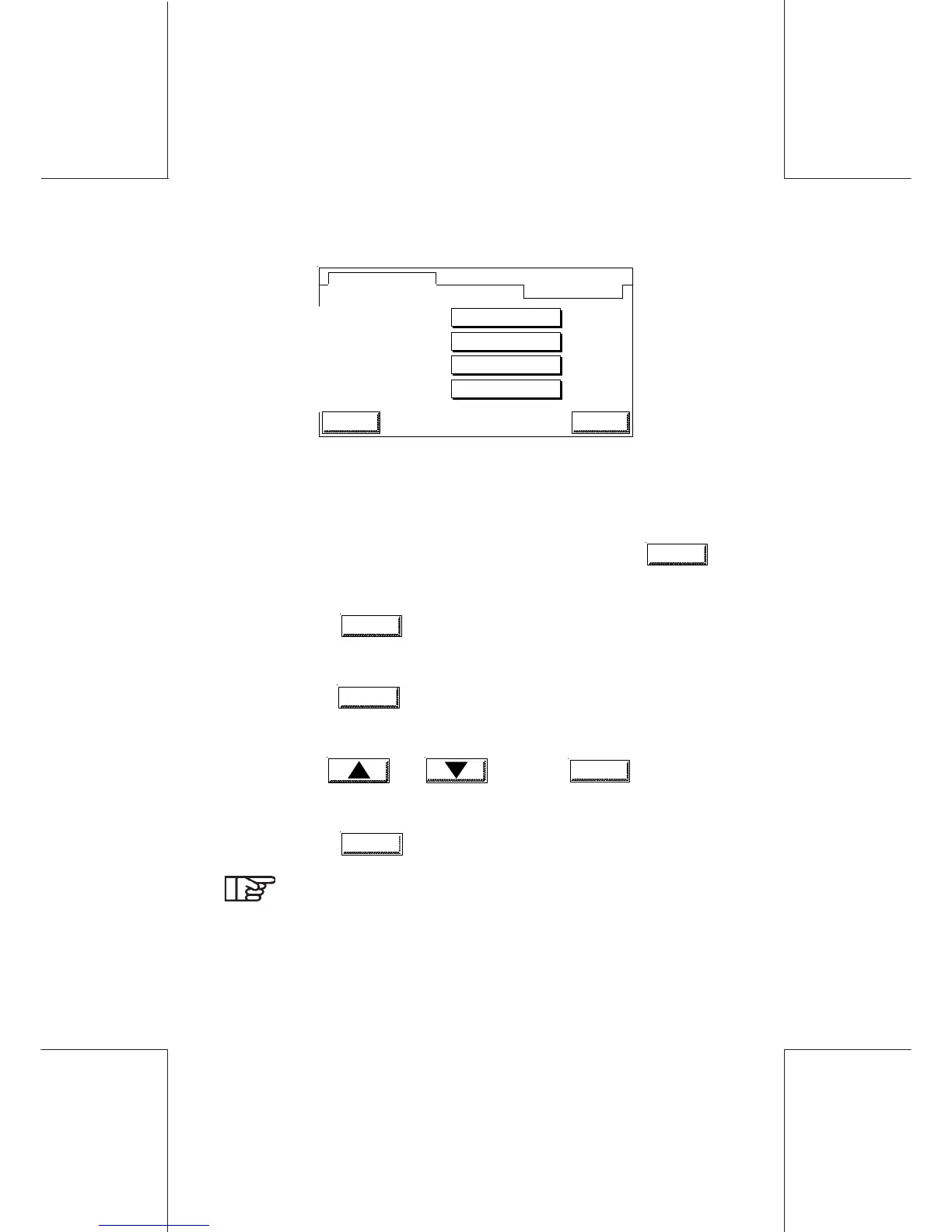
- Select the parameter (MAIL CLASS, DESTINATION or
SERVICES) to be modified, by touching the concerned area:
- If MAIL CLASS mode is selected: the list of available mail types
appears.
- Select the mail type desired and confirm by touching
OK
.
- If DESTINATION mode is selected: the list of available
destinations appears. Select the desired destination and confirm
by touching
OK
.
- If SERVICES mode is selected: the list of mnemonics of the
associated services appears;
-touch
ADD
, in order to display the list of proposed
services for the mail type and destination already selected.
You may add one service at a time. Select a service using
keys and and touch
OK
to confirm.
Repeat the procedure if another service needs to be
added.
-Touch
DELETE
to delete all the services.
To set a predefined rate configuration as a default
parameter, see the supervisor mode.
To modify the name or the characteristics of a predefined
rate configuration, the same procedure should be followed
in the supervisor mode.



 To Next Page