Set up the hardware
WARNING
Any empty slot must be mounted with a blank board to meet the cooling requirements of
the frame.
2. Connect your sensors to the input board(s). See "Connecting sensors" on page23 for more
information.
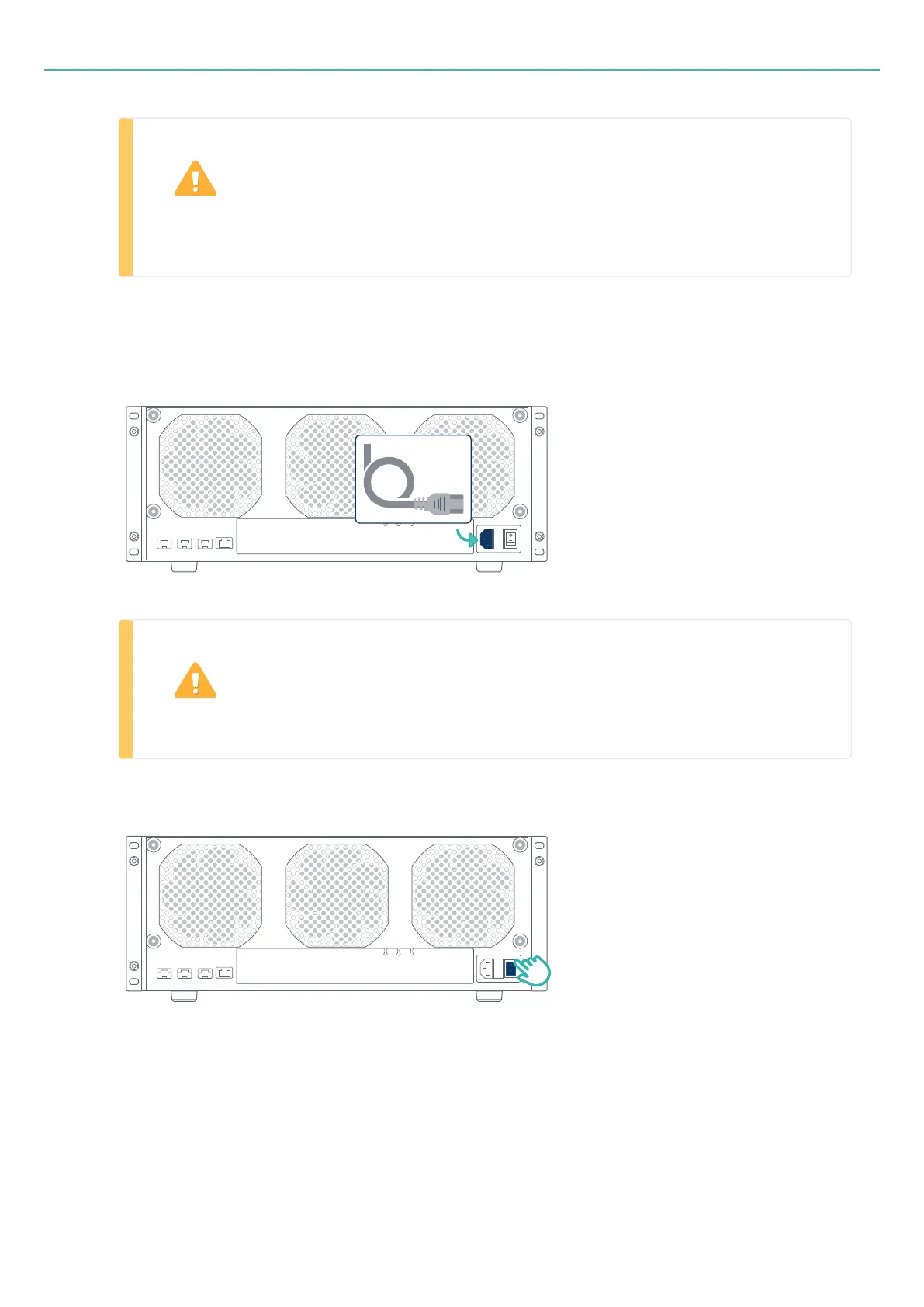
3. Connect the frame to an AC supply. Nominal voltage input: 100 to 240V.
WARNING
The frame must be positioned to allow access to the AC connector.
4. Switch the rear power switch to the ON position.
5. Check the "LED status" on page61 for connection status.
6. Connect the included Ethernet cable from the frame to either:
- 36 -



 To Next Page