Check your hardware
CHECK YOUR HARDWARE
There are various tools that allow you to check the status of your hardware:
l
In HBK ADVANTAGE software:
o
Go to the "Devices explorer in HBK ADVANTAGE" below
o
Go to the "Devices table in HBK ADVANTAGE" on the facing page
l
"Device web page" on page62
l
"LED status" on page61
Devices explorer in HBK ADVANTAGE
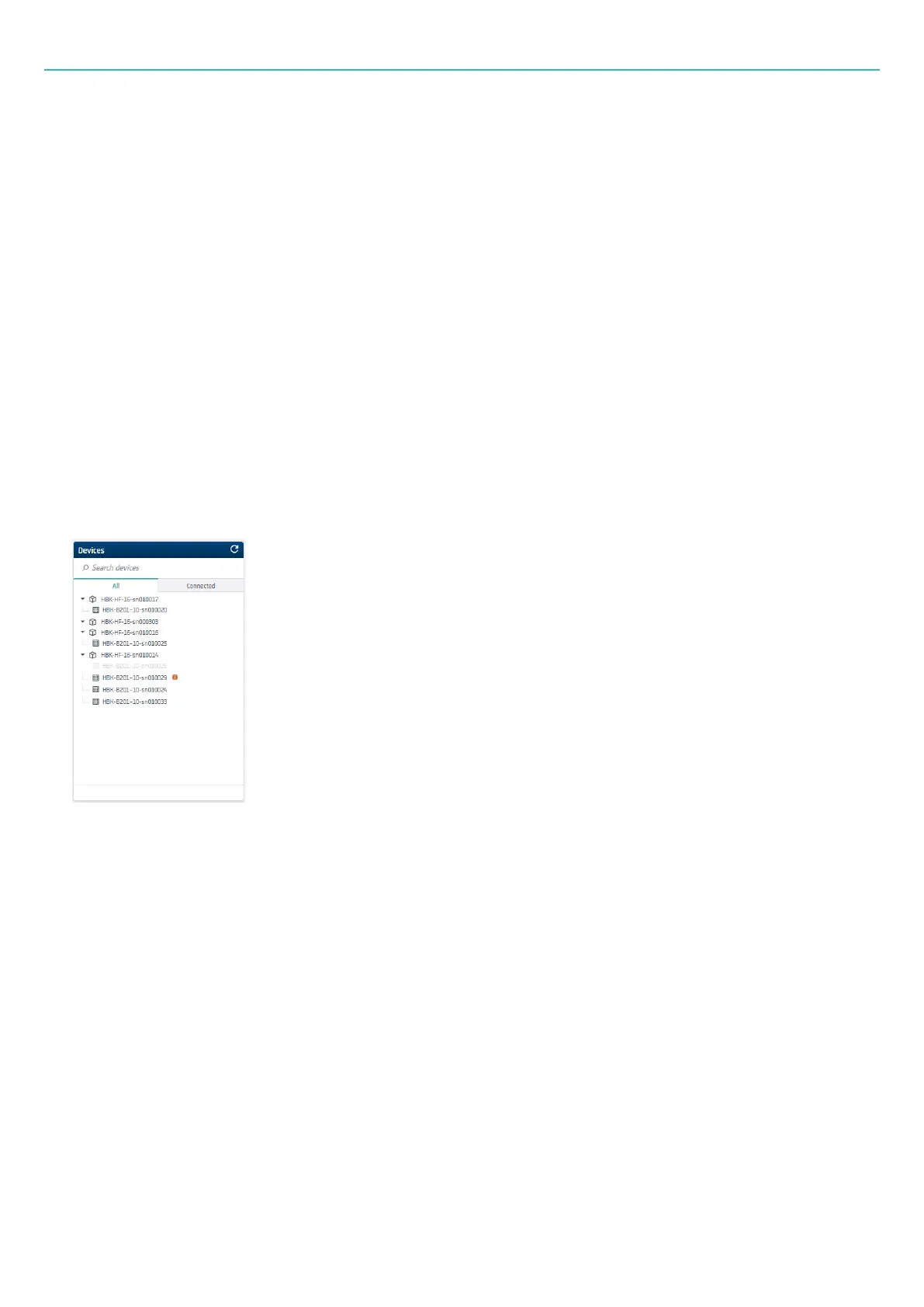
The Devices explorer shows a list of devices that are available on the connected PC or network.
The explorer is divided in two tabs:
l
The All tab shows the list of all available devices connected to the PC or on the network. When
connected to he the network, any HBK ADVANTAGE user will also see these devices, but only one user
can connect to a device at a time.
l
The Connected tab shows the list of all the devices to which you are connected in the project.
You will connect to a device in the All tab. Once connected, the device will appear immediately in the
Connected tab. See below for help on connecting to a device.
- 58 -



 To Next Page