Discover your hardware in HBK ADVANTAGE
Discover your hardware in HBK ADVANTAGE
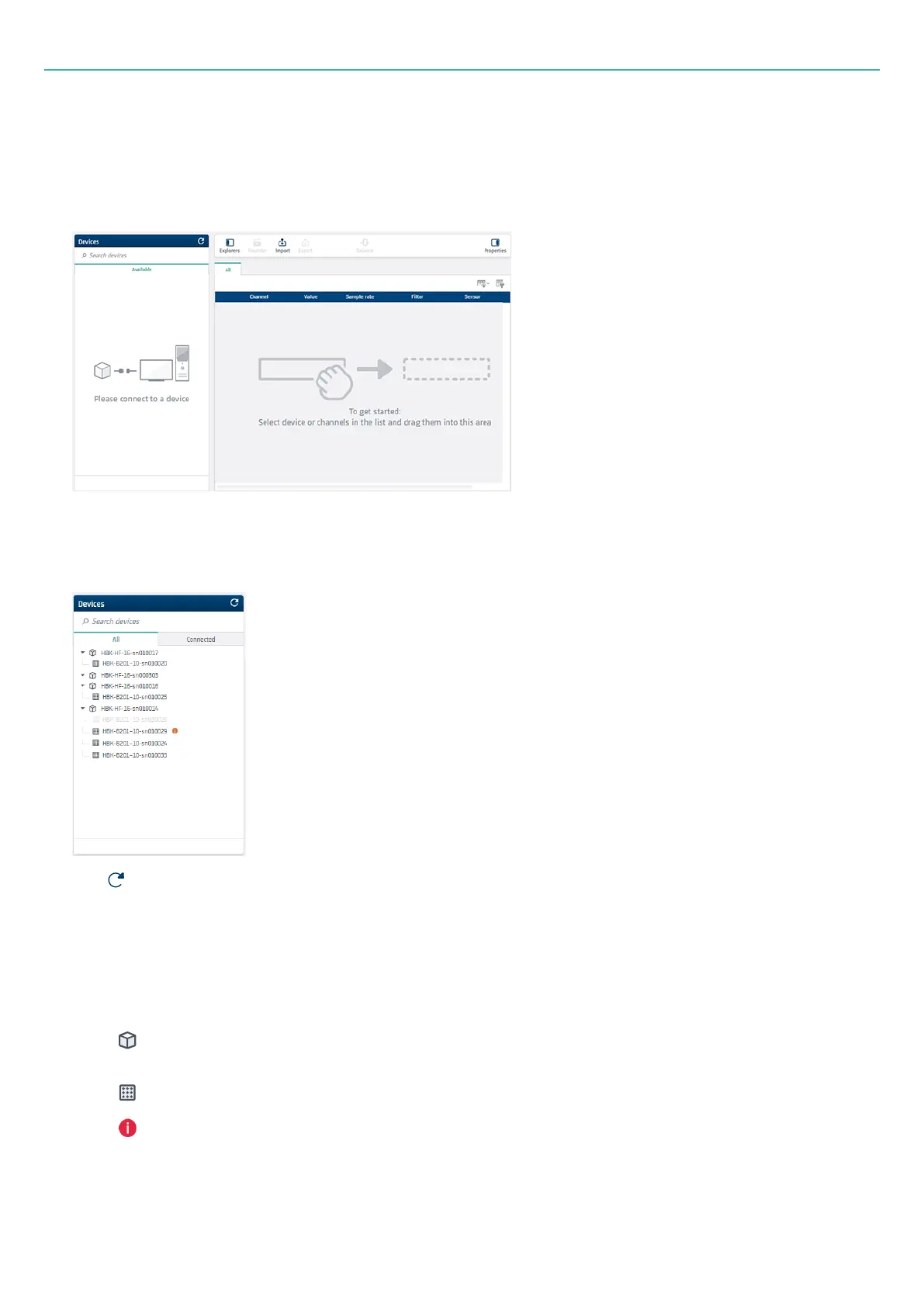
If you see the following view where there are no no available devices, then your HBK FUSION hardware is
not detected.
When your HBK FUSION hardware is connected to the PC or network, it is automatically detected by HBK
ADVANTAGE.
Click at the top of the Devices explorer to refresh the device list.
When the hardware is connected to the corporate LAN, the All list may display multiple devices (as shown
above).
Reading the Devices explorer
l
(with an HBK-HF prefix): A frame. Click the arrow next to it to expand and view all input boards
within the frame.
l
(with an HBK-B prefix): An input board.
l
: An info icon that provides status information on the board.
l
Greyed out devices are not available to use
- 33 -



 To Next Page