Event log
NOTE
The system status monitor is updated every second to provide the latest diagnostic information.
Event log
The event log lists the various events that occur in the system – both hardware and software. The table will
include an event icon, a description, time and date.
Events may include:
l
Connection and disconnection of hardware
l
Starting, pausing and stopping of recordings
l
Data integrity errors
l
Execution of actions (both successes and failures)
l
Changes in parameters
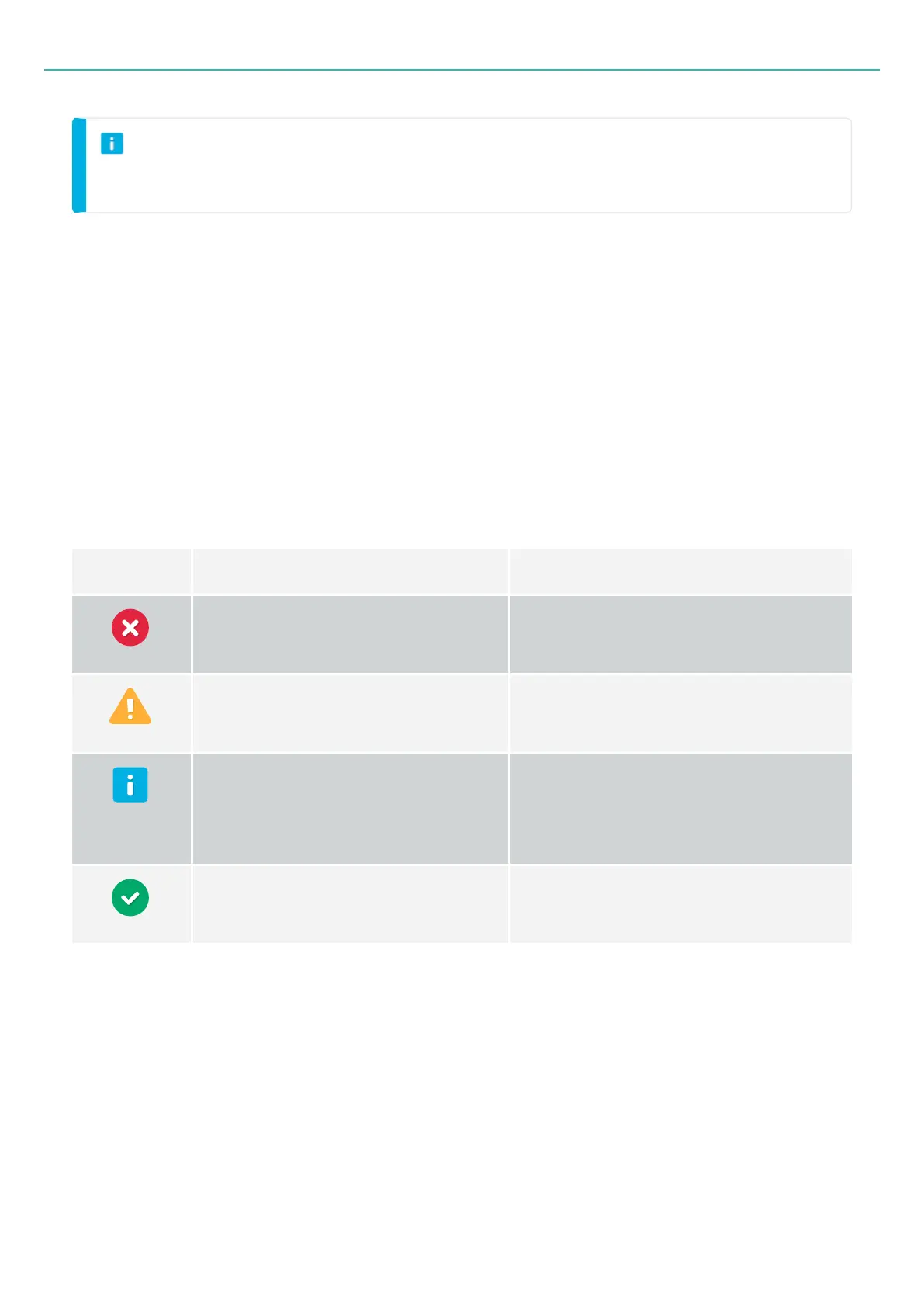
Events are categorized according to level (or severity) as shown below:
Level Summary Example
Error: A problem has occurred.
Failed to connect to device.
Data import was unsuccessful.
Warning: You could lose data.
Data may be incorrect.
Device temperature high.
Information: Detects any normal
activity.
Device is connected.
Recording has started or stopped.
Channel properties have been changed.
Success: An action was successfully
completed.
File successfully saved.
Recording is complete.
- 72 -



 To Next Page