Configure your hardware
CONFIGURE YOUR HARDWARE
To configure your HBK FUSION hardware you need:
l
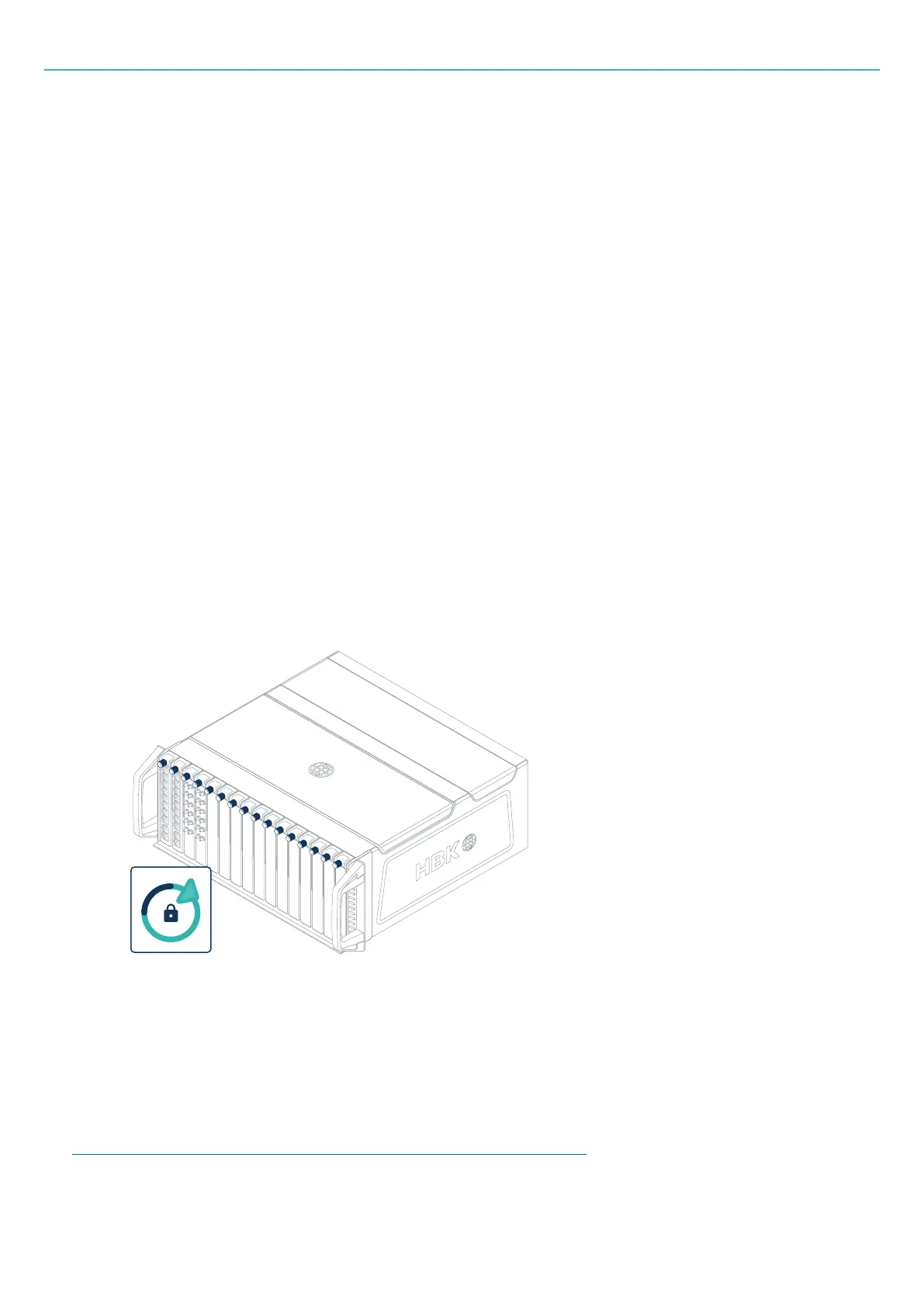
16 boards locked into place in the frame. Any combination of boards is allowed.
l
All relevant sensors connected.
l
The frame connected to the mains and fully operational.
l
Connection to the PC with HBK ADVANTAGE (direct or via network switch).
l
HBK ADVANTAGE installed on a PC.
1
l
Optional:
o
HBK COMPANION app installed on an Android™ mobile device.
o
Sensor datasheets that were packaged with the sensors, for quick access to sensor details via
their barcodes.
Set up the hardware
1. Ensure all 16 boards are locked into their slots in the frame.
1
Alternatively, use OPC UA on any PC to configure remotely.
- 35 -



 To Next Page