Firmware version
Firmware version
WARNING
To record data, all connected hardware must have the same firmware version. If you are
connected to HBK FUSION devices with different firmware versions, you will be prompted to
update all devices to the latest firmware version.
HBK ADVANTAGE monitors and manages the firmware installed on all HBK FUSION devices.
A warning icon in the FW installed column indicates that a newer firmware version is available.
If you see the warning icon, or you get a prompt that a newer version of the firmware is available, use the
Maintenance link in the Devices table to update. See "Update firmware" on page63 for instructions.
Firmware included with HBK ADVANTAGE
You can view the installed firmware at:
C:\Program Files\HBK\ADVANTAGE\Measurement\Firmware
A file called hbk-card-version number.fw is displayed.
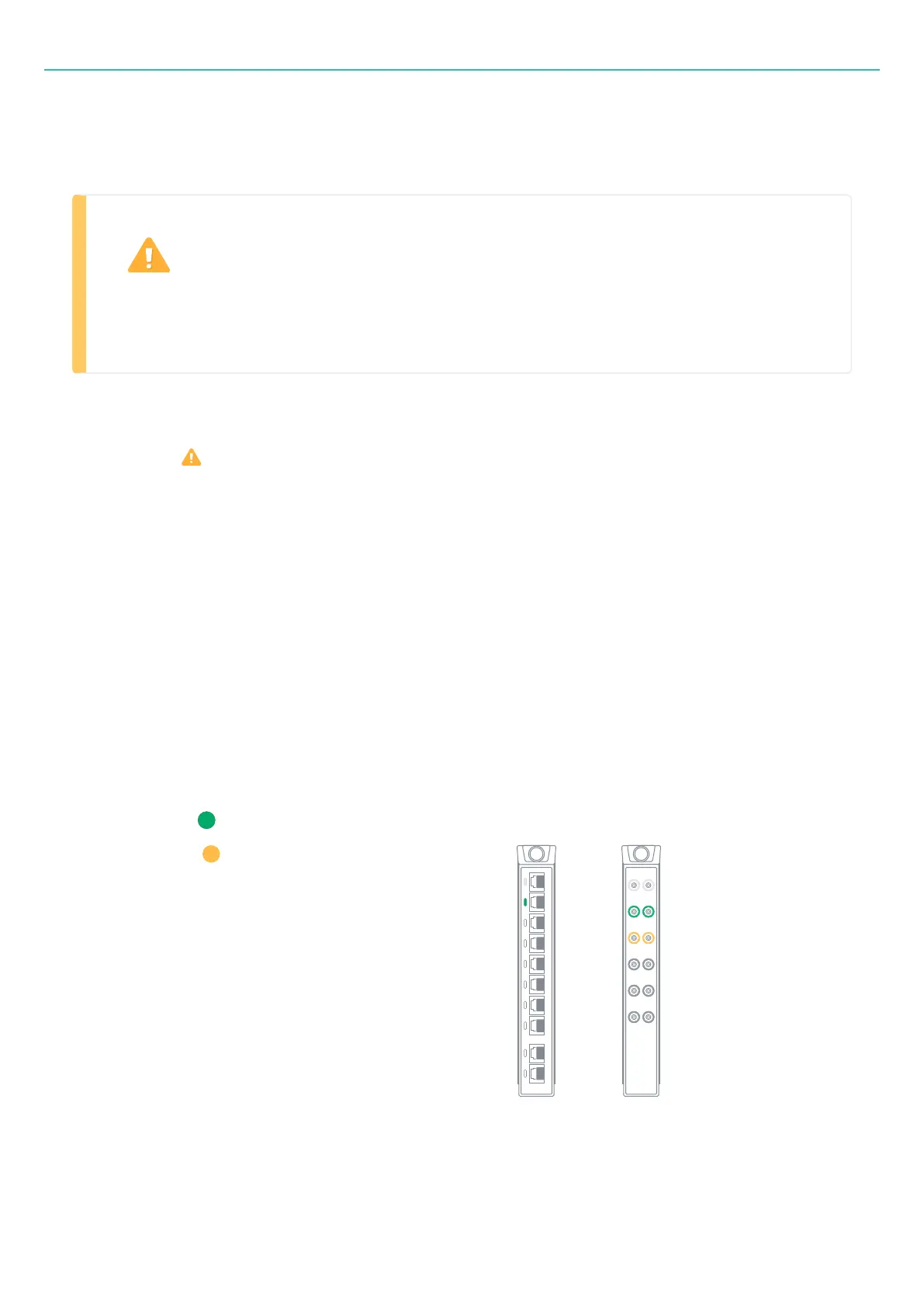
LED status
LED off – channel off
LED static green – channel on
LED static yellow – TEDS in progress (B301D-12 only)
Bridge board
B201-10
CCLD board
B301D-12
- 61 -



 To Next Page