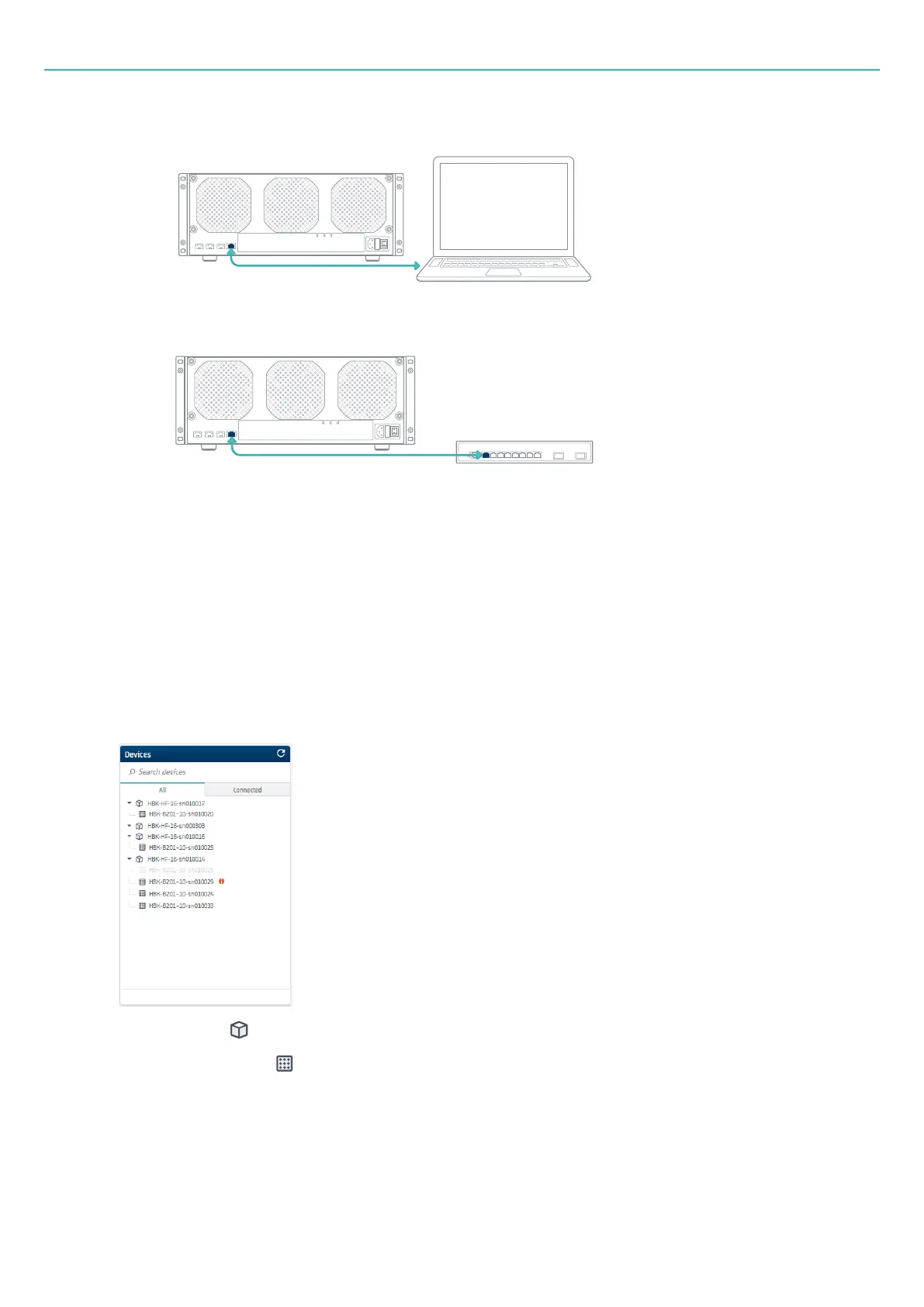
Set up with HBK ADVANTAGE
o
the PC with HBK ADVANTAGE installed
o
a network switch to connect to the corporate LAN
Set up with HBK ADVANTAGE
HBK ADVANTAGE is the primary tool to set up your HBK FUSION hardware.
1. If this is the first time you are using HBK ADVANTAGE, see "Start the software" on page31 for step-by-
step instructions in starting the software, including license configuration.
2. If not already there, go to Project > Channels.
3. HBK ADVANTAGE automatically detects the hardware and populates the Devices explorer. Select one
or more devices in the Devices explorer:
l
A frame ( ) – this selects all boards within the frame
l
A single board ( )
l
Multiple boards by pressing <Ctrl> or <Shift>
4. Drag and drop the device(s) to the empty channel table.
- 37 -



 To Next Page