Optional: Set up with HBK COMPANION
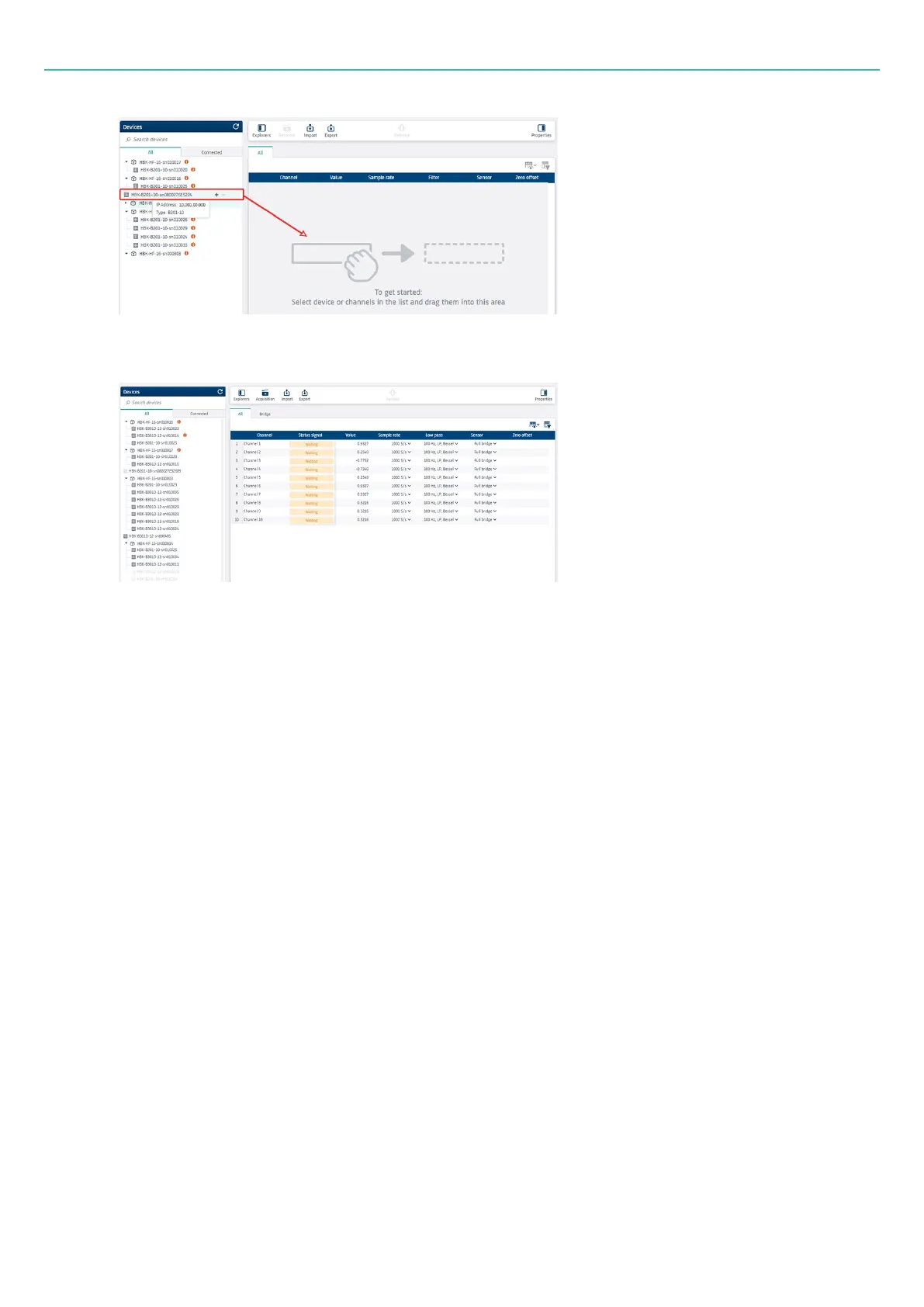
5. You are then connected to the device(s) and all channels in the channel table are included in the
project.
6. You can start setting up the channel and sensor parameters.
l
See "Configure channel parameters in HBK ADVANTAGE" on page40.
l
See "Configure sensor parameters in HBK ADVANTAGE" on page41.
Optional: Set up with HBK COMPANION
HBK COMPANION is designed to simplify (multi-)channel test setup by creating a bridge between the test
site and HBK ADVANTAGE software. You can transfer setup information between HBK ADVANTAGE and the
test site – allowing you to prepare the multiple channels ahead of testing.
The basic workflow in HBK COMPANION looks like this:
1. Import an empty channel setup file from HBK ADVANTAGE to start a project in the app.
2. Define a measuring point.
a. Scan the sensor's barcode to simplify configuration (name, ID, sensor properties, and sensor
orientation).
b. Take pictures or write notes and add documentation on the measuring point.
3. Connect the sensor to an input board.
a. Scan the board's barcode to quickly identify it.
b. Assign the sensor to a channel with a simple click.
c. For strain gauges, verify the wiring connection using supplied wiring diagrams.
- 38 -



 To Next Page