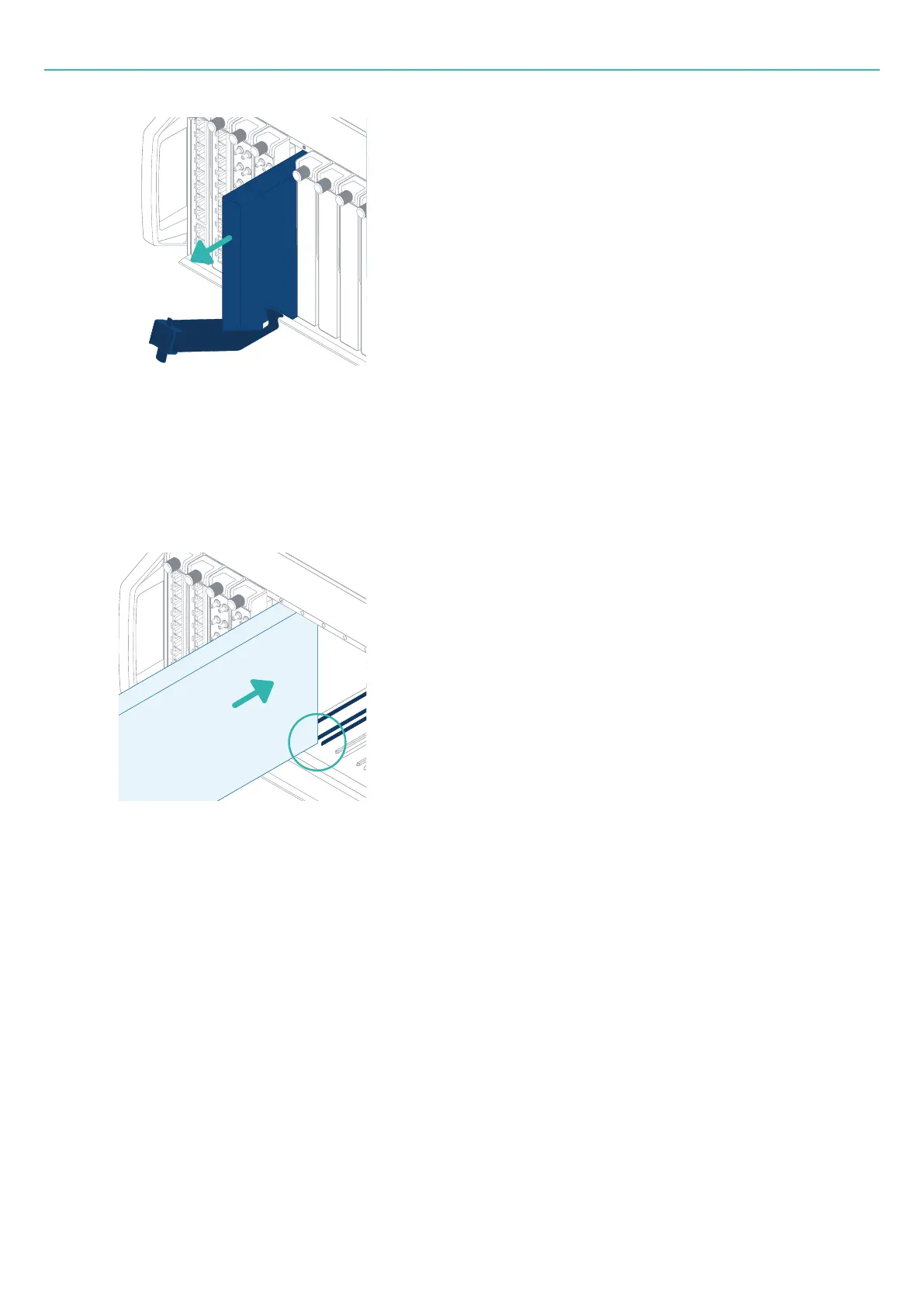
Inserting a board
4. For storage: Return the lever to its vertical position and lock it in place.
For re-insertion: Leave the lever unlocked.
Inserting a board
1. Align the board with the guide rails of the relevant slot in the frame.
2. Slide the board half-way into the frame.
3. Lower the lever to its horizontal position.
If needed, rotate the quarter-turn fastener anti-clockwise to unlock the lever.
The lever must be in its horizontal position to clear the fulcrum.
4. Push the board into the frame until it stops.
The bottom of the lever is against the fulcrum, and the hook of the lever is positioned above the
fulcrum.
- 56 -



 To Next Page