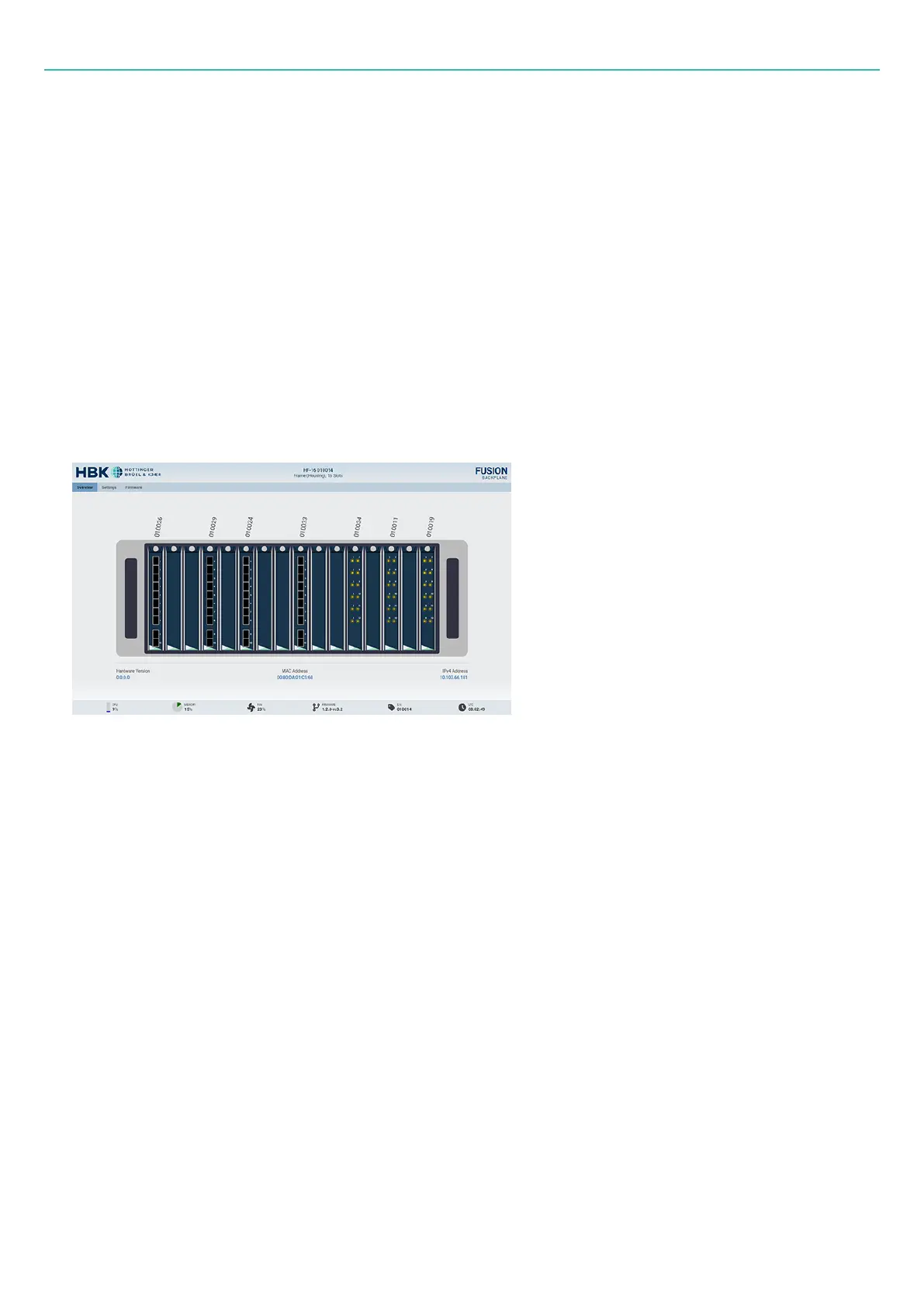
Device web page
DEVICE WEB PAGE
All HBK FUSION devices can be accessed by typing in their respective IP addresses in any browser.
The frame and each board will have its own IP address. IP addresses are viewable:
l
In the "Devices explorer in HBK ADVANTAGE" on page58 of HBK ADVANTAGE
l
In the "Devices table in HBK ADVANTAGE" on page59 of HBK ADVANTAGE
The web page can be used as a supplement to HBK ADVANTAGE or in some situations as an alternative –
bypassing the need for HBK ADVANTAGE to view hardware status, hardware information and perform
simple maintenance tasks.
Figure 3-5 Example of a web page for a frame
Information provided on the device web page
For each board:
l
Device type
l
Description
l
Serial number
l
Hardware version
l
Current firmware version
l
Supported firmware version
l
Manufacturer
l
IP settings
- 62 -



 To Next Page