104
SETTING THE HEATING TIMES FOR HEATING CIRCUITS AND HEATING HOT
WATER
On the HDG Compatronic control unit you can set heating times for
each heating circuit and for hot water. Per weekday, you can set a
maximum of four different heating periods. At the set heating pe-
riods, the heating circuits will be in Heating or Domestic hot water
mode.
S
ETTING THE HEATING TIME FOR
HEATING CIRCUIT 1
If more than two heating phases are required per day, no day may be
hidden. A maximum of four heating phases can be implemented. For
this, the heating phases must be subdivided - two on program 1 and
two on program 2.
Select the required level as follows:
1. Press the Enter button.
✓ The customer level is shown on the display.
2. Using the Down button, select the parameter group 10-Hea-
ting circuit 1.
3. Press the Enter button.
4. Repeatedly press the Down button until Program 1, HC1 10-
05 or Program 2, HC2 10-06 appears in the display.
✓ Either Program 1, HC 10-05 or Program 2, HC2 10-06
are shown in the display.
5. Press the Enter button.
✓ The cursor flashes beneath the first day of the week Mo.
✓ The displayed value can now be changed.
6. Press the Plus or Minus button.
✓ The weekday is hidden or displayed.
7. Press the Down button.
✓ The cursor flashes beneath the next weekday.
8. Where no heating times are to be entered, hide the days as de-
scribed in step 4.
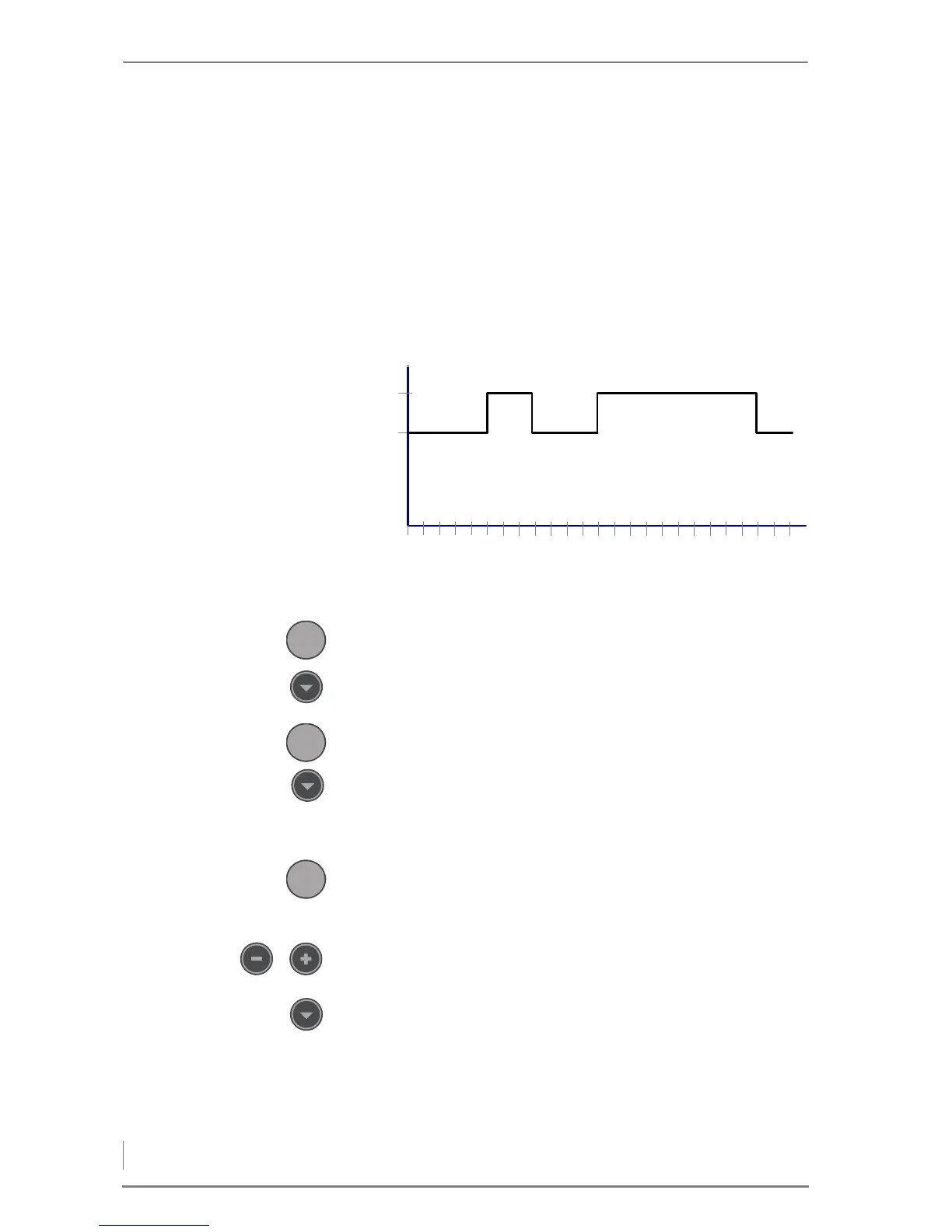
Figure 6/2 - Example program 1, Monday to Friday



 To Next Page