87
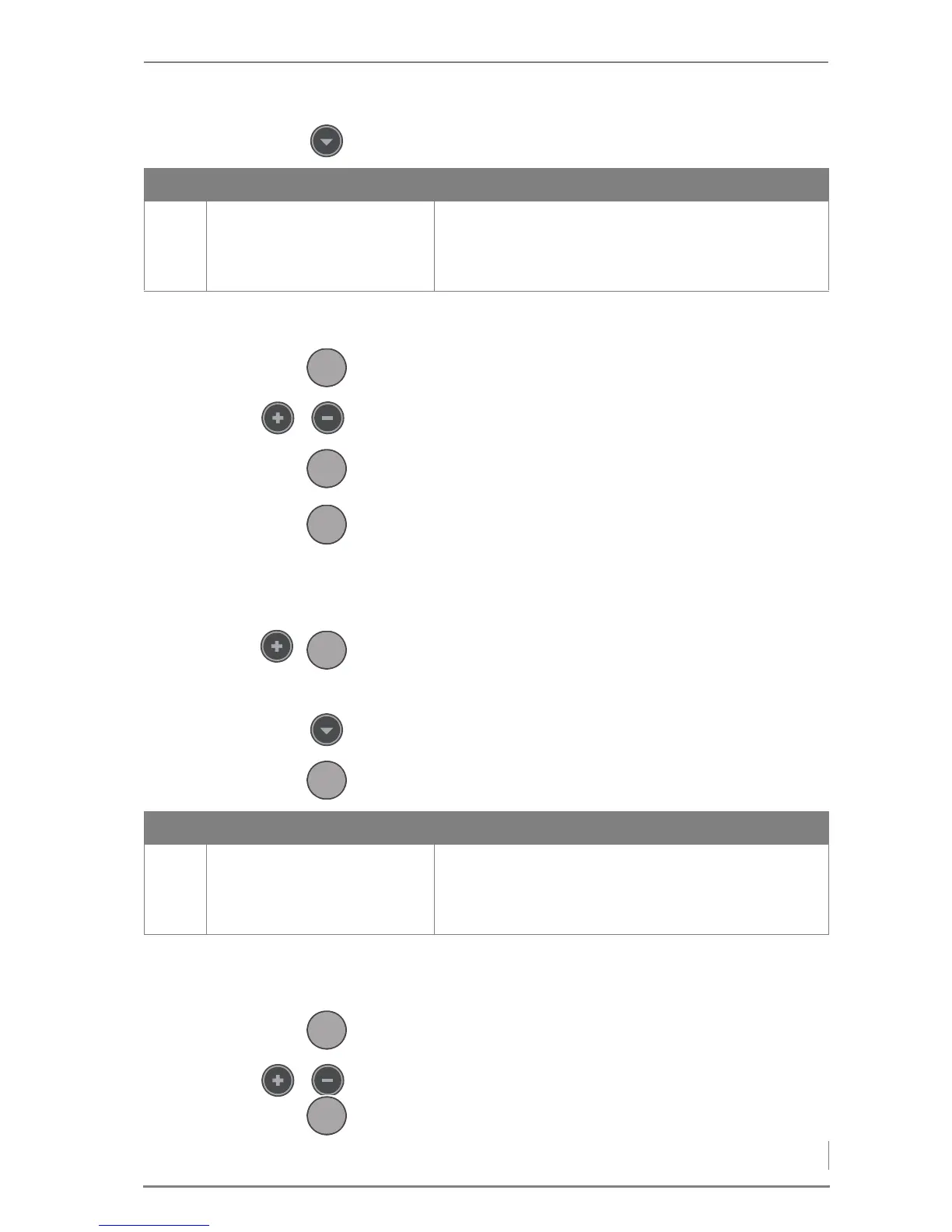
SUPPLY VOLTAGE 11.Press the Down button until you reach the parameter Power
supply 1-25.
✓ You are now in the submenu Power supply 1-25.
12.Press the Enter button.
13.Use the Plus or Minus button to select the supply voltage.
14.Press the Enter button.
✓ The supply voltage is now set.
15.Press the Menu button twice.
✓ The display switches to the standard display i-01.
SETTING THE DELIVERY VERSION
1. Simultaneously press the Plus and Enter buttons.
✓ The display changes to the service level.
✓ The cursor is positioned on the parameter group 1-General.
2. Using the Down button, select the parameter group 7-Deli-
very system.
3. Press the Enter button.
✓ The display will change to the parameter Delivery type
7-01.
4. Press the Enter button.
5. Use the Plus or Minus button to select the version of the delivery
system.
6. Press the Enter button.
No. Display Description
1-25 Power supply
3x400V/N
3x230V
• The supply voltage can be selected.
Table 5/3 - Setting the supply voltage



 To Next Page